

- Login to Roblox in New cellphone using the same account; progress, items, and avatars are saved in servers.
- Use features Quick Login (Quick Login) If old cell phone still logged in; enter the code to transfer access.
- Enter manually with username/e-mail/mobile phone number and password; use account recovery if you forget.
- No need to create a new account or manually transfer data; simply log in and all progress is automatically linked to your account.
How to Transfer a Roblox Account to a New Phone, Easy and Safe
How to transfer accounts Roblox Transferring to a new phone is actually quite easy because you don't need to create a new account or manually transfer game data.
Just login using Roblox account the same on a new phone, then progress, items, avatars, and account data will still be available.
You can use the Quick Login feature if your old phone is still connected to your account, or enter your username, email address, phone number, and password manually. Both methods can be done directly through the app. Roblox on a new phone.
Also read:
- Causes and How to Overcome the Problem of Not Being Able to Login to Roblox
- The Easiest Way to Login to Roblox on All Devices
- What to Do If You Can't Login to Roblox
Can I Move a Roblox Account to Another Phone?
You can easily transfer or open a Roblox account on another phone. Essentially, the Roblox account isn't actually transferred from one device to another; you simply need to log in to the same account on the new phone.
So, there is no need to worry about having to restart the game from the beginning or losing items that have been collected.
Your game data and account items will not be lost because Roblox progress is stored online at Roblox Servers, not in the HP memory.
As long as you can still access your account and enter the correct login information, you can use it on your new phone as usual. This also means you can switch devices without having to start a new Roblox account from scratch.
How to Transfer a Roblox Account to a New Phone
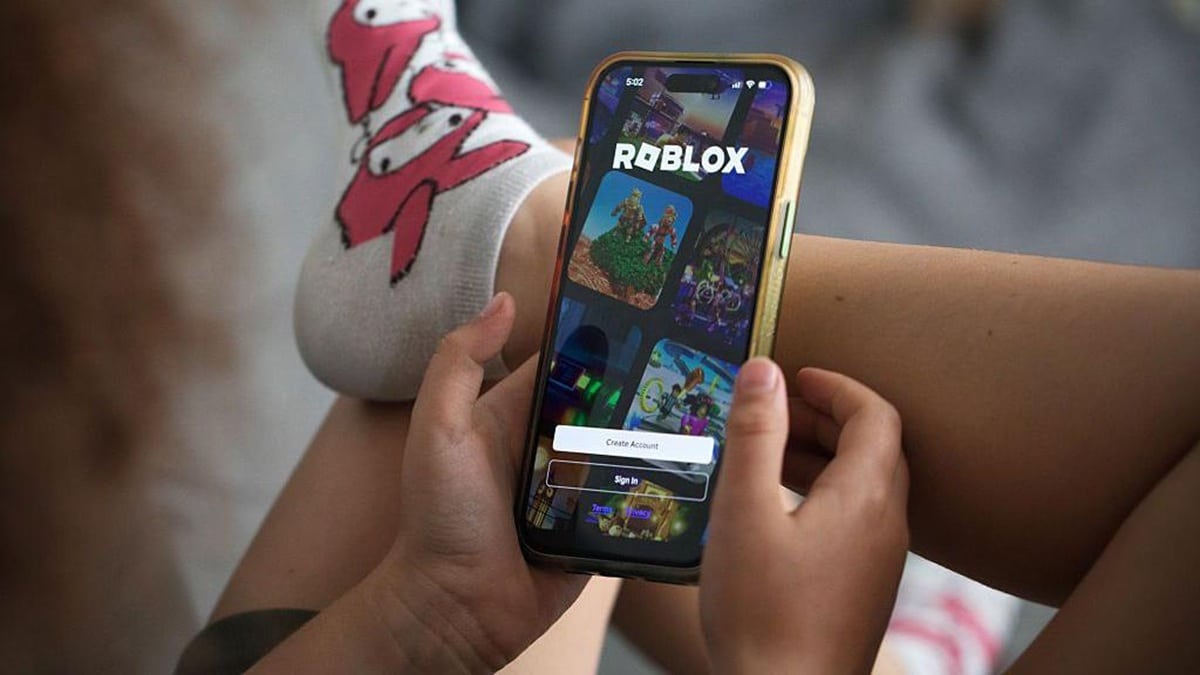
There are two main ways to log into your Roblox account on a new phone. If your old phone still logs into your account, the Quick Login feature can be the most convenient option, as it eliminates the need to type in a password.
However, if your old phone is no longer available or you are more comfortable using the usual method, logging in with your username, email, phone number, and password is also possible.
Using the Quick Login Feature
Quick Login Feature or Quick Login This method is suitable if your old phone is still connected to the Roblox account you want to use. This method allows the new phone to gain access via a code displayed on the screen.
- Open the Roblox app on your new phone.
- Select the Sign In button.
- Select Sign in with Another Device or Quick Login.
- A unique code will appear on the new phone screen.
- On your old phone that still has your account logged in, open the Settings menu or the three-dot icon.
- Select the Quick Login menu.
- Enter the code that appears on the new cellphone, then confirm.
- Once the process is successful, the Roblox account will open on the new phone.
Make sure you enter the code correctly and don't share it with anyone else. After successfully logging in, you can check your profile, avatar, items, and games to ensure they're all linked to the same account.
Enter Password Manually
This classic method is safe if you remember your account password. It's also useful if your old phone is no longer working but you still have access to your Roblox login information. You simply need to enter your account credentials in the Roblox app on your new device.
- Open the Roblox app on your new phone.
- Select Sign In.
- Type your account username / email / mobile number and password.
- Press the Enter button.
- After successfully logging in, check your profile and game data to ensure you are using the correct account.
If you forget your password, don't immediately create a new Roblox account. Use the available account recovery options to regain access to your old account.
This way, your game progress and existing items remain linked to that account. Therefore, transferring your Roblox account to a new phone doesn't require a complicated data transfer process.
Also read:
- How to Top Up Roblox via Login at VCGamers Easily
- How to Login Using Roblox Quick Login Feature
- 4 Ways to Overcome Why Roblox Can't Login
You can simply log in using the same Roblox account via the Quick Login feature or enter your account information manually, and all your progress and items stored on the server will remain accessible.

FAQs
Yes, you can. Simply log in using the same account on the new device.
No. Items, avatars, and game progress remain saved in the account.
You can use the account recovery feature to reset your password.
Not always. The old phone is only needed if you want to use the Quick Login feature.
Roblox Product Recommendations


 Hero Alive
 Kumay10shopHero AliveHero Alive
 RudyStorezHero Alive




 News
News




