

- Submit a data deletion request via Roblox Support, choose Right to be Forgotten, then verify identity for permanent process.
- When in doubt, use the option Disable in Settings and privacy to pause without deleting data.
How to Permanently Delete a Roblox Account, Follow These Steps
How to delete an account Roblox Permanent deletion cannot be done simply by pressing the delete account button in settings. You'll need to submit a personal data deletion request through Roblox Support so that your account and associated data can be processed for deletion.
Roblox provides the option Right to be Forgotten For users who wish to permanently delete their personal data. Before processing, Roblox will verify their identity to ensure the request truly comes from the account owner.
Can I Delete a Roblox Account?

The answer is yes. However, permanently deleting a Roblox account differs from deleting accounts on some other platforms. Roblox requires users to first submit a request for personal data deletion through Roblox Support.
This request falls under the category Right to be Forgotten, which is the user's right to request the deletion of personal data stored on the service. Once the request is submitted, the Roblox team will verify identity and account information before processing the deletion.
Please note that permanently deleting an account is different from simply stopping using Roblox. Deleting your account through this process also erases your data and access, preventing you from simply logging in and using your account as before.
Therefore, make sure you're absolutely sure before submitting a deletion request. If you still want to play Roblox in the future, deactivating your account may be a safer option.
Also read:
- Get to Know Corrupted Kitsune, One of the Pets in GAG Roblox
- What is Poki Games Roblox? About it and How to Use it
- Roblox Beta Download and Activation Guide and List of Available Games
Steps to Delete Account
To permanently delete your Roblox account, you'll need to contact Roblox Support and submit a data deletion request. This process is done online through the official Roblox support form, so you don't need to use any third-party apps or services.
Here are the steps you can follow:
- Go to the Roblox Support page.
Access the official Roblox support page through a browser. Make sure you're using the official site to keep your account information secure. - Fill out the form with account data.
Enter the requested information in the form, such as your username, email address, and other details related to your Roblox account. Use the correct information to ensure a smooth verification process. - Select the Data Privacy Requests category.
In the help type section, find and select the Data Privacy Requests category. This category is used for various requests related to users' personal data. - Select the Right to be Forgotten subcategory.
Next, select the Right to be Forgotten option as the request type. This option is intended for users who wish to request permanent deletion of their personal data. - Submit the request and wait for confirmation.
Once all the information is filled in, submit the form. The Roblox support team will then contact you via email to verify your account before processing your deletion request.
The deletion process isn't always instantaneous. So, after submitting your request, check the email associated with your Roblox account for any follow-up messages from the support team.
Account Deactivation Alternatives
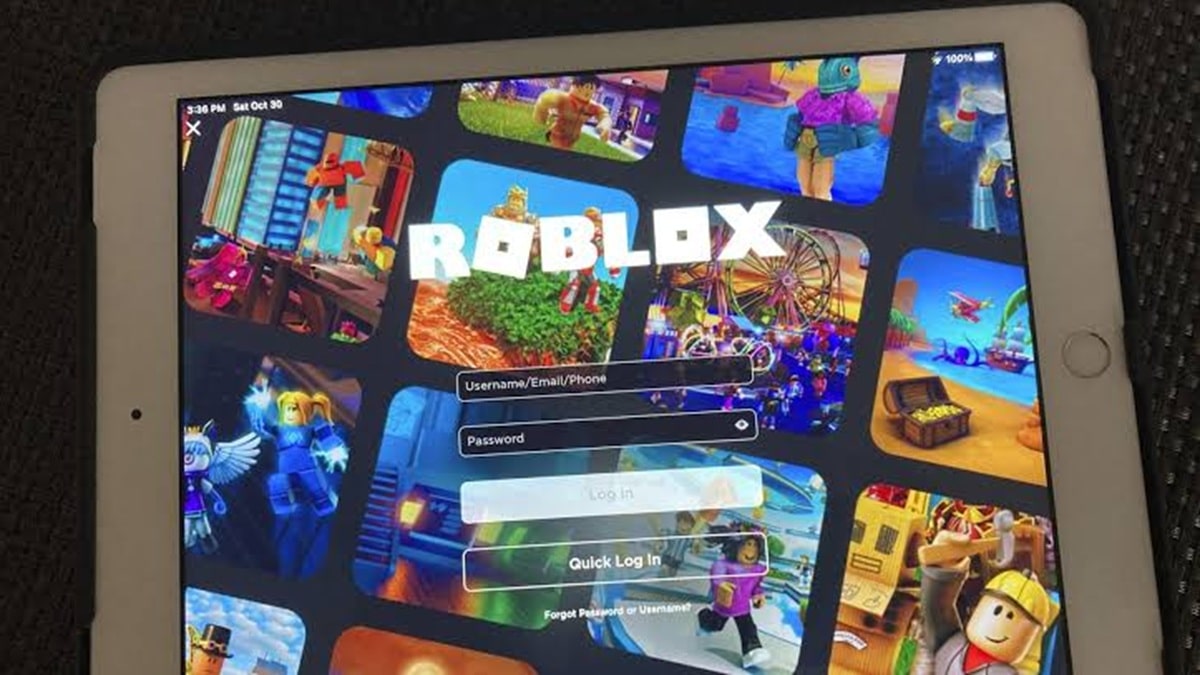
If you're not sure you want to permanently delete your account, deactivating it may be an alternative. Unlike permanent deletion, deactivation is more suitable if you simply want to stop using Roblox temporarily and still want to have the possibility of returning to it.
To deactivate your account, first log in to your Roblox account. Then, open Settings and navigate to the Privacy section. Find the section related to Account Deactivation and Deletion, then select the Deactivate option if available for your account.
Deactivation can be used when you simply want to hide your profile and temporarily stop using your account. Because it's different from permanent deletion, this option is worth considering if you're still unsure about deleting all your account data.
Also read:
- Learn About Roblox Mugen Codes and How to Redeem Them
- Delta Executor Roblox: How to Download and Use It
- How to Top Up Robux Roblox 5 Days
So, if your goal is to completely remove your account and personal data from Roblox, request the Right to Be Forgotten request through Roblox Support. However, if you simply want to stop playing without making a permanent decision, account deactivation may be a more suitable option.
FAQs
Yes, by submitting a request for deletion of personal data through Roblox Support.

Requests can be submitted via the help form on Roblox Support.
Right to be Forgotten is an option to request deletion of user's personal data.
Yes. Deactivation can be selected if you simply want to stop using your account temporarily.
Not always. Roblox needs to verify identity and process the request before deletion takes place.
Roblox Product Recommendations


 Hero Alive
 Kumay10shopHero AliveHero Alive
 RudyStorezHero Alive




 News
News




