

- Uncheck Free Fire means the account is not bound or not verified, it is risky when traded.
- Benefit includes strengthening account controls, reducing abuse, and safeguarding personal information.
- Main steps: open Arrangement, choose Uncheck Account, and enter your active registration email.
- Confirmation via the verification link and code from the email is mandatory to complete the process.
Learn the Meaning and Easy Way to Uncheck FF
For Free Fire players, the term "Uncheck FF" has probably come up quite frequently on various forums and social media platforms. Many players are curious about what "Uncheck FF" actually means and why it's so widely discussed.
The term "Uncheck FF" often appears in discussions about Free Fire accounts and security systems. This topic is quite frequently searched for because it relates to the status of the Free Fire account itself.
To avoid any misunderstandings, it's important to understand the meaning of "Uncheck FF" more clearly and comprehensively. This article will explain it and explain how to do it. Read on until the end.
Also read:
Meaning of Uncheck Free Fire
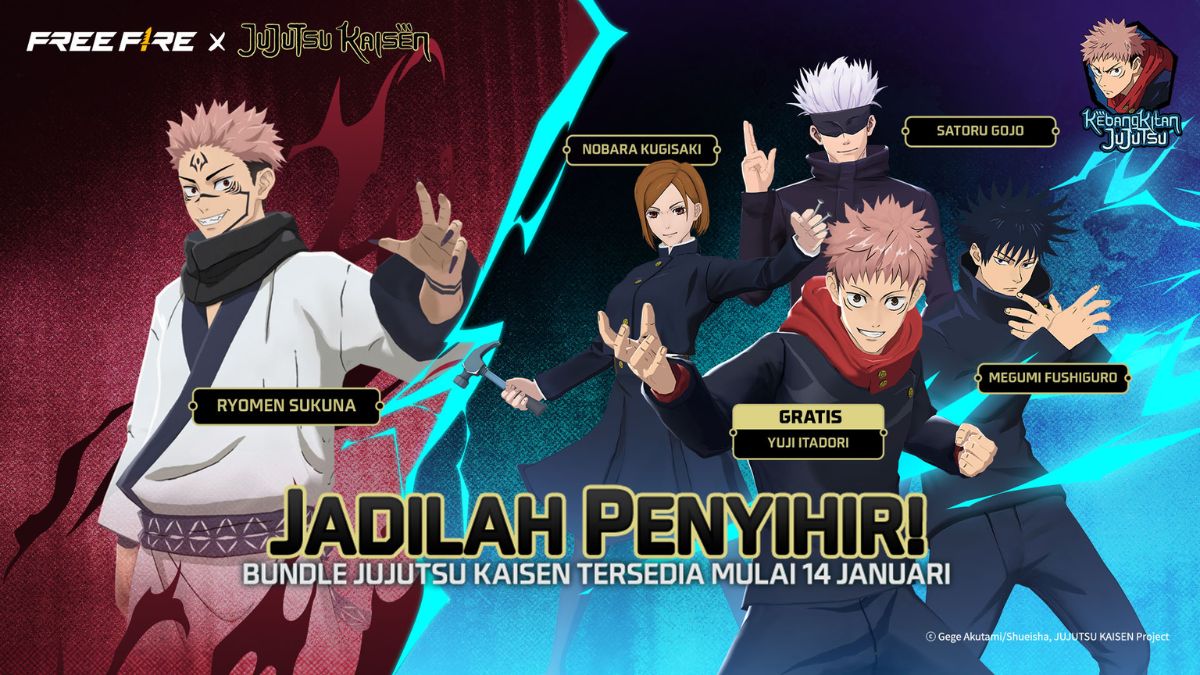
Uncheck Free Fire refers to the term used to describe the status of an FF account that is unconnected or unattached to any specific data. This term typically arises in the context of discussions about security and account ownership among players.
Simply put, an unchecked FF account is often associated with an unverified account or one whose identity has not been confirmed. Therefore, this status often raises concerns, especially when accounts are being traded.
In practice, the term "uncheck" also frequently appears in accounts that have been hacked or phished. These accounts generally lack a clear ownership history, making them risky for both the purchaser and subsequent users.
Understanding the meaning of "Uncheck" in Free Fire is crucial to prevent players from making mistakes. By understanding the risks, you can be more cautious and prioritize account security when playing Free Fire.
Benefits of Unchecking Free Fire
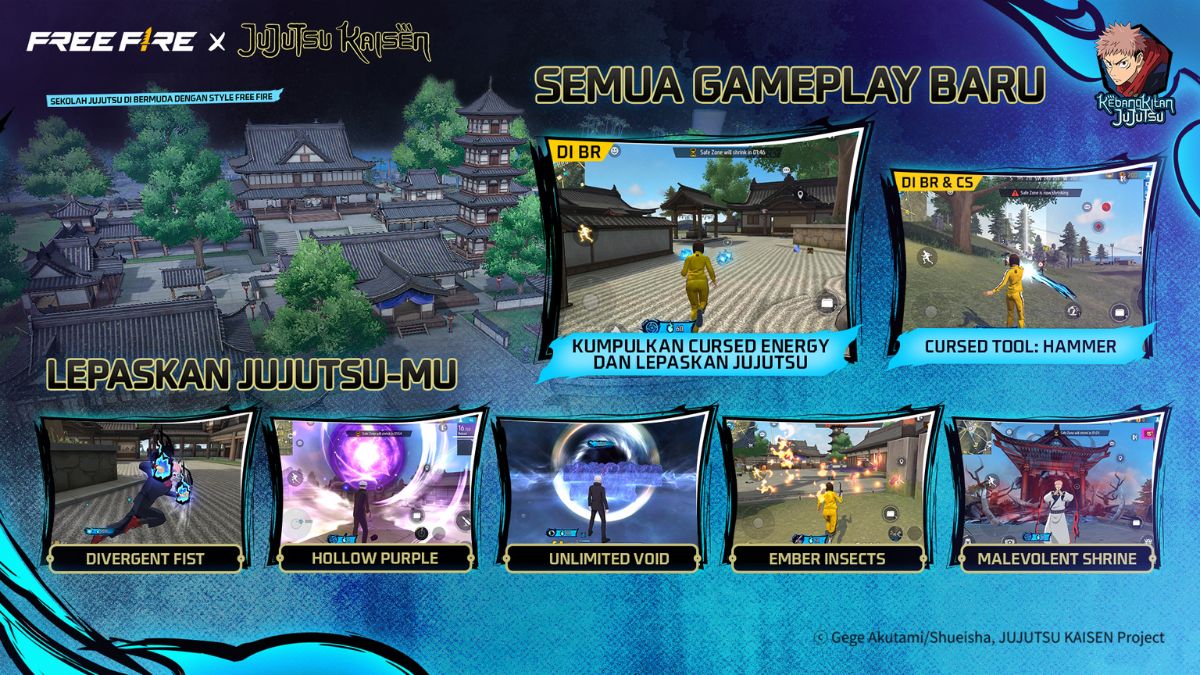
Here are some of the benefits that players can experience when unchecking their Free Fire account.

- Help strengthen account protection: Unchecked conditions can provide an additional layer of control over account access. With proper management, potential security risks can be minimized.;
- Minimize the risk of misuse by other parties: Accounts with clear status tend to be safer from unauthorized actions, thus keeping game progress protected;
- Simplify login access settings: Account owners can more easily customize the connected data to suit their needs. This setting helps maintain full control over the account;
- Protecting connected personal information: Important data such as email addresses or other login methods can be better protected, ensuring the comfort and security of your gaming experience.
How to Uncheck Free Fire
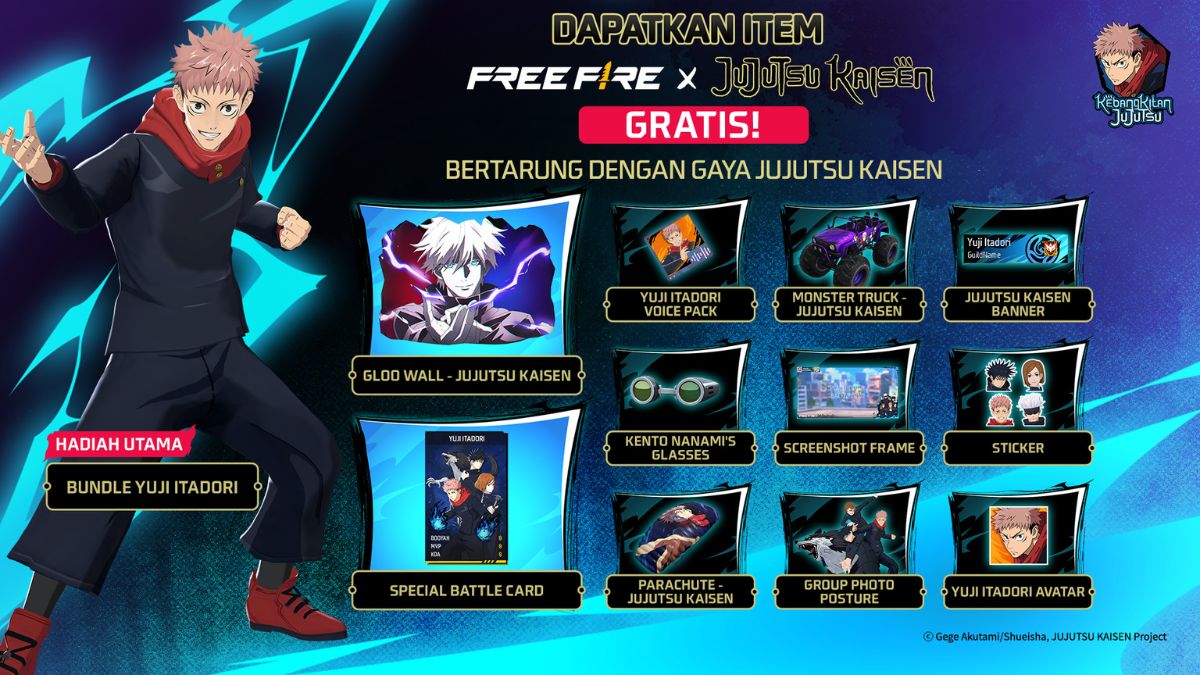
After knowing the meaning and benefits, you can follow the steps below to uncheck. FF account.
- Login to your FF account and after entering the homepage, open the Settings menu to continue the process;
- Find and select the option labeled "Uncheck Account" in the account settings section. Make sure you select the appropriate menu to avoid any mistakes.;
- Enter the email address you used when you first registered your Free Fire account. Use a valid email address to receive the confirmation message.;
- Check your email inbox for a verification link from Free Fire. Click it to confirm the uncheck process.
- After that, the system will usually send an additional verification code. Enter this code correctly to complete the account unchecking process.;
- Done and you have confirmed that your FF account is safe to use.
Also read:
By understanding the steps above, you can uncheck your Free Fire account more safely and effectively. Ensure each step is completed correctly to protect your account and prevent future misuse.
Free Fire Product Recommendations


 TopMurTopMur
 RudyStorez
 TopMurTopMur
 TopMur
 RudyStorez
 RudyStorez
 RudyStorezRudyStorez



 News
News




