

- Create a unique FF name use a keyboard application or name generator site to select and copy cool fonts to make it original.
- Change name in Free Fire via profile → Change Nickname, paste the new name, then pay 390 diamond for confirmation.
How to Create a Cool FF Name Using Fonts
Multiple players Free Fire (FF) who have a cool name, but don't know how to edit the name without having to copy someone else's nickname or just look for it collection of names on Google.
If you can create your own version of the name, it will certainly be more interesting and more original, because it will almost certainly not be the same as the nickname of another player's account.
So, for those of you who are interested, you can read the complete explanation to find out how to edit your own FF name using fonts to create cool writing.
Also read:
- FF 3 Finger Control: Settings, HUD Code, and Auto Headshot Tips
- The Most Complete FF Color Codes, Make Your Profile Full of Color
- Is Ninghurip Digital a Safe Free FF Diamond Site?
How to Edit Free Fire Names with Specific Fonts

To create a name using cool fonts and writing, you will need a keyboard application that has a large selection of cool fonts.
You can immediately follow these steps to be able to edit your own chosen FF name with a unique font:
Using the Application
- Download the application keyboards on Play Store or App Store (such as Facemoji Emoji, Fancy Key, etc.)
- Open settings to select the font you want to use.
- Type nickname in note
- Copy the resulting nickname using the desired font.
Using the Website
- Open the browser application and search for a name creation site (such as nickfinder and others)
- Open the site and type the name you want to use in the column provided.
- A selection of names with various font combinations will appear.
- Choose a name with a font that you think is suitable
- Copy the name to use on your Free Fire account
How to Change Name in Free Fire
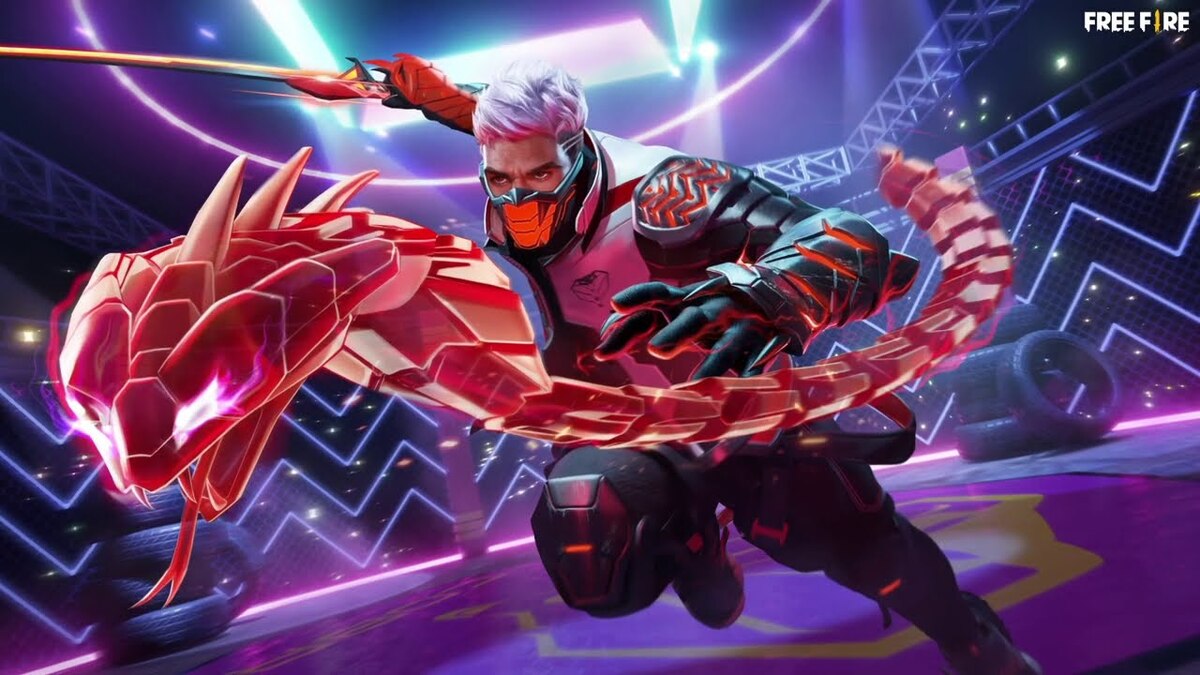
You can follow these steps to change your name or nickname in the Free Fire game:
- Open the Free Fire app and log in to your account
- Click on the Free Fire profile menu section at the top left of the screen.
- Click on the pencil icon below the profile
- Go to the Change Nickname or Change Name page
- Select one of the names above and paste the new name in the field provided.
- Pay the name change fee in the amount of 390 diamonds
- Done, the name of Free Fire has been successfully changed
Also read:
- FF Kipas: How to Download, Functions, and Is It Safe to Use?
- FF Beta Testing Modfyp 2026: Download Link and How to Use
- What Does Https Mean? Here's a Fact Often Overlooked by Free Fire Players
So, that's how to create a FF name with a unique font and how to change your name in Free Fire.
FAQ About FF Fonts
GFF is an exclusive font created specifically for Garena Free Fire to enhance the user's visual experience within the game's UI (User Interface) and logo.
This font was designed by Garena in collaboration with renowned letter designer, Akira Kobayashi.

The GFF font is designed with a combination of curves and sharp angles to represent speed and power, fitting the feel of battle royale games. Unique characteristics are also evident in the capital letters D and G.
The GFF font is applied to the game UI, logo, and “Battle in Style” promotional materials.
As a proprietary font, its use is governed by Garena's intellectual property rights. However, similar writing styles are often used in cool nicknames by players.
Free Fire Product Recommendations


 TopMurTopMur
 RudyStorez
 TopMurTopMur
 TopMur
 RudyStorez
 RudyStorez
 RudyStorezRudyStorez


 News
News




