

- Auto Macro PB is an additional tool that runs automatic commands to improve comfort and consistency when playing Point Blank.
- How to download and use includes download, extract, run as Run as Administrator, then activate the macro with the F10/F11/F12 keys.
Get to Know What Auto Macro PB Is and How to Download It
Multiple players PointBlank People are looking for auto macro PB downloads as a solution to make gameplay more practical and responsive. This search arises because macros are believed to help control certain movements or actions so they run automatically during gameplay.
On the other hand, discussions about macros are always interesting because they are directly related to each person's comfort and playing style.
Some players are attracted by efficiency, while others want to understand the long-term impact of its use.
Through this article, readers will be invited to get to know the general overview of auto macros in Point Blank without feeling confused from the start.
With a light discussion flow, the information is presented so that it is easy to understand and does not feel excessive.
Also read:
What is Auto Macro PB?

Auto Macro PB is a feature or additional assistance that players use to automatically execute certain commands in the Point Blank game. With auto macros, certain actions can be performed more quickly without having to manually press buttons repeatedly.
Auto macro PB is often used to increase comfort while playing, especially when facing situations that require a quick response.
Players can customize input combinations to ensure movement execution feels more consistent throughout the match.
By knowing how to download and use it, it becomes easier for players to direct shots at their opponents.
How to Download Auto Macro Point Blank
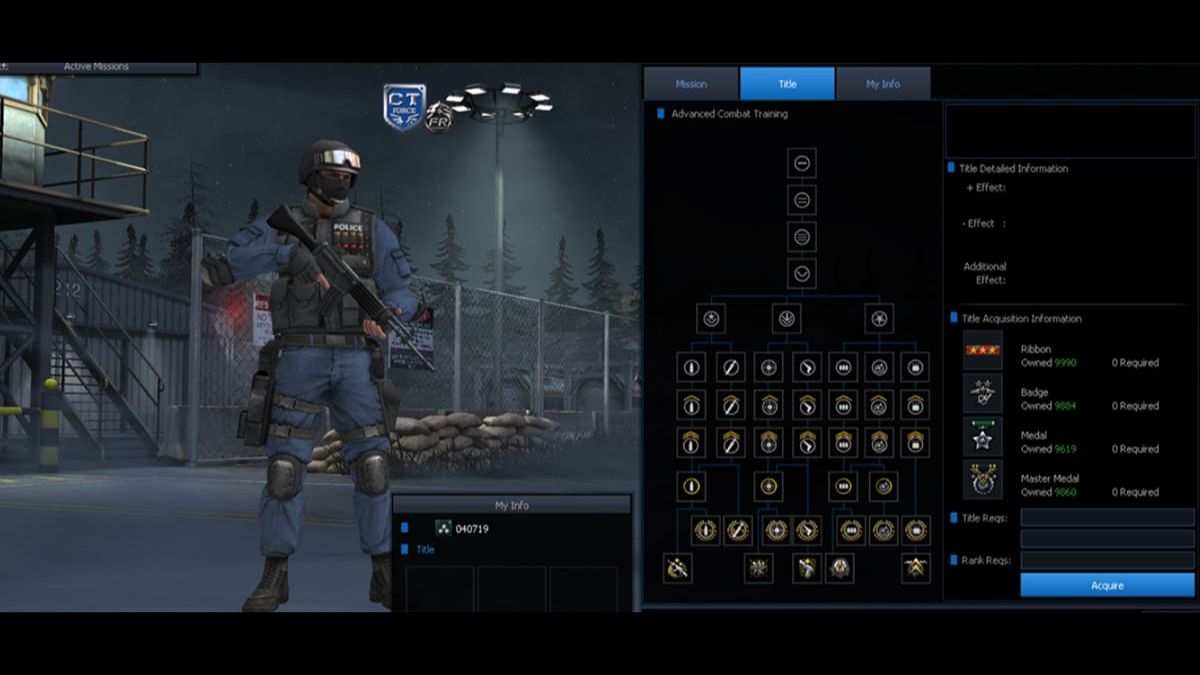
Before starting the download process, players need to ensure their device is ready and secure for installing Point Blank auto macros. This initial step is crucial to ensure the download process runs smoothly without any technical issues that could disrupt gameplay.
After that, players usually look for download sources that provide auto macro files according to the version of the game being played.
The download process is carried out like downloading a regular file, then saved in an easy-to-find folder to facilitate the next stage.
Once the file is successfully downloaded, players need to extract or prepare the file before use.
By following the proper download sequence, auto macros can be installed and run more controlled according to your gaming needs.

How to Use Auto Macro in Point Blank

Here's how to use auto macros in Point Blank, you can follow the steps.
- Download the prepared Auto Macro application, then save the file in an easy-to-find folder;
- Extract the downloaded file until all application components can be accessed normally;
- Right-click on the auto-macro-setting.exe file, then run the application using the Run as Administrator option;
- Wait until the application opens completely and displays a ready-to-use status without any errors;
- Enter the Point Blank game as usual and let Auto Macro keep running in the background;
- Pay attention to the notification or active indicator that indicates the macro has been successfully executed in the game.
To make it easier to operate while playing, here are the button functions. keyboards which is generally used.
- F10: Enables a specific type of Auto Macro setting to make the weapon more stable when fired;
- F11: Enables alternative macro configurations according to playing style needs;
- F12: Quickly disables all macro settings when not needed;
- Home: Stops all macro processes if the application experiences an error or the game is unresponsive.
Also read:
Now that you know how to download Point Blank auto macros, don't miss out! So, when will you try the tips explained in this article?
MLBB Product Recommendations


 BV2SHOP
 DEMPET STOREBV2SHOPBV2SHOP
 TopMur
 RudyStorezBV2SHOPBV2SHOPTopMur
 AM08SHOP




 News
News




