
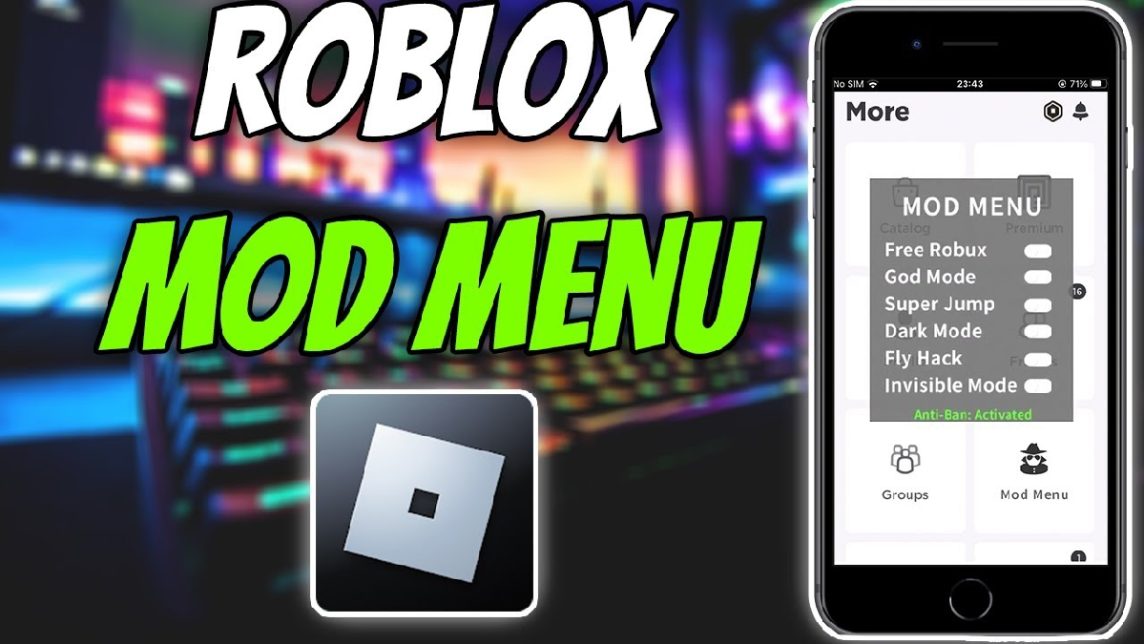
- Main functions: Roblox mod menu provide features such as fly, speed hack, wallhack, and admin powers.
- How to install: Download file mods, extract, move folder content/ExtraContent to folder mods Roblox, then run the game.
- Great danger: Risk banned account, malware, rule violations, and potential corruption of game files.
Roblox Mod Menu: Functions, How to Install, and Dangers of Use
Roblox Mod menus offer a variety of conveniences, from the ability to fly to accessing normally locked features. However, despite these advantages, there are also risks you should be aware of.
This article will fully discuss the function of the Roblox mod menu, how to install it, and the dangers of using it in easy-to-understand language.
Also read:
- How To Get Free Roblox Hair
- How to Download Roblox on a Laptop Easily
- How to Delete Chat in Roblox Easily for Beginners
Roblox Mod Menu Functions
Roblox mod menu is an unofficial application or script from a third party that is modified to provide additional features or cheats (cheats) in the Roblox game.
Usually, this mod comes in the form of a floating menu (floating menu) which you can directly access while the game is running.
With the Roblox mod menu, players can activate various instant features such as:
- Fly (fly): Makes the character able to fly freely in the map.
- Speed hack: Increases character movement speed.
- Wallhack: Penetrate walls or certain objects.
- Admin powers: Grants admin-like access in some games.
The main function of the mod menu is to simplify gameplay and provide a more free-feeling gaming experience.
Many players use this mod for exploration folder or just for fun. However, it's important to remember that these features are not officially supported by Roblox.
How to Install Roblox Mod Menu
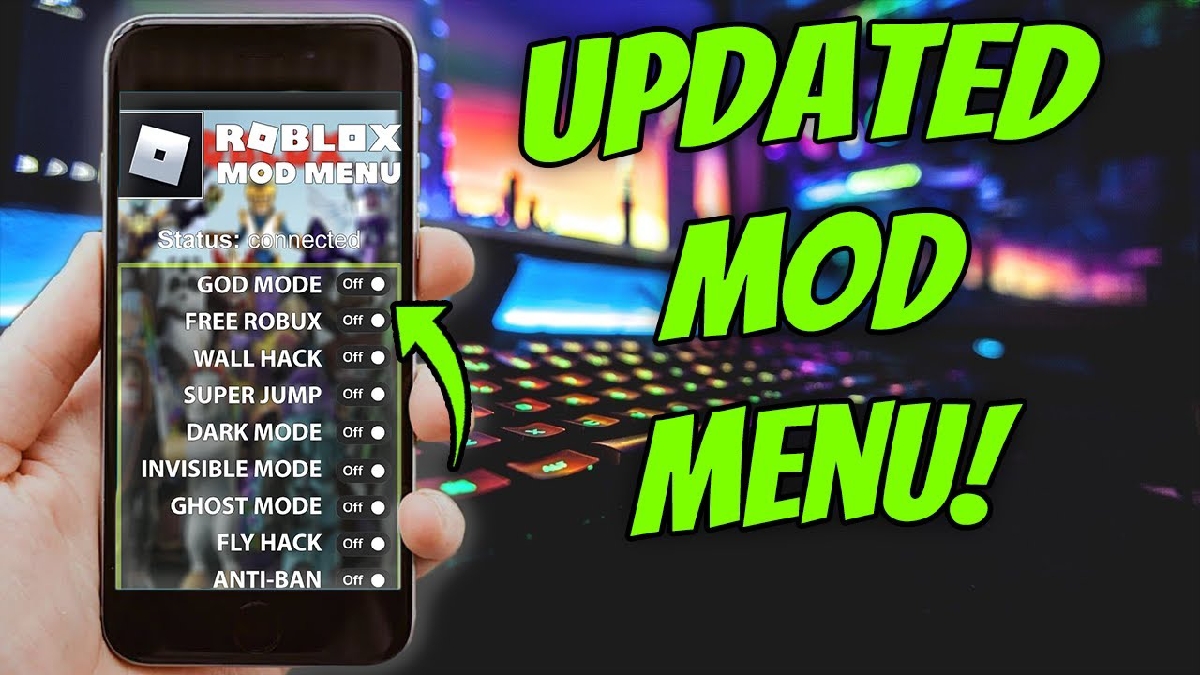
Installing these mod apps generally involves using a modified file like Bloxstrap. The process isn't too complicated, but you should still be careful when downloading files from the internet.
Here are the general installation steps:
- Download the mod menu file
Search for menu mod files in format .zip from sources you consider trustworthy. - Extract files
Open file .zip using the extractor application, then look for folders such as content or ExtraContent in it. - Open the Roblox installation folder
Go to the Roblox installation folder on your device. This folder is usually located in the program files directory or the applications folder. - Move mod folder
Copy the content or ExtraContent folder into the mods folder in the Roblox directory. - Run Roblox
Once all the files have been transferred, open Roblox as usual. If successful, the mod menu should appear while the game is running.
Although these steps may seem simple, you should ensure that the downloaded file is safe and does not contain malware.
Dangers of Using Roblox Mod Menu
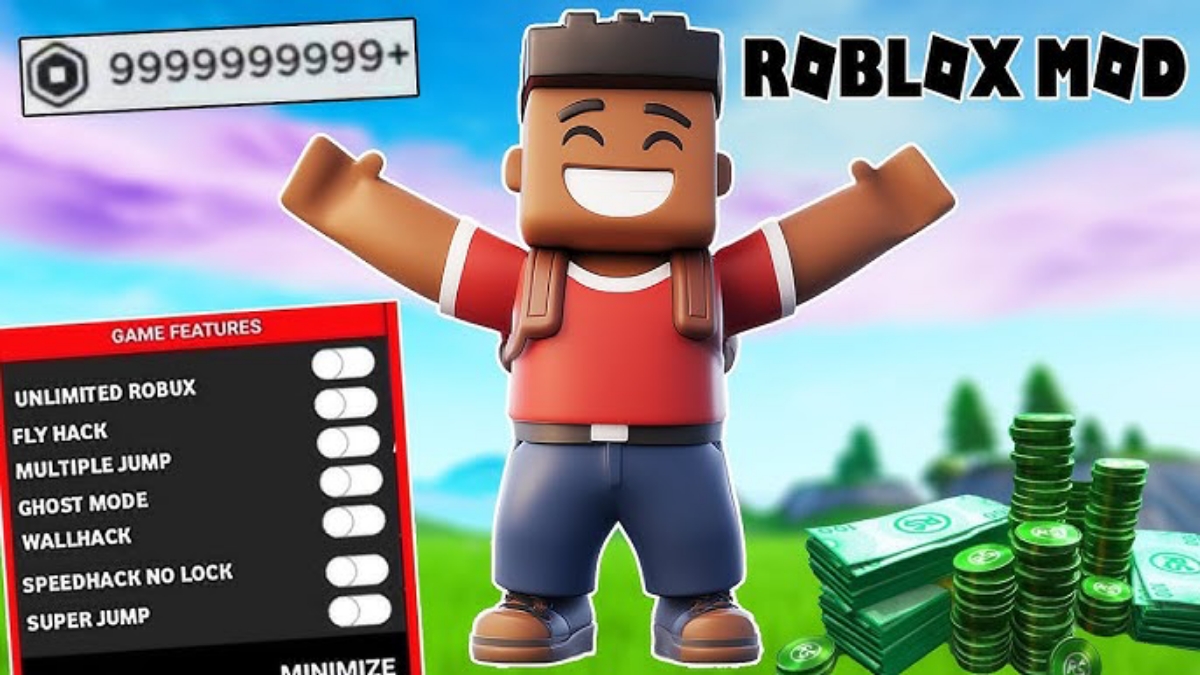
Using this mod may seem profitable, but there are some dangers that you should not ignore.
Risk of account ban
Roblox has a security system that can detect the use of mods or cheats. If detected, your account can be warned, suspended, or even permanently banned.
Virus and malware threats
Many mod menu files come from unofficial sources. These files can potentially contain viruses, spyware, or malware that can damage your device and steal personal data.
Roblox rule violations
Using mod menus violates Roblox's terms of service. This can impact your reputation. account and your future gaming experience.
Game file corruption
Modifying game files risks causing errors, crashes, or system damage to Roblox, which can prevent the game from running normally.
Roblox mod menu offers various interesting features such as fly, speed hack, and admin powers that can make the game more exciting.

Installation is relatively simple by moving the mod files to a specific folder. However, you should consider significant risks, such as account bans, malware, and game corruption.
Also read:
- How to Turn on the Mic in Roblox, Make the Game Even More Exciting
- How to Use Roblox Username Generator
- How to Play Roblox Easily, Tips for Beginners
Before deciding to use a mod menu, make sure you understand all the consequences.
Playing fair without cheating remains the safest way to enjoy Roblox in the long run.
Roblox Product Recommendations


 Hero Alive
 Kumay10shopHero AliveHero Alive
 RudyStorezHero Alive




 News
News




