
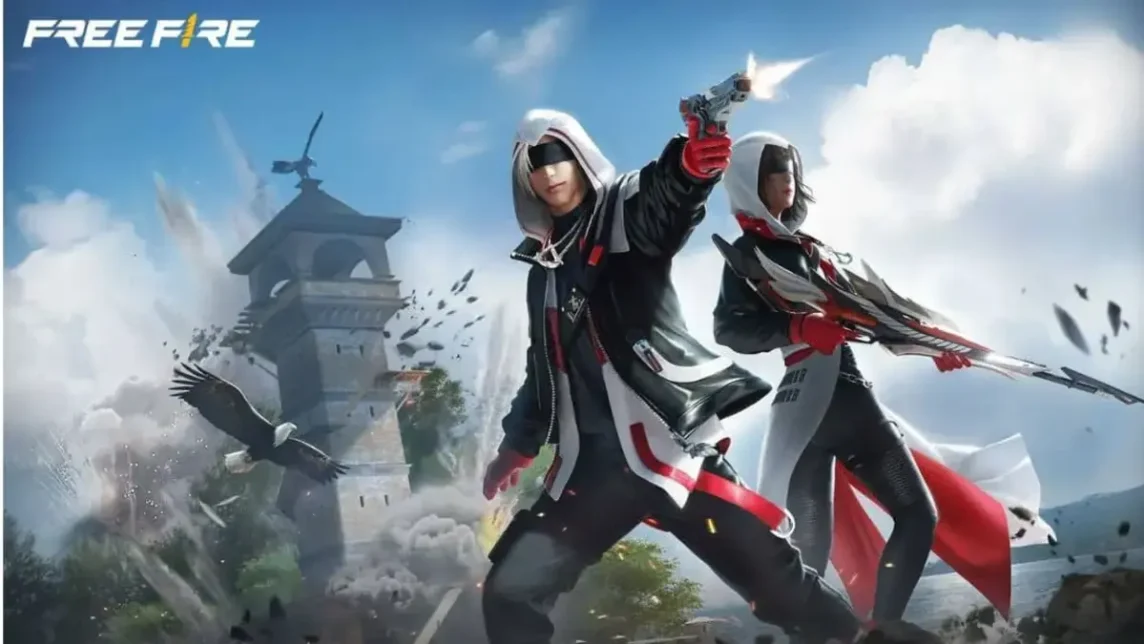
- Andro FF Set helps make the control and shooting sensitivity more responsive so that headshot become more readily available.
- Practical steps: download the compatible configuration file, extract it with ZArchiver, back up the data, then copy the files to the Free Fire directory.
Andro FF Set, Makes Shooting Accuracy Even More Accurate
You may have wondered why aiming feels so fluid when certain settings are applied by professional competitive players. This is where the Free Fire Android settings are often discussed as the key to comfortable modern game controls when using weapons.
By doing Andro set Free Fire This helps you adapt your playing style without blindly copying other people's popular recommendations. This setting makes it easier for players to get headshots.
So, how do you adjust these settings to improve your shooting accuracy? Learn the steps in this article.
Also Read:
What is Andro FF Set?

This term often appears in player chat. Free Fire Those who want more responsive game controls. These settings are usually associated with how the device reads screen touches more optimally.
Many players use it to adjust sensitivity to suit their individual hand preferences. This setting helps achieve more stable aiming without having to rely entirely on the default settings.
By understanding the basic concepts, adjustments can be made gradually and without confusion. This way, game settings feel more personalized and comfortable to use in various match situations.
These settings are often adjusted to suit the device type and screen size. These simple adjustments aim to maintain comfortable controls and consistent performance throughout the match.
How to Set Up Andro Free Fire, Easy Headshots

Check out how to set up the Android Free Fire game below to make your shots more accurate.
Download Andro FF Set Configuration File

The first step you have to do to increase your shooting accuracy is to download the configuration file first.
- Look for a configuration file that is compatible with the latest version of Free Fire to keep the settings working optimally;
- Make sure the download source is safe to avoid the risk of the file being corrupted or containing malicious data;
- Save the file in an easy-to-find folder to make the next process more practical.
Install using ZArchiver

Once the download is complete, proceed with the installation using ZArchiver.
- Install the ZArchiver app via Play Store if it is not already available on your device;
- Open the configuration file using ZArchiver to extract or access its contents;
- Make sure the extraction process runs perfectly without any errors before continuing to the next step.
Modify and Secure Every Free Fire Data

Before moving the new configuration file, you must modify and secure all Free Fire data first.
- Perform folder backup Free Fire first as a security measure;
- Check the contents of the configuration file and adjust the parameters according to the game's needs;
- Avoid changing the main structure to keep the game running normally without interruption.
Copy and Paste the New Configuration File
The final step, you just copy and paste the new configuration that has been installed.

- Copy the resulting configuration file to the appropriate Free Fire directory on internal storage;
- Replace the old file with the new version so that the settings can be applied by the system;
- Restart the game to make sure the Andro FF set is active and working properly.
Ideal Andro FF Settings

The ideal Andro FF settings emphasize sharp visual balance and stable performance throughout the match. Graphics settings can be set to Ultra or Very High, combined with a High frame rate, for smooth, uninterrupted character movement.
In terms of controls, rotation sensitivity, weapon direction, and movement need to be adjusted to maintain precise aiming. Advanced control mode allows for button flexibility, auto-aim improves accuracy, and a stable internet connection ensures optimal gameplay response.
Also Read:
That explains the Andro set for Free Fire, which can improve your shooting accuracy. Good luck and get as many headsshots as possible.
Free Fire Product Recommendations


 TopMurTopMur
 RudyStorez
 TopMurTopMur
 TopMur
 RudyStorez
 RudyStorez
 RudyStorezRudyStorez



 News
News




