
- The main cause: Message verify UID appeared because UID is invalid, account not synced, logged in with a different account, suspicious activity, or a bug.
- How to overcome: Be sure UID Correct, login to the main FF account, verify via the official platform My ID Fan, and wait for synchronization.
How to Verify FF Fan My ID Verify UID
FF Fan My ID verify UID is the process of verifying account identity Free Fire This error occurs because the UID hasn't been validated, is out of sync, or is detected differently by the system. This issue is harmless and can be resolved by ensuring the UID is correct, logging in to the appropriate FF account, and verifying it through the official Kipas My ID platform.
Many Free Fire players panic when the verify UID notification appears. This is simply a security measure to ensure the account you're using truly belongs to you.
Typically, this message appears when first connecting an account to Kipas My ID, a UID input error occurs, or there is a difference in login data.
By following the correct verification steps, your account can return to normal without the risk of being banned or losing data.
Also read:
- FF Tournament: A Prestigious Free Fire Event at Local and Global Levels
- FF Auto Headshot Aim Red Sensitivity Settings
- The Most Complete FF Color Codes, Let's Make Your Profile Full of Color
FF Fan My ID
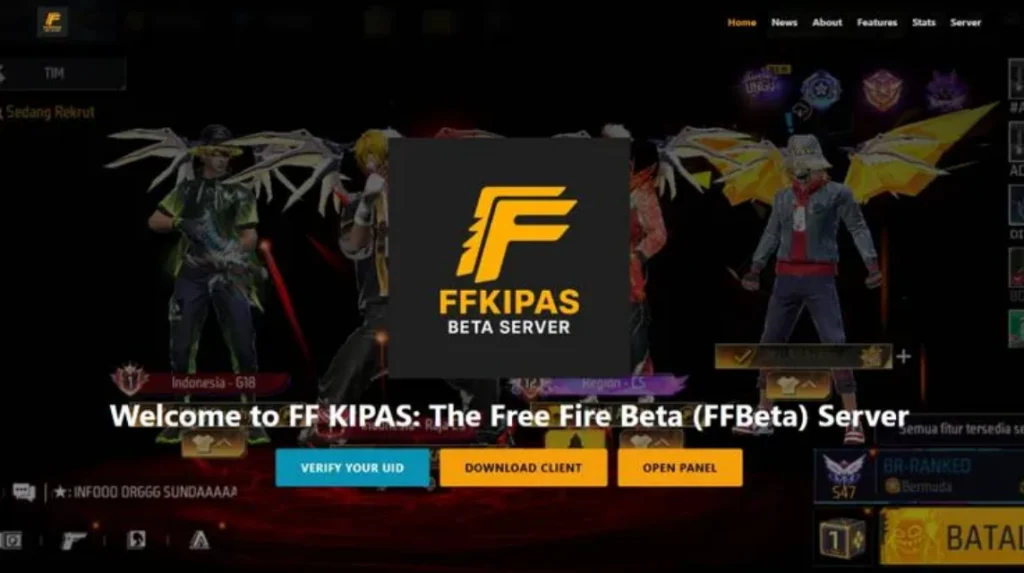
Recently, Free Fire players have been frequently curious about the FF Kipas My ID Verify UID error. This typically occurs when players try to access certain events, features, or services connected to the FFKipas My.ID platform.
In short, My ID Fan is a platform or service used in the Free Fire ecosystem for various purposes, ranging from community events, rewards, to certain activities that require identity. FF account. At ffkipas.my.id.verify UID (User ID) Free Fire plays an important role as the player's primary identity.
The problem arises when the system displays a message “"verify UID" or "UID verification is required." Many players are confused because they don't know what this means, whether their account is problematic, or whether they are at risk of being banned.
However, in many cases, this is simply a process of validating account data so that the system can ensure that the UID used is correct and appropriate.
If you are experiencing this problem, it is important to understand the cause first before panicking or taking the wrong steps.
My ID Fan FF Features vs Facts
FF Kipas MY ID is a third-party app that helps Free Fire players gain various instant benefits, such as access to the latest features before their official release and free premium rewards. The app also claims to optimize game performance with features like auto-headshot, aim lock, and FPS stability.
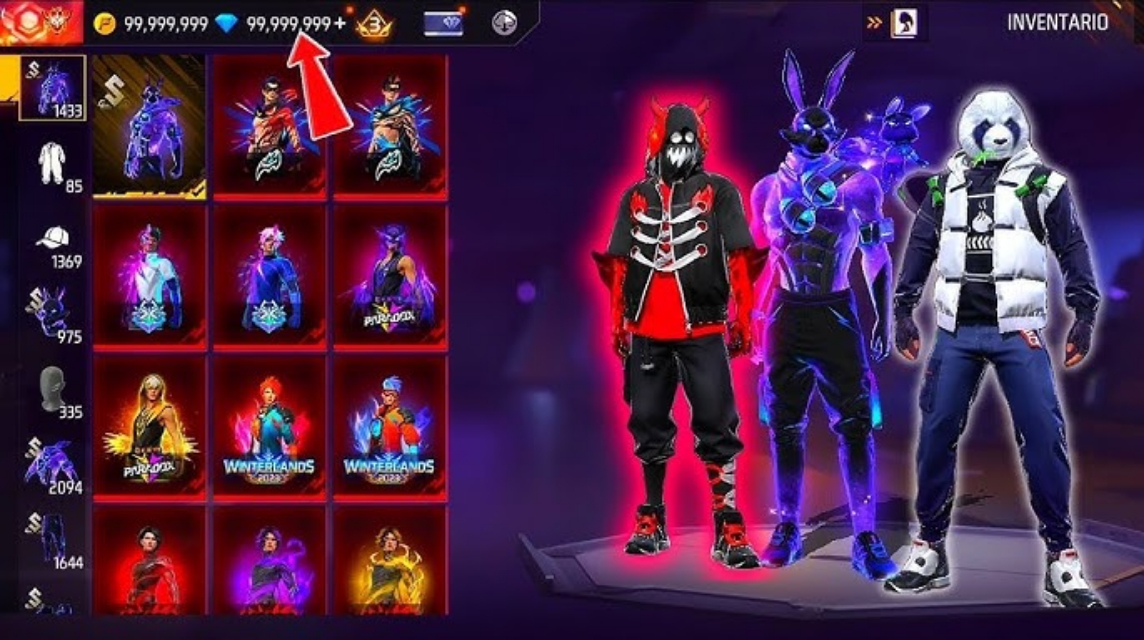
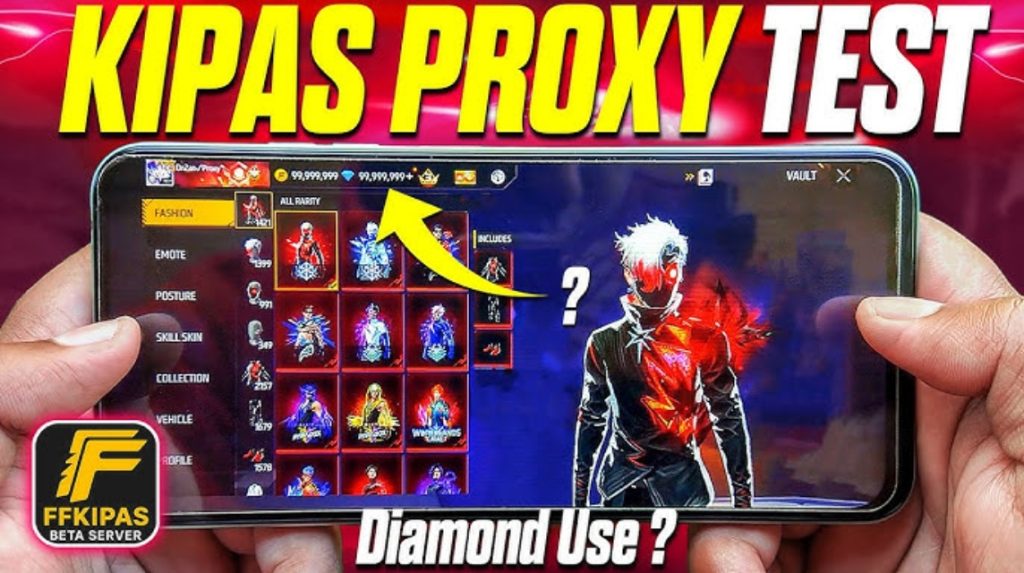
All of these claims are part of a fraudulent scheme, as My Kipas ID is not affiliated with Garena. Features like Unlimited Diamonds and access to the beta server are merely visual gimmicks designed to lure victims, while no actual prizes are ever awarded.
The UID verification process on the FF Kipas My ID site is said to connect a user's account to a dedicated server to earn various rewards. This process is packaged in a website that resembles an official Garena event, complete with the distinctive Free Fire logo and front cover.
Unfortunately, this scheme can sometimes be used to steal data, as users are lured into entering their UID credentials into a scam site.
Instead of getting rewards, players will be faced with piles of pop-up ads that benefit the web creator, while their FF account is at risk of being stolen.
Cause My Fan FF ID Failed to Verify UID
There are several reasons why the "FF fan my ID verify IUD" message can appear. Here are the most common causes players often experience:
UID Not Registered or Invalid
The most common cause is that the UID Free Fire password you entered isn't registered in the Kipas My ID system. This could be due to a typo, missing digits, or the UID simply hasn't been verified before.
FF Account Not Synced Yet
If your Free Fire account has never been connected to the Kipas My ID service, the system will automatically request UID verification. This is not an error, but a security procedure.
Login Using Different Account
Sometimes players log in to FF with Google account, Facebook, or VK different from the main account. This causes UID's data to be out of sync, requiring re-verification.
Suspicious Activity
In some cases, the system detects unusual activity, such as frequent account changes or access from different devices. For security reasons, UID will be asked to verify.
System Bug or Error
Undeniably, this issue sometimes arises due to bugs or server errors. It's usually temporary and resolves after a while.
How to Verify FF Fan My ID Verify UID
Now that you understand the cause, it's time to move on to the solution. Here are the steps to safely and officially verify the UID FF fan:
Make sure UID is correct
Check your Free Fire UID directly from your in-game profile. Copy the UID and ensure there are no errors. A single digit error can cause verification to fail.
Login to an Active FF Account
Use Free Fire account The main one you use frequently. Don't switch accounts during the verification process, as this can confuse the system.
Official Platform Access
Make sure you only verify through the official Kipas My ID platform or page. Avoid any dubious sites that promise instant verification, as they pose a risk of phishing.
Follow the Verification Process
Usually, you'll be asked to enter UID, log in to your FF account, or perform some other confirmation. Follow the steps until complete and wait for a success notification.
Wait for the Synchronization Process
After successful verification, don't log in or out of your account immediately. Wait a few minutes for the data to fully sync. If the error persists, try again in a few hours.
The FF Fan My ID Verify UID issue isn't actually dangerous and doesn't mean your account is problematic. This is simply a verification process to ensure UID Free Fire is compliant and secure. As long as you follow the official instructions and don't use illegal services, your account will remain secure.
Also read:
- Recommendations and How to Create a Cool Name Using the Apple Logo in FF
- Astute Beta Server, Advance Server Application for FF
- Get to Know Apkys XYZ, a Spanish Site That Provides FF Tips
We hope this article helps you understand the causes and proper verification process. If you're still experiencing issues, please be patient and monitor official information. Free Fire so as not to make a wrong move.
FAQ About FF Kipas My ID Verify UID
Usually, the main reason this process fails is incorrect input of UID (wrong digit), server down, the internet connection is unstable, or the site is not connected to the official Garena server.
No, because this feature is a tool from an illegal third party (mod/cheat) which has the potential to cause your account to be banned. banned permanent to the risk of data theft.
To find it, you can open your Free Fire profile by clicking on the avatar in the top left corner, then UID will appear, which is a series of unique numbers listed there.

Make sure the UID you entered is correct, check your internet connection, and use it. browsers with cache which has been cleaned. If it still fails, it is possible that the site's server is down
This is the process of verifying User ID (UID) of your Free Fire account on an unofficial site (often located at ff-kipas.my.id) which aims to get modification features such as auto aim or diamonds free.
No, Garena as the official developer of Free Fire has never presented FF Kipas
Almost all of these claims are false, their purpose is often simply to phishing user account data.
No. The official system only requires UID and an account login. If asked for OTP, password, or other sensitive information, please do not provide it.
Double check the UID you entered, use a more stable internet connection and repeat the process after some time.
Usually, you are asked to open the ff-kipas.my.id page, then enter your Free Fire account UID into the column provided for processing by their system.
These claims are false and often simply intended to lure users. Because they aren't connected to Garena's official servers, this verification feature won't award diamonds or items to your real account.
Free Fire Product Recommendations


 TopMurTopMur
 RudyStorez
 TopMurTopMur
 TopMur
 RudyStorez
 RudyStorez
 RudyStorezRudyStorez




 News
News




