
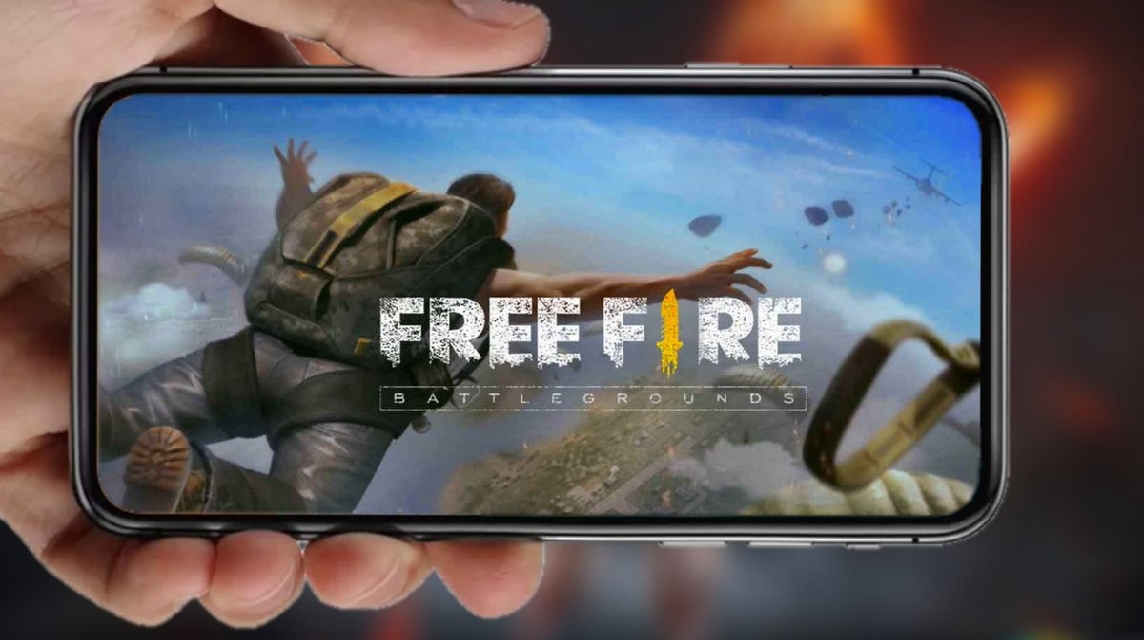
- PP FF Old Collection: Provides various avatars classic Free Fire to treat players' nostalgia.
- Reasons to use Old Avatar: Unique design, gives a professional impression and looks like an experienced senior player.
A collection of old PP FF games, perfect for those who want nostalgia.
Free Fire is one of mobile games It's the most widely played game right now. So it's no surprise that many players want to use the Old FF PP.
Because by using PP FF Old, it can cure the players' longing for the early days of this game.
So, for those of you who are interested in using PP FF Old, below are some recommendations for you. Let's check them out!
Also read:
- FF Kipas: How to Download, Functions, and Is It Safe to Use?
- Recommendations for Cool and Complicated FF Names That Haven't Been Used
- The Most Complete FF Color Codes, Let's Make Your Profile Full of Color
Old FF PP Collection

The following is a collection of PP Free Fire Old:
Here are the old Free Fire avatars:


How to Change Free Fire Account Profile Photo

If you have found a photo you like from the collection of images above, then you can change the Free Fire PP in the following way:
- Open your Free Fire game
- After successfully logging in, select the 'Collection' option.
- Upload the profile photo you have selected and downloaded previously.
- Wait a few moments, your Free Fire profile photo will automatically change.
Reasons to Use Old Free Fire Avatars
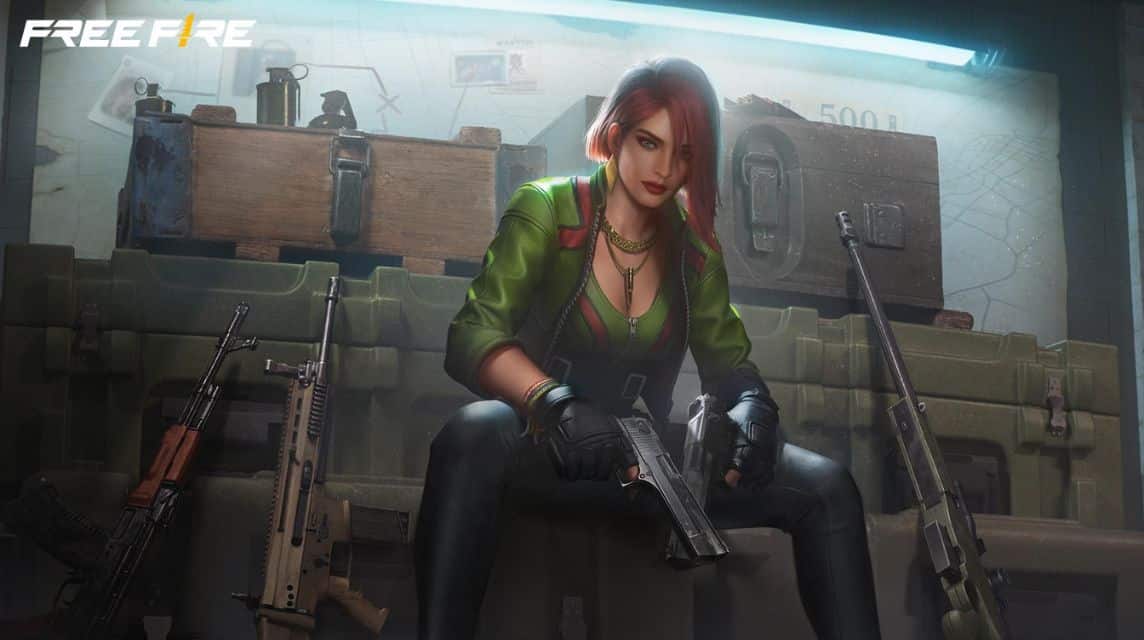
Here are some reasons to use Avatar Old:
Unique Design
Old Free Fire Avatars have unique and varied designs, so you can choose according to your wishes.
Signs of a Professional Player:
Old Free Fire Avatar is usually used by professional players who are experienced in Free Fire. Because by installing the Old FF Avatar, it will look more serious and intimidating.
Looks like a Senior Player
Old Avatar is widely installed by players who have high flying hours. So, for you new players and installing Old Avatar can look like a senior and experienced player.
Is the Old Free Fire PP Above Safe?
Maybe some of you are asking about security issues when using the Old FF PP above.
In fact, you're free and safe to use them on your Free Fire account. The images above won't interfere with or violate any of the terms and conditions. Garena.
Also read:
- How to Create a Blank FF Nickname & Is It Safe to Use?
- FF Auto Headshot Sensitivity Settings for All Weapons
- How to Play Free Fire on PC Easily and Its Benefits
So, those are some recommendations for Old Free Fire PP that you can use on your account.
FAQ About PP Free Fire Old
PP FF Old is a vintage or classic-themed profile photo or avatar from the early Free Fire seasons (such as Season 1, 2, and so on). These images often use old logos, icons, or item designs that are now rare.

Showing Veteran Status: The user looks like a senior player or old player who have been playing for a long time.
Aesthetic and Unique: The appearance is different and gives the impression anti-mainstream compared to using a regular profile photo.
Nostalgia Value: Reminds players of the early days of gaming.
Most old PP FF images downloaded from the internet are simply image files. These images are generally used for social media profile pictures like WhatsApp, TikTok, or Instagram, not as default avatars in the Free Fire app unless the account already has one.
Rare Avatar Bundle: Images featuring characters wearing early season legendary bundles such as Alok, Hip Hop (Season 2), or Sakura (Season 1).
Classic Rank Logo: Images of old rank icons, especially the old Grandmaster or Heroic logos.
Raw Design (Plain): Old FF character or logo image without text, so users can add names or nickname themselves.
Cartoon / Anime Version: Old FF character illustrations transformed into cool 3D anime or vector styles.
Add Glow Effect: Use an editor app like PicsArt or PixelLab to add light or neon effects to your images.
Use Cool Fonts: Add your name or initials using a stylish font gaming / esports at the bottom or center of the image.
Adjust Image Ratio: Make sure the image is cropped (crop) with a 1:1 ratio (square) to fit and not be cropped when installed on WhatsApp, TikTok, or Instagram.
Free Fire Product Recommendations

 TopMurTopMur
 RudyStorez
 TopMurTopMur
 TopMur
 RudyStorez
 RudyStorez
 RudyStorezRudyStorez


 News
News




