
- Factory reset use a key combination to restore factory settings if the screen is completely unresponsive.
- Release screen guard thick like tempered glass; use a thin protector (e.g. hydrogel) for better sensitivity.
- Use the charger official luggage or original to avoid electrical problems affecting screen function.
- Check for overheating and if the problem persists, take it to official service center for hardware/software repair.
7 Ways to Fix a Phone Screen That Won't Touch or Turn Off
Are you looking for a way to fix a screen? MOBILE PHONE can't be touched and turned off? This problem is actually common on touchscreen phones.
There are many causes of an unresponsive screen. Some of them are physical damage to the screen, software damage, and screen guard which is too thick.
This certainly greatly disrupts the user's daily mobility. Moreover, if the cellphone is the main device you use for work.
How do you fix a phone screen that won't turn on or off? Let's take a look at seven solutions to this problem in the following article!
Also read:
How to Fix a Cell Phone Screen That Cannot Be Touched or Turned Off
There are various things that can cause the HP screen to become unresponsive. Therefore, it is better for us to find out first what the main cause of the problem is.
Sometimes the cause is so trivial that we can fix it ourselves without having to take it to a repair shop. If you're experiencing the same problem, here are 7 methods you can try.
Performing a Force Restart

The first and most effective method is to perform a force restart. This is crucial because when the screen is unresponsive, you can't use the on-screen buttons, so you'll need to use a combination of physical buttons.
Usually, this method differs depending on your phone type:
-
Android (Samsung, Xiaomi, etc.): Press and hold the button Power + Volume Down for 10–20 seconds until the screen turns off and then back on.
-
iPhone 8 and above: Press and release Volume Up quickly, press then release Lower Volume quickly, then hold the button Side/Power until the Apple logo appears.
-
iPhone 7: Hold the button Volume Down + Side simultaneously.
-
iPhone 6s and below: Hold the button Home + Side/Top simultaneously.
Why does this work? Because most unresponsive screen issues stem from a system crash. A forced restart refreshes the system and returns it to normal without deleting any data.
Removing the HP Screen Protector
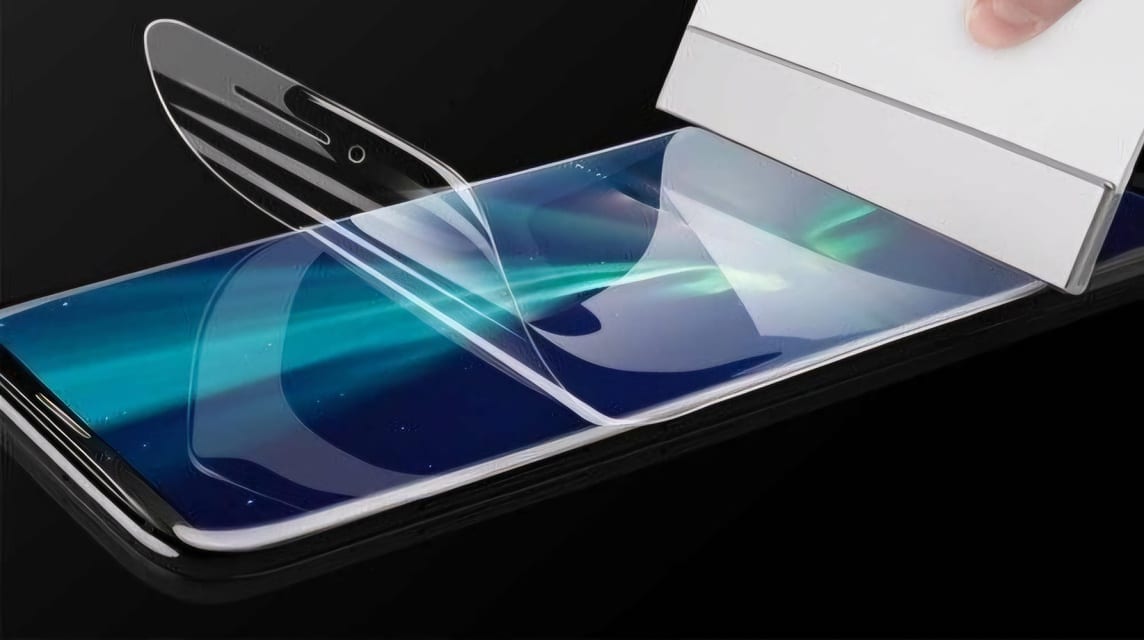
Another alternative method that you can try is to remove the screen protector. Even though it already has special protection on the screen, sometimes users still feel anxious and install additional protection in the form of screen guard.
Unfortunately, some brands are not always compatible with screen protectors. This is because there are screen protectors that actually reduce the sensitivity of the screen.
If you use a thick screen protector like tempered glass, then your device may experience unresponsive screen issues.
You can still apply additional protection to the screen by using a thinner protector, for example screen guard hydrogel.
Using the Official Charger from the Device
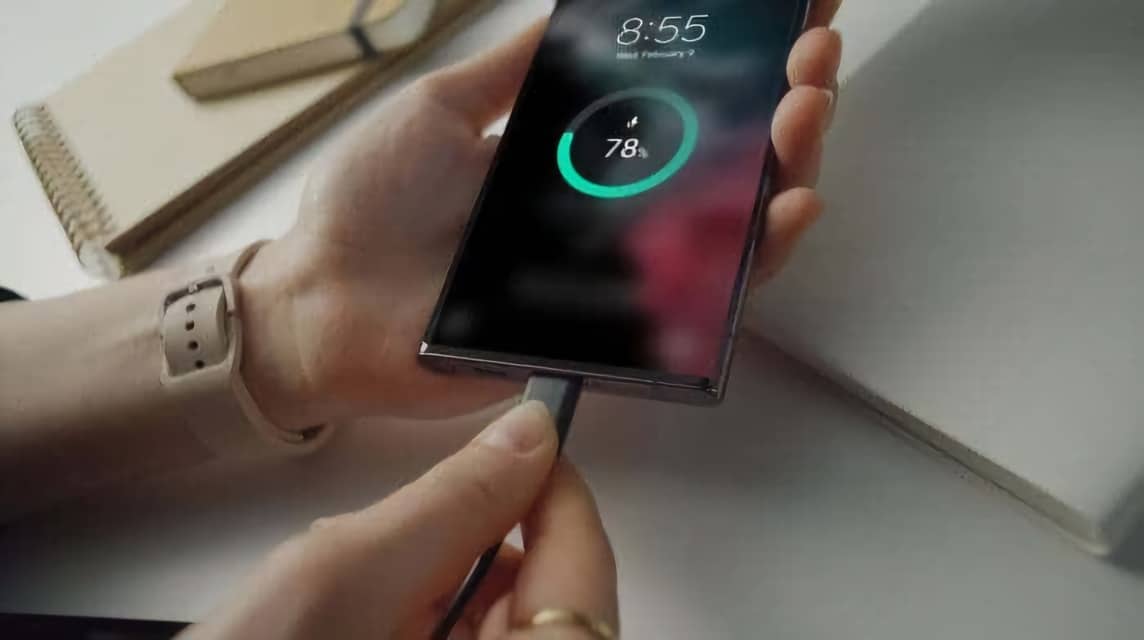
In addition to these methods, you can also solve the unresponsive screen by replacing the charger. Using an unsuitable charger can cause many problems, therefore make sure you use an official or default charger.
If you want to replace the charger, make sure that the charger you buy is guaranteed to be authentic. To be safer, always buy cellphone accessories from the official store or service center of the cellphone brand you are using.
To find out the location, you can see the instruction card in the box or type the keywords of the HP brand and service center in Google. For example, "Samsung Service Center city of Surabaya”.
HP Overheats
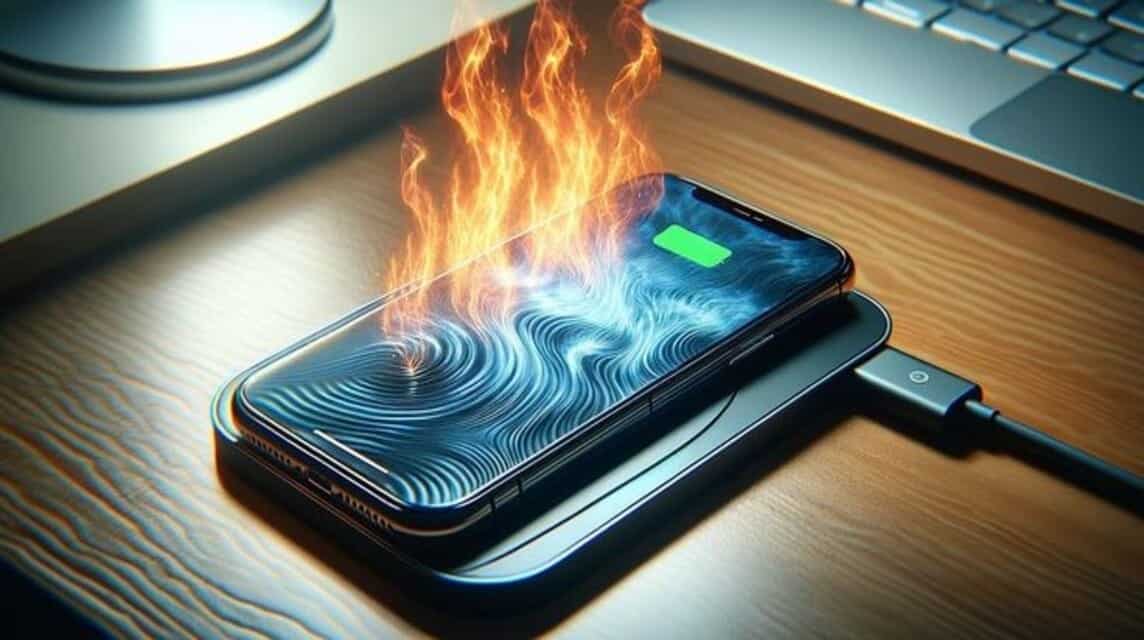
Overheat is a condition where your device reaches a temperature that is too hot. This can result in disruption of the device's functions, such as hang.
Problem overheating common, especially for those who like to do heavy activities such as editing videos or playing games.
To prevent this, you can use additional accessories in the form of a fan or avoid operating the device while it is charging.
Using other alternative methods

If the screen is completely untouchable and you are having trouble turning off your phone, there are still several alternative methods you can use.
Next, you can leave your phone alone until the battery runs out. Once it's turned off, try charging it and turning it back on.
Another option is to connect it to a charger or laptop. Some phones will respond when connected to a charger or laptop, which can help restore the system to normal.
Finally, you can use an OTG mouse if the screen still won't work. You can connect a USB mouse via an OTG adapter.
A cursor will appear on the screen and you can use it to open menus, back up data, or safely shut down your phone before performing the final step.
Performing a Factory Reset on the Device
The first way you can do this is to restore the device to factory settings. If the screen is completely unresponsive, you can use a combination of buttons.
To perform a reset on the device with a combination of buttons, press the top and power buttons simultaneously. Hold for a few moments until the logo appears.
You will enter a new menu, scroll through the options using the volume down button. Next, select “Wipe Data/Factory Reset” and press the power button to continue the process. factory reset.
As a note, some brands and series of HP may have different processes. factory reset different. So, you can adjust it according to the device you are using.
Repairing Devices
If you have tried all the methods but the screen problem still occurs, then it's time for you to take your beloved device for service.

This is because there is a possibility of more complex damage either from hardware nor software Your phone. To ensure safety, take the device to a service center official in your city.
Also read:
Well, that's a quick guide on how to fix a cellphone screen that can't be touched and turned off. What do you think? Hopefully the article can help!
FAQ about Turning Off a Cell Phone with a Non-Working Screen
A phone that won't turn off is usually caused by a system bug, an app error, or a frozen screen. In some cases, damage to the Power button or internal components can also be the cause.
The most effective method is to force a restart using the physical buttons. If that doesn't work, you can wait for the battery to drain or try connecting your phone to another device to allow the system to respond.
No. A force restart simply forces the system to restart and doesn't erase any data. Unlike a factory reset, which will wipe the entire device clean.
A factory reset should only be performed as a last resort after all other methods have failed, as it will erase all data. Make sure you've backed up any important data before performing this.
Not always. Many cases of unresponsive screens are caused by system bugs that can be fixed by a force restart. However, if a force restart and all other methods fail, there's likely a hardware problem that requires technical attention.
Rekomendasi Produk MLBB


 BV2SHOP
 DEMPET STOREBV2SHOPBV2SHOP
 AM08SHOP
 RudyStorez
 BANGJEFFAM08SHOP
 TopMurBV2SHOP


 News