
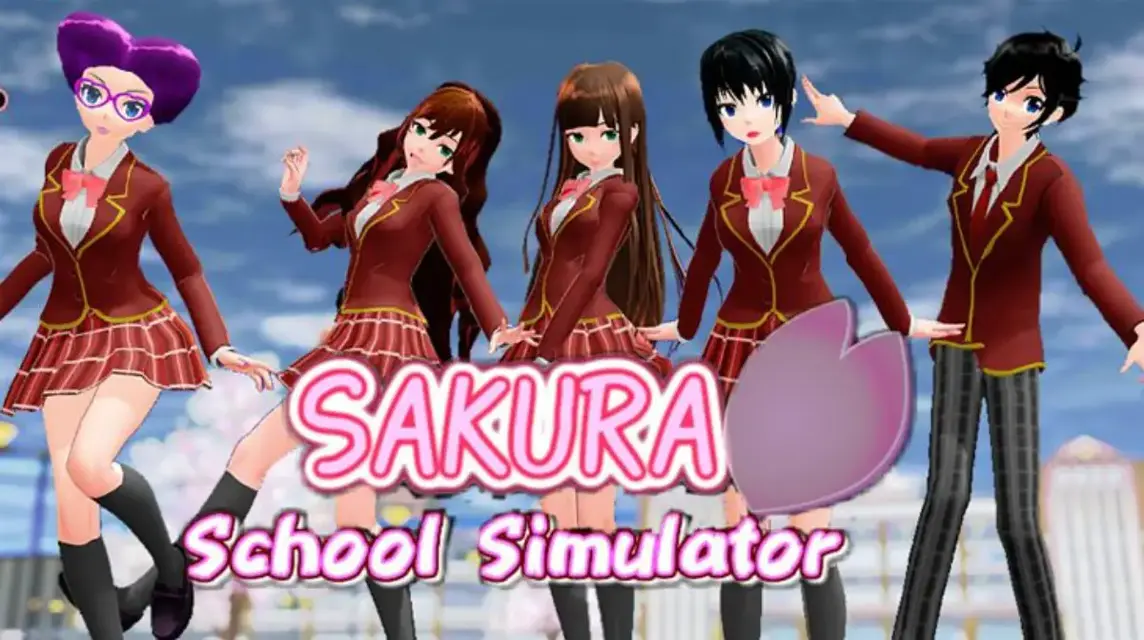
- Sakura School Simulator open world school with freedom of exploration, character development, popular in Playstore with 100+ million downloads.
- Play on PC using emulator BlueStacks: download, install, search Sakura School Simulator in Playstore, then install and play.
Sakura School Simulator: Gameplay, Features & How to Download on PC
Sakura School Simulator is a school simulator game that makes you feel the sensation of being a high school student in Japan which is full of adventure and interesting activities.
To date, this game has been downloaded more than 100 million on the Play Store. This shows that this game is very popular.
For those of you who are interested in playing this game, it's a good idea to know some facts.
Come see the discussion below!
Also read:
Sakura School Simulator Game Developer
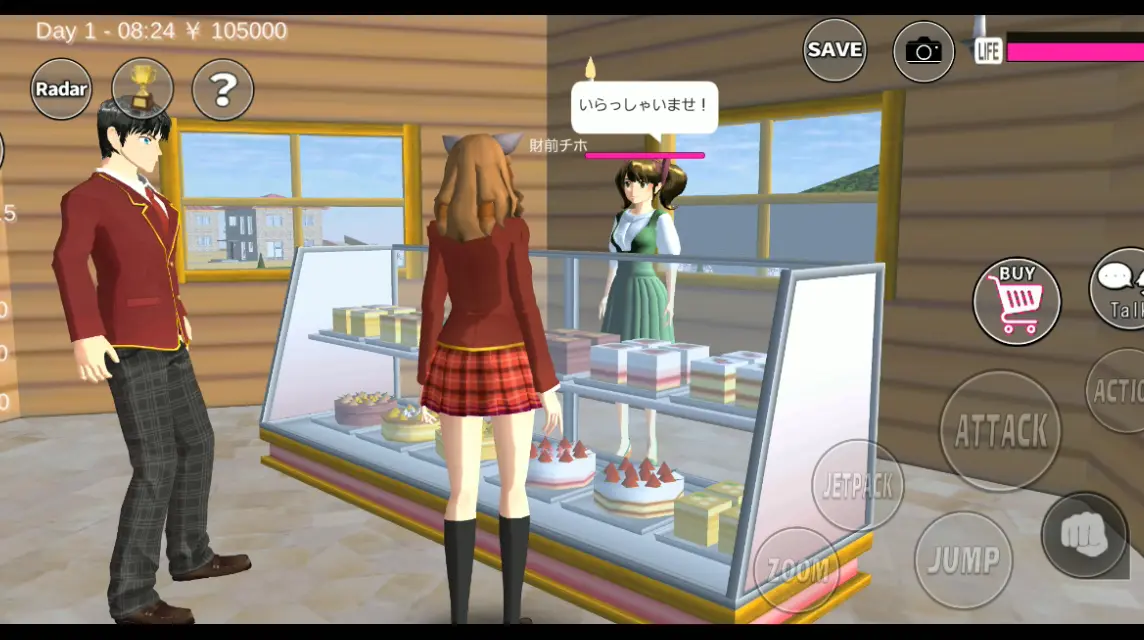
This game is developed by game developers independent from Japan called Garusoft Development Inc. This company has existed since February 19, 2004.
Sakura School Simulator itself was first released on October 10 2018. And slowly this game exploded in various countries.
This is because this game has immersive graphics and interesting gameplay. So it is very natural that it has succeeded in attracting the attention of hundreds of millions of players around the world.
Sakura School Simulator gameplay
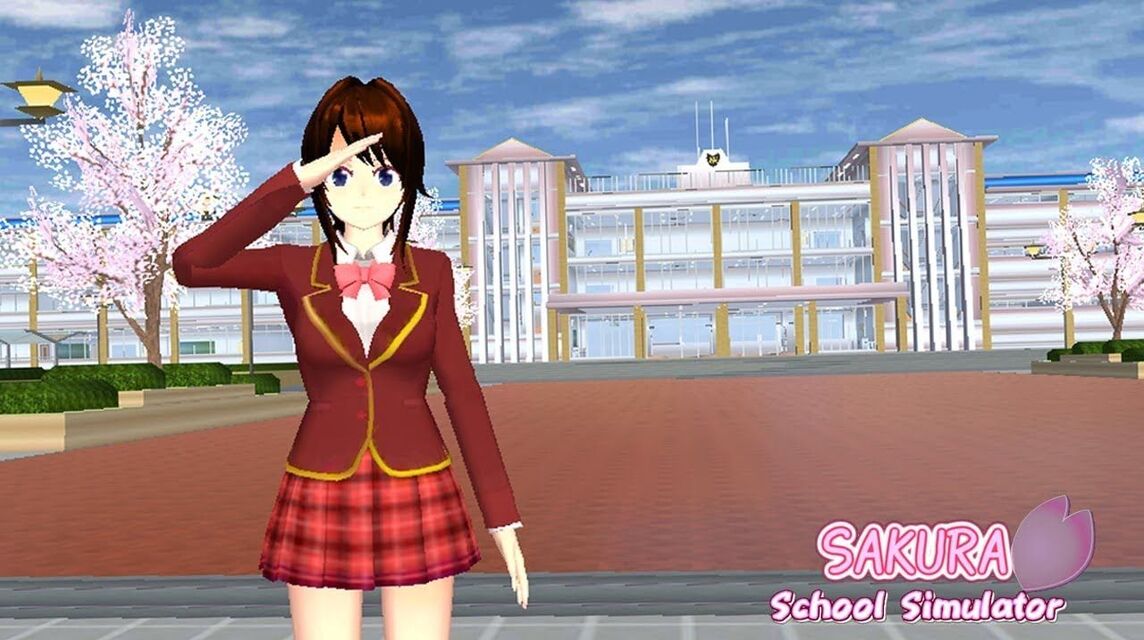
In this game, you will control a student character and live daily school life filled with interesting activities.
One of the interesting things about this game is the freedom given to players because of its nature open world.
You can explore the school environment, starting from classes, clubs and other facilities.
You can also interact with other characters, such as students and teachers, and do various interesting activities such as studying, sports, and even going on dates.
Apart from that, in this game you also have the option to develop the character you have.
Starting from choosing different storylines, taking various subjects, and joining clubs that suit your interests.
Your decisions will influence character development and storyline, providing a unique gaming experience.
Sakura School Simulator Game Features
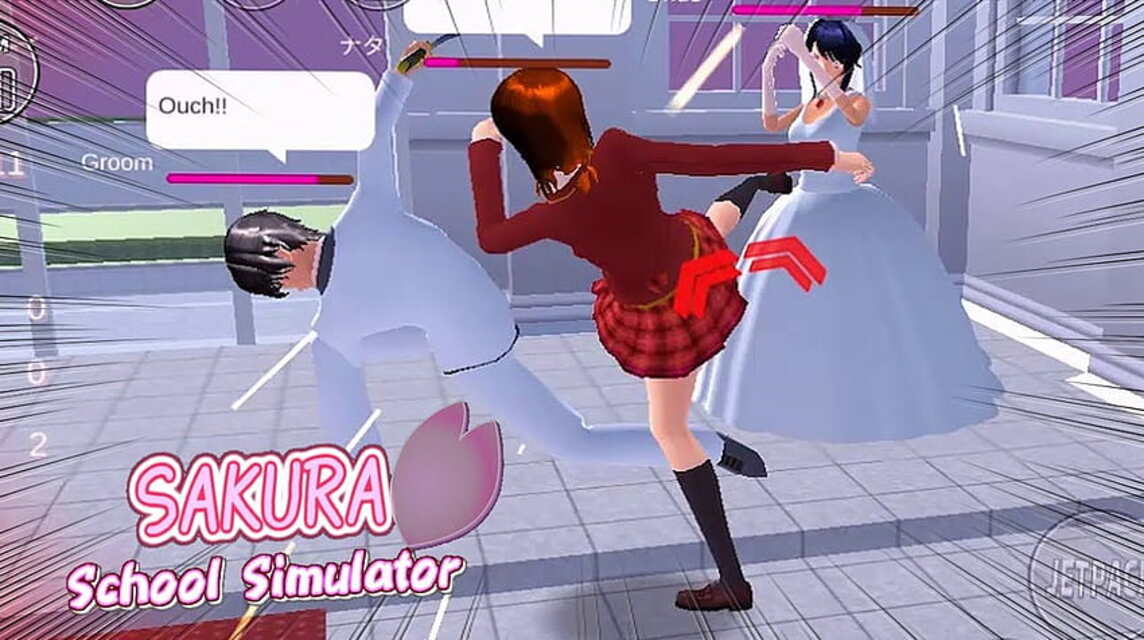
This game offers various interesting additional features. Where you can decorate your class, participate in school festivals, and even go on tourist trips.
With all these features, it will make you feel a deeper feel and as if you were in the game.
You can also play with your friends in online mode. However, currently the online mode is only available in the Chinese version. For the global version itself, the multiplayer feature has not yet been released.
Main Characters of the Sakura School Simulator Game
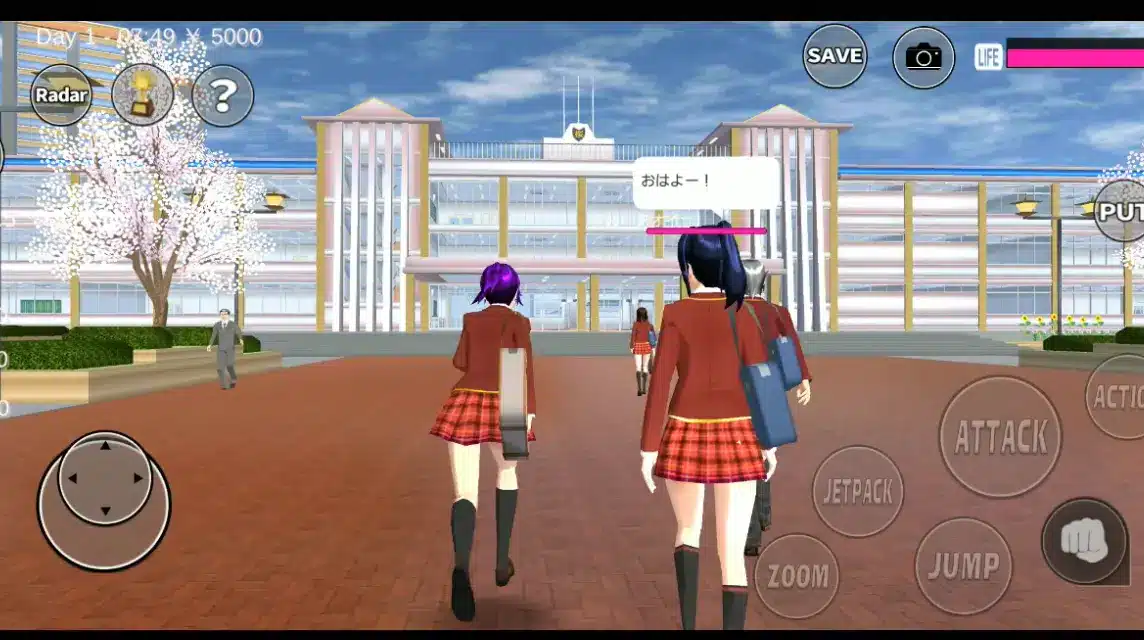
Before playing this game, it's a good idea to first know all the main characters in this game.
In the game itself, there are several characters, both male and female, who are suitable for anyone.
All characters have unique designs and different personalities. Apart from that, it also has very fantastic elements.
There are five characters that you can play. Following are the names of the characters:
- Rina Tamaki (a woman)
- Taiga (a man)
- Yuta Aida (boy)
- Mio Aida (a little girl)
- Cat Service Robot
How to Download and Play the Sakura School Simulator Game on PC
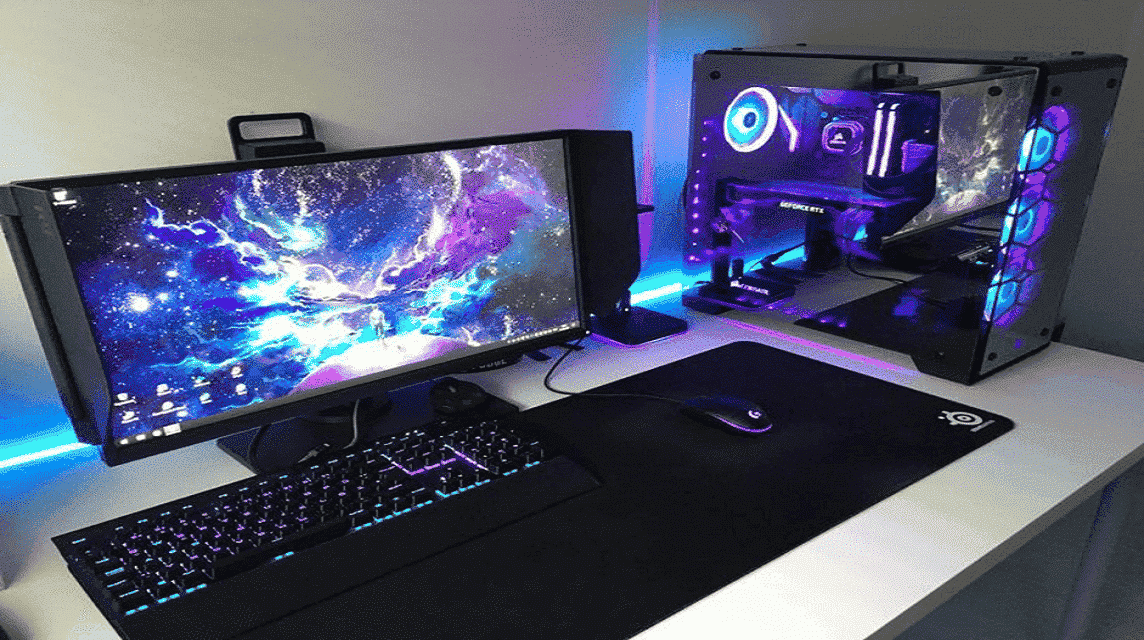
If you want to play this game on a bigger screen, like playing on a PC, then you can follow these steps!
Download Android Emulator
To play Android games on PC, you must use emulators. BlueStacks is one of the most popular and easy to use emulators.
You first have to download BlueStacks and install it.
Search for Games in Emulator
Once the installation is complete, open BlueStacks and log in to Google Play Store using your Google account.
You can search like in the HP Play Store by typing "Sakura School Simulator".
Install Games
If you have found the search results for this game, then you can install the game.

And once the game installation is complete, click on the game on the BlueStacks home screen to start playing it.
Also read:
So, that's our discussion this time regarding Sakura School Simulator. Hopefully the information above is useful.
Sakura School Simulator FAQ
Use the "create room" feature in private mode, then share the code with your friends. Make sure all players are using the latest version of the game to avoid errors.
Approach characters, improve relationships, and use Love Potions from your inventory. Weddings can be held in churches, and there are plans to expand the wedding experience to include more diverse styles.
Life/HP (100): Shows the character's health; if it reaches 0, the character will faint/die.
Mood: Character feelings (positive/negative).
Hungry (100): Hunger level (100 = hungry, 0 = full).
Use a stable Wi-Fi connection, close background apps, or lower the graphics quality in settings.
Yes, this game can be played on PC using an emulator like BlueStacks (minimum 2GB RAM).
MLBB Product Recommendations


 BV2SHOPBV2SHOPBV2SHOP
 DEMPET STORE
 TopMur
 RudyStorezBV2SHOPTopMurBV2SHOPBV2SHOP




 News
News




