

- Beautify the profile and give the impression of the owner iPhones; popular symbol in Free Fire.
- Easy way: copy the logo, open the game, edit the profile and then paste it in signature or bio, click Save.
- Tips: don't overdo the use of symbols, use them in signature no nickname, and limit the length of the bio.
- Combine logo with font esthetics and short words, for example: Pro Player, to look cooler.
How to Use and Tips for Copying the iPhone Logo in FF to Make It Even Cooler
If you play often Free Fire, You've probably seen players with the FF iPhone logo copied from their profiles or bios. While it may seem simple at first glance, it turns out quite a few players are curious about how to use it.
Players often use these small logos to enhance their profiles or simply make their accounts look more unique. Some even use them to give the impression of being iPhone users.
Well, if you are also curious about what the iPhone logo is for, copy it. FF, how to use it, and tips to make it look even cooler. Relax. In this article, we'll cover everything in a simple, easy-to-understand style.
Also read:
- How to Leave the FF Guild Easily
- 200+ Cool & Pro FF Nicknames, Unique, Old, and Rare
- Recommended Cool English FF Names
What is the Copy FF iPhone Logo for?
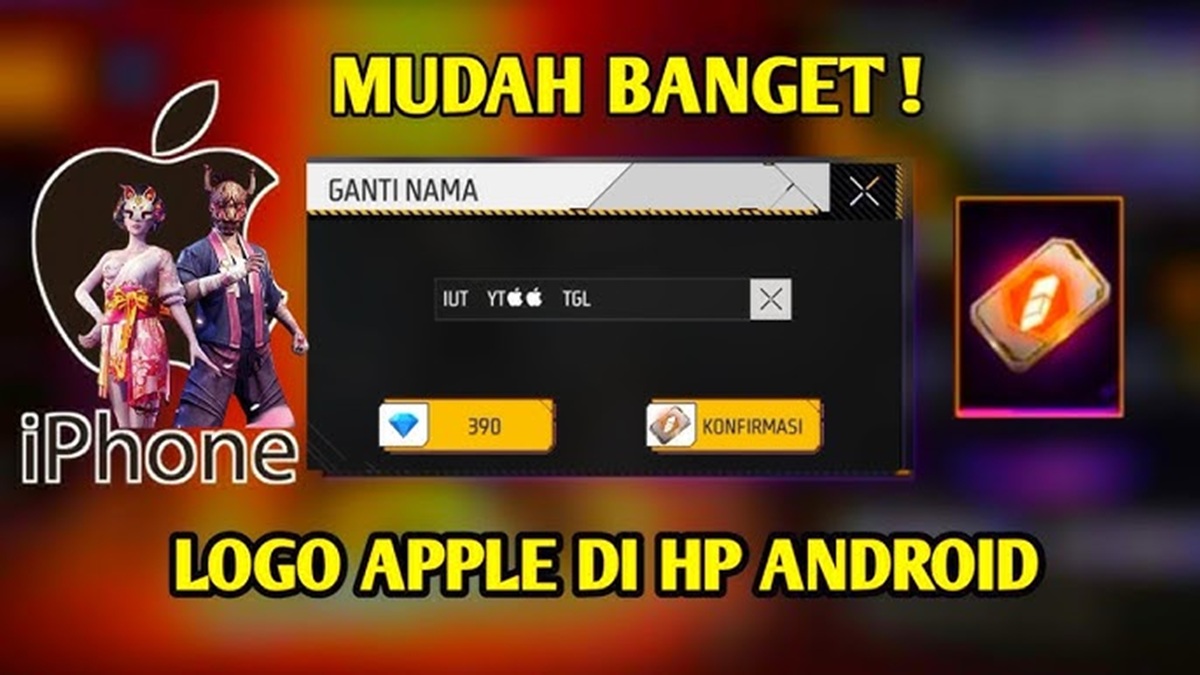
Actually, the iPhone copy FF logo is a symbol or character that you can copy and then paste in your bio, nickname, or signature. Free Fire profile. Even though it looks small, many players like to use it for the following reasons.
Make Your Profile Look Cooler
First, of course, to enhance the profile's appearance. Adding the iPhone logo will make your Free Fire bio look more unique than a regular one.
Many players like to decorate their profiles with interesting symbols, and the iPhone logo is one of the most popular.
Gives the Impression of an iPhone Player
It's undeniable that some players consider playing Free Fire on an iPhone to feel more "premium." Therefore, some people add an iPhone logo to their bio as a style or identity, although this doesn't always mean they actually use an iPhone.
Part of FF Bio Decoration
Besides the iPhone logo, many players also use other symbols such as:
- Crown logo
- Fire symbol
- Tick logo
- Aesthetic symbols
So, the iPhone logo is usually just part of the bio decoration to make it look more attractive.
How to Use the iPhone Logo in Free Fire
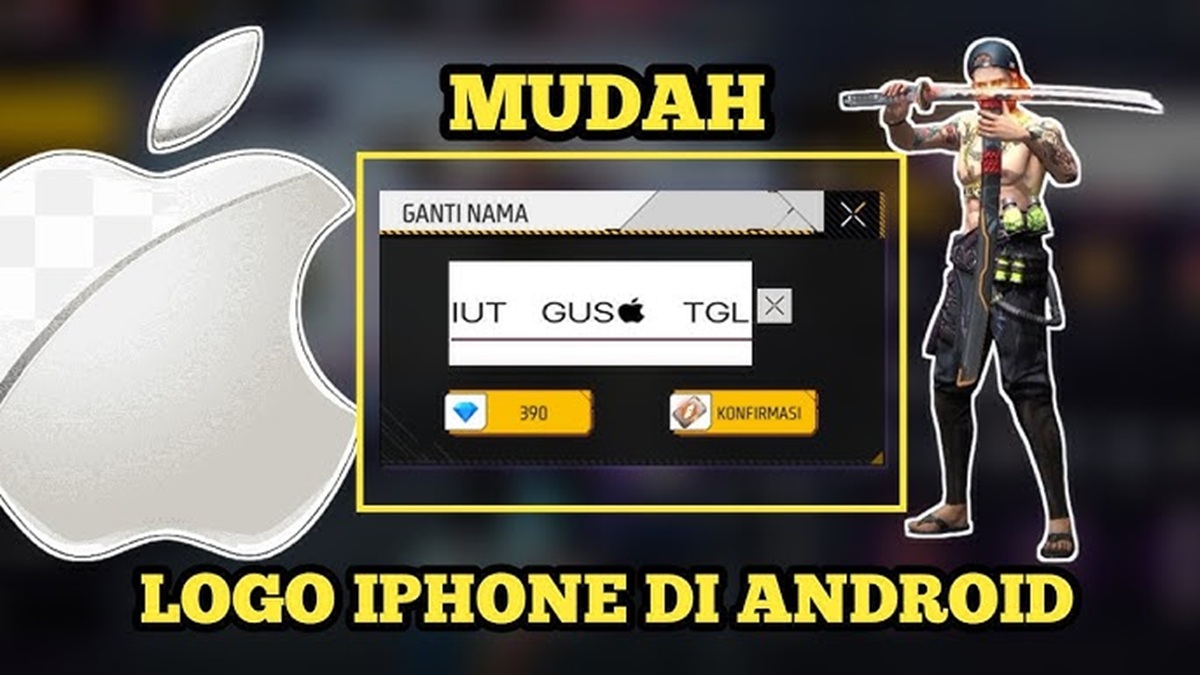
If you want to use the iPhone logo copied from FF, it's actually very easy. Simply copy the symbol and paste it into your profile.
Follow these steps.
Copy iPhone Logo
First, you need to copy the iPhone logo symbol. You can copy it directly from the article or from a symbol provider website.
Open the Free Fire Game
After that, open the Free Fire game as usual and log in to your account.
Go to Profile Menu
Next, do the following steps:
- Click on your profile picture in the lobby
- Select the Edit Profile menu
- Go to the Signature or Bio section
Paste iPhone Logo
After that, just paste the iPhone logo that you copied earlier.
You can also combine it with cool words, for example:
- FF Player
- Free Fire Lover
- Pro Player
Once finished, don't forget to click Save so that the changes are saved.
Tips for Using the iPhone Logo in Free Fire
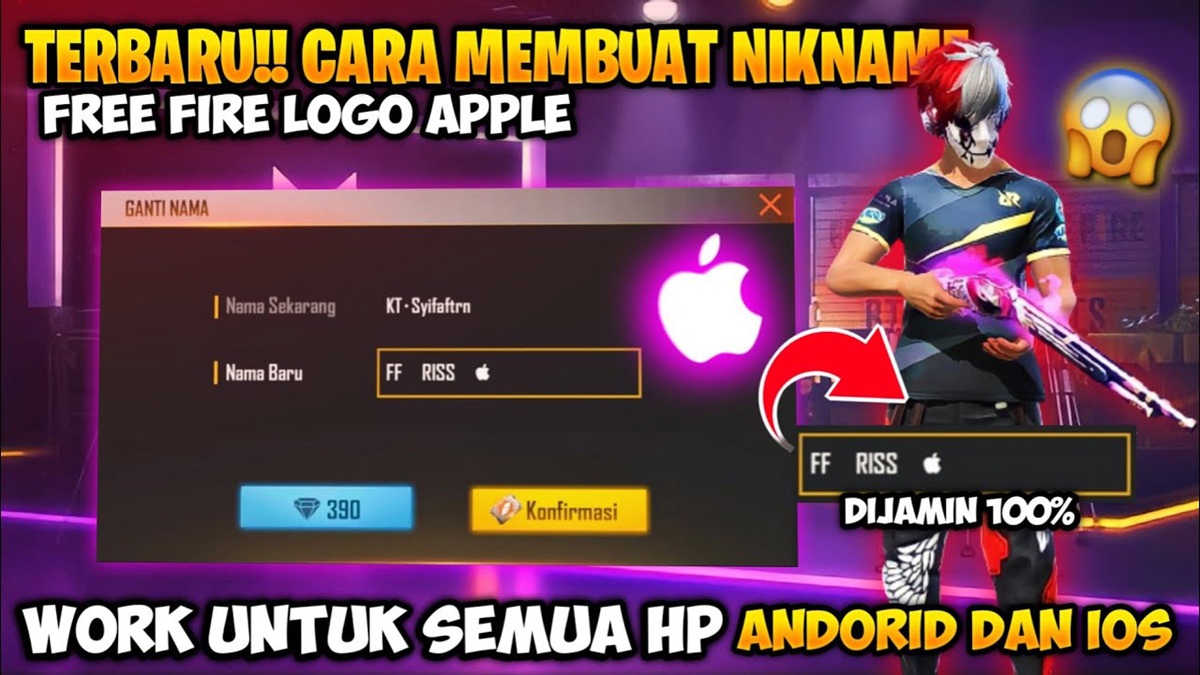
Even though it seems simple, there are several tips you can try to make using the FF copy iPhone logo look cooler and not excessive.
Don't Use Too Many Symbols
Sometimes players add too many symbols to their bios, making them look messy. It's best to use the iPhone logo sparingly to keep it neat.
Combine with Unique Fonts
To make your bio even more engaging, try combining the iPhone logo with an aesthetic font or unique writing. For example, here's an example:
ᴘʀᴏ ғғ ᴘʟᴀʏᴇʀ
This kind of display is usually more attractive than regular writing.
Use in Signature, Not Nickname
Some symbols sometimes don't display properly when used in nicknames. Therefore, it's safer to use the iPhone logo in your bio or signature. This way, the display remains clear and error-free.
Don't Use Too Long
Free Fire bios have a character limit, so it's best to keep them short. Here's an example of a simple yet impressive bio:
- FF Player
- Squad Only
- Booyah Hunter
The iPhone logo copied from FF may seem simple, but it's quite popular among Free Fire players. Besides making your bio look cooler, this symbol is also often used as a style or player identity.
Using it is very easy. Simply copy the iPhone logo and paste it into your Free Fire profile bio or signature.
When combined with unique fonts and interesting words, your profile appearance can be much cooler.

Also read:
- List of Free FF Accounts That Are Still Active in 2026, Login Now
- Download Here, 5 Original FF PP VCGamers AI Results
- Nick FF Space Exclusive: A Curation of Names Like No Other
So, if you want your Free Fire bio to look more aesthetic and different from the others, this iPhone logo could be an option worth trying.
FAQ About the Free Fire Logo
If you see FF written on an iPhone or in a player's bio, it usually refers to a player playing Free Fire. Many players also add symbols like the iPhone logo or specific emojis to enhance their profiles.
You can get the Apple symbol by copying it from a website or article online. Once copied, you can paste it into your Free Fire bio, signature, or nickname to make your profile look more unique.
Free Fire (FF) symbols are commonly used by players as decoration or identification on their Free Fire profiles. Examples include crowns, flames, stars, or the iPhone logo. These symbols serve no specific purpose in gameplay, but are more for decoration, making profiles look cool and different from other players.
The V logo in Free Fire usually refers to account verification or a sign that the player is part of a certain program, such as an influencer or official Garena partner.
You'll need to obtain a Rename Card. This item can sometimes be obtained from events, mission rewards, or certain rewards. Once you have a Rename Card, simply log in to your profile, click the edit name icon, and enter a new nickname without spending any diamonds.
Free Fire Product Recommendations


 TopMurTopMur
 TopMur
 RudyStorezTopMur
 TopMur
 RudyStorez
 RudyStorez
 Donquixoteshop
 RudyStorez


 News
News




