

- Login to your Roblox account via the app or website before checking the favorites list.
- Entered into Profile then open the tab Favorites to view saved items.
- Select a category Items or other categories to display your marked favorite items.
- If it doesn't appear, check whether the item has not been marked, the item has been deleted, or it is incorrect. account login.
How to View Favorite Items in Roblox, Easy and Fast
For those of you who play often Roblox, you've probably saved a favorite item, whether it's an accessory, hat, avatar bundle, or coveted limited-edition item. But sometimes the question arises: where do you find your favorite items in Roblox?
Don't worry, this article will explain everything. It covers everything from what a favorite item is, how to check it, and even some interesting information about the most expensive items in Roblox. Read on until the end.
Also read:
- How to Play Car Driving Indonesia Roblox on a Laptop Easily
- How to Use Roblox Cards to Top Up Robux
- Roblox Private Server: How to Create One & Is It Free?
What is a Favorite Item?
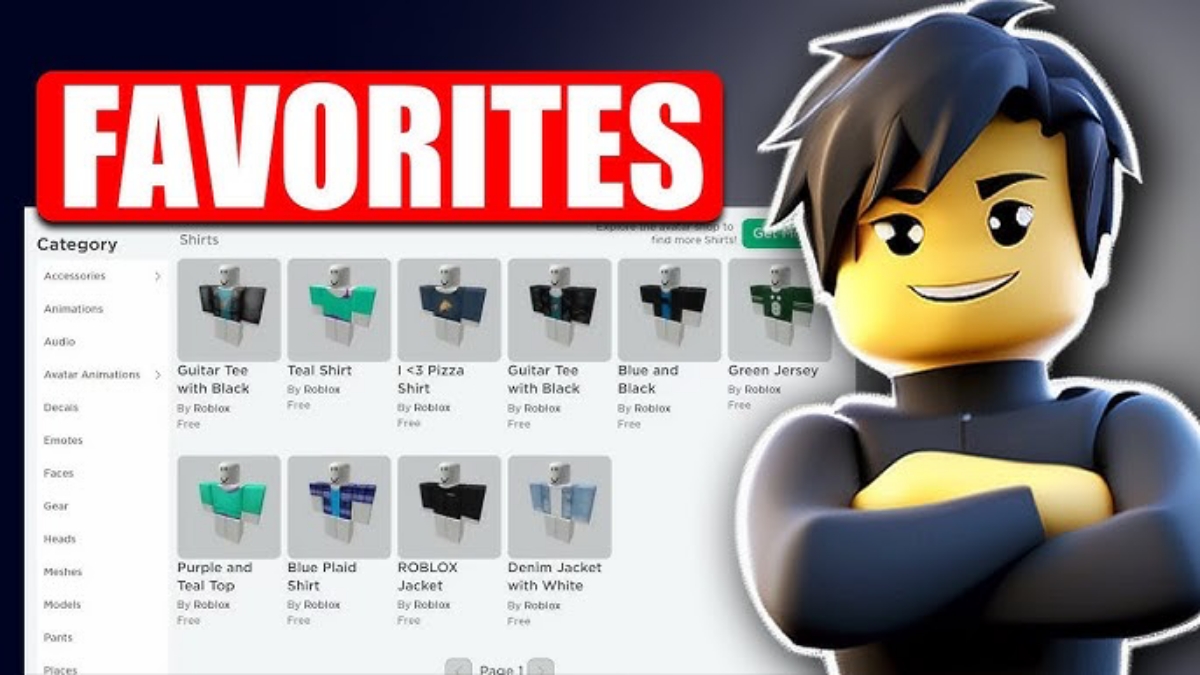
Favorite items in Roblox are items you've marked as "Favorites" in the Roblox catalog. This feature allows you to save items you like without having to purchase them immediately.
Typically players use the favorites feature to:
- Saving a coveted item before you have enough Robux
- Collecting a list of cool accessories
- Compare item prices
- Monitor limited items
- Remembering the outfit you want to buy later
This feature is incredibly helpful because it saves you the hassle of re-searching for items you've already viewed. Simply open your favorites list, and all your bookmarked items will appear there.
Please note that favorite items are different from purchased items. Favorite items are only added to your saved list, while purchased items automatically go into your inventory.
How to View Favorite Items in Roblox
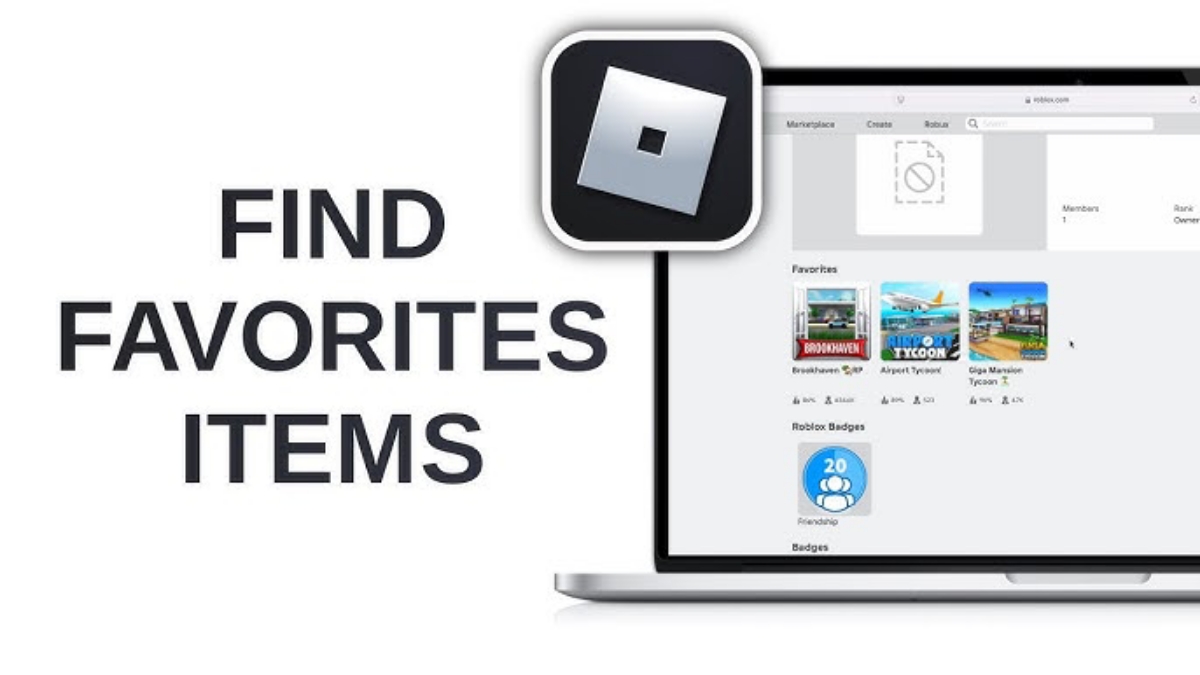
Now, let's get to the main part: how to view your favorite items in Roblox. The steps are quite simple and can be done on both mobile and PC.
Login to Roblox Account
First, make sure you are logged in to Roblox account through the official Roblox application or website.
Go to Profile Menu
Click your profile icon. It's usually in the top right corner (for the web version) or in the bottom menu (for the app version).
Open the “Favorites” tab”
On your profile page, you'll find several tabs, including Creations, Inventory, and Favorites. Select the Favorites tab.
In this menu, you will see several categories such as:
- Favorite Games
- Favorite Items
- Favorite Accessories
- Favorite Experiences
Select Item Category
Click the Items section or another item category as needed. This is where all the items you've ever marked will appear.
If you don't find your favorite item, it could be:
- You have never marked an item
- The item has been removed from Roblox
- You have logged in to the wrong account
Additional tip: If you want to add an item to your favorites, simply go to the item's page and click the star icon or the Favorite button.
Done! It was so easy, right? Now you don't have to worry about finding the item you're looking for.
What is the Most Expensive Item in Roblox?
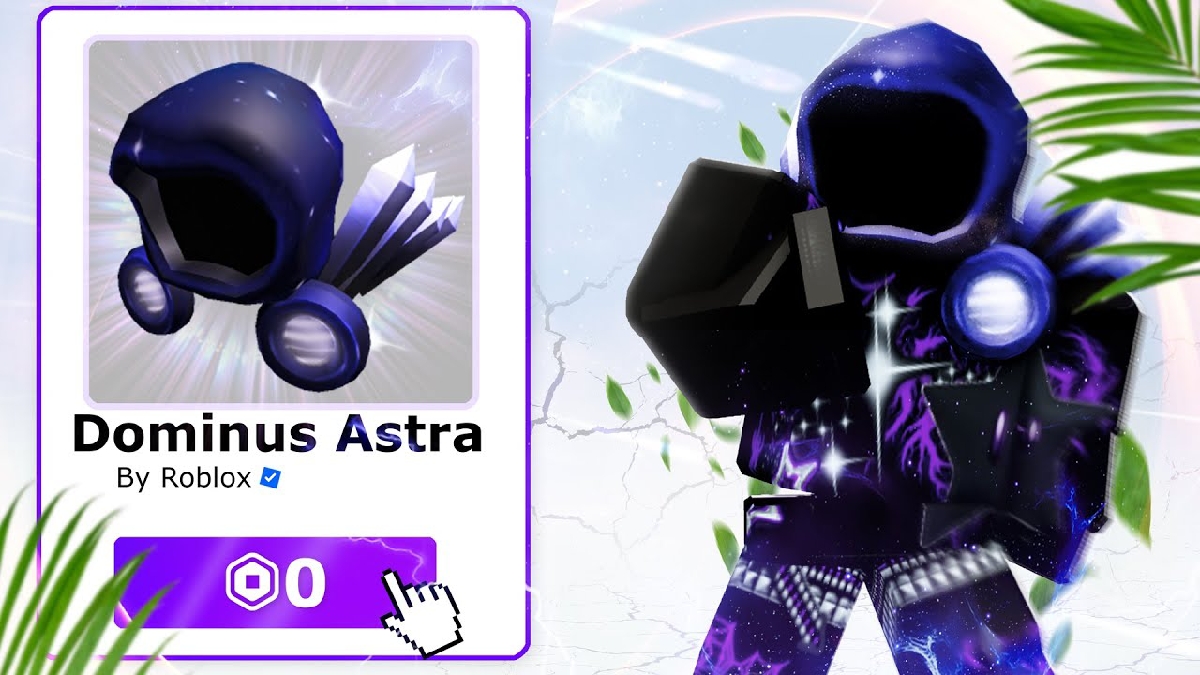
Talking about Roblox items, it's always interesting to discuss the most expensive items. One of the most expensive and legendary items in Roblox is the Dominus Astra.
Dominus Astra is known as a symbol of status and luxury in the Roblox world. This limited edition item has a price tag that can reach billions of Robux in player transactions.
How come it's so expensive?
High Exclusivity
Dominus Astra isn't available for free in the catalog. It can only be obtained during special events or through extremely rare limited-edition purchases.
Futuristic Design
The design looks luxurious, elegant, and futuristic. Dominus Astra features unique visual effects like a glowing aura that makes the avatar look truly premium.
Collection Value
Due to their limited availability, many Roblox collectors are scrambling to acquire them. The fewer stocks in circulation, the higher the price.

Its exclusivity and futuristic design make the Dominus Astra one of the most expensive items in Roblox history.
Now you know how to easily view your favorite items in Roblox via the profile menu. This feature is incredibly helpful for saving items you're interested in without having to purchase them right away.
Besides that, you also get to know that the Roblox world has super expensive items like the Dominus Astra which is a symbol of player status.
If you often hunt for accessories or limited items, don't forget to use the favorites feature so you don't miss out on your dream items.
Also read:
- How to Contact & Resolve Account Issues with Roblox Support
- Roblox Kids Settings: Functions and How to Activate Them
- What is Roblox Error Code 267 and How to Fix It
We hope this article helps and makes your Roblox playing experience even more exciting!
Roblox Product Recommendations

 Hero AliveHero Alive
 Kumay10shop
 Hero Alive
 Hero AliveHero Alive
 Center Cegel Seal
 MONSTOREHero Alive


 News
News




