
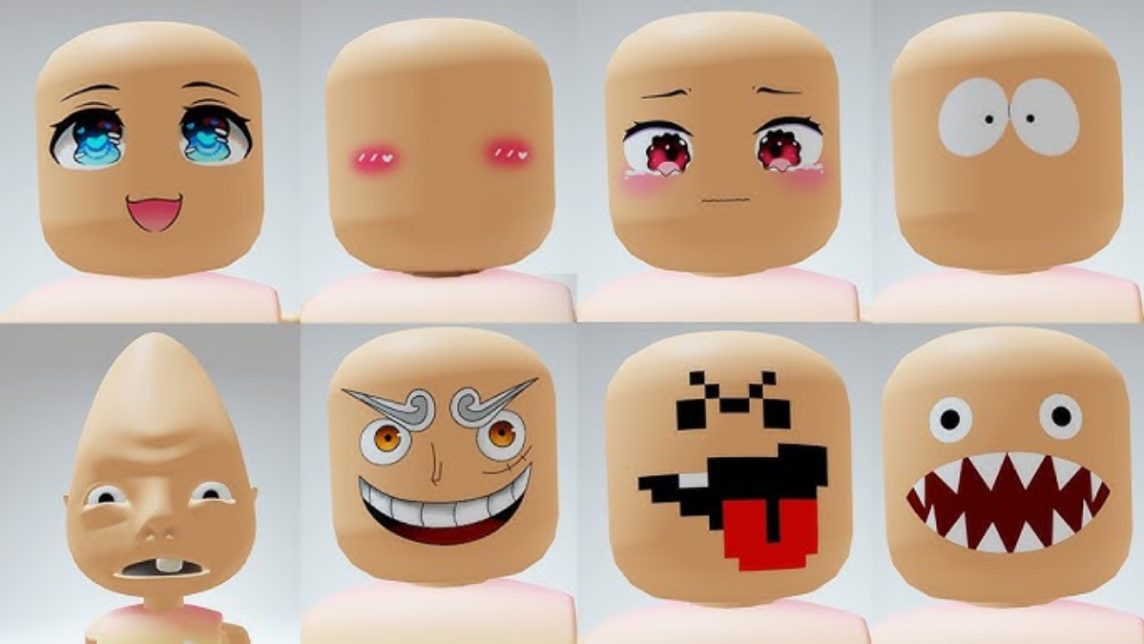
- Get Pal Face: Buy at Marketplace/Avatar Shop with Robux, then install from the menu Avatars.
- Make Your Own Pal Face: Minimalist design in transparent PNG, upload to Roblox (requires Robux and consent).
Pal Face Roblox: How to Get and Make Your Own Easily
If you play often Roblox, You've probably seen avatars with unique facial expressions that make the characters seem more lifelike. One of the most popular is the pal face.
This face is often used by players because it's simple, cute, and suitable for various avatar styles. In this article, you'll learn what a pal face is, how to get one, and how to create your own version.
What Is Pal Face in Roblox?

A pal face in Roblox is a face item that can be attached to an avatar to create specific expressions. A typical pal face typically has a friendly appearance with a slight smile and simple eyes, creating a clean and aesthetic appearance.
Many players enjoy using the Pal Face because it pairs well with a variety of outfits, from casual to anime-themed avatars. Furthermore, its minimalist design keeps the avatar looking understated yet appealing.
Pal face is also often used by content creators Roblox to create a recognizable character. Because it's a premium cosmetic item, you'll need to purchase it using Robux. While not free, the price is usually still relatively affordable compared to other rare face items.
Also read:
- What is a Roblox Script? How to Create One
- Recommended Free Roblox Games That You Must Play
- How to Turn on the Mic in Roblox for Android & iPhone
How to Get Pal Face in Roblox
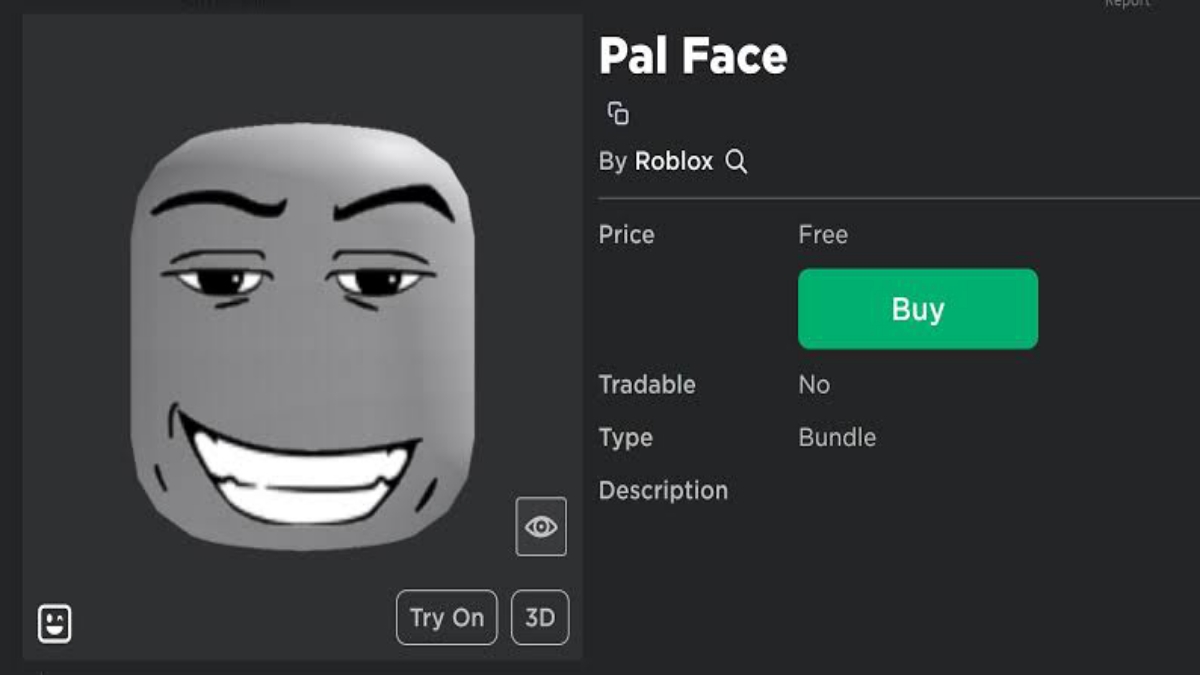
For those of you who want to use Pal Face right away, the process is actually quite simple. Follow these steps:
Open Marketplace/Avatar Shop
Log into the Roblox app or official website, then go to the Marketplace or Avatar Shop. This is where all avatar items are sold, including various face types.
Search for “Pal Face”
Type "Pal Face" in the search bar. Make sure you select the appropriate item from the search results. Several variations will usually appear, so check the name and preview carefully.
Buy with Robux
Select the item and purchase it using your Robux balance. This item isn't free, so make sure you have enough Robux before purchasing. Once the transaction is successful, the item will automatically be credited to your account. Top up Robux Roblox cheapest in VCGamers.
Inventory Check
Once purchased, the pal face is immediately available in your avatar's inventory. Simply open the Avatar menu, select the Face section, and then equip the item to your character.
With this step, you can immediately use pal face and customize your avatar according to your taste.
How to Make a Pal Face Roblox

Besides purchasing, you can also create your own custom face inspired by other faces. This method is perfect for those who enjoy design and want a more unique avatar appearance.
First, you need to create a face design using an image application like Photoshop or another free design app. Use a transparent canvas and create a simple facial expression that closely resembles the concept of a pal face: clean, minimalist, and easily recognizable.

Once the design is complete, save it in PNG format to keep the background transparent. Next, upload the design to Roblox using the avatar creation feature. Keep in mind that uploading typically requires Robux and must comply with Roblox's community guidelines.
If your design is approved, you can use the face yourself or even sell it on the Marketplace. This could be an interesting opportunity if you're looking to earn Robux from your design creativity.
Also read:
- How to View Favorite Items in Roblox Easily and Quickly
- Roblox Gamepass: Definition, Benefits, and Latest Prices
- Tips and How to use Roblox Password Manager
Roblox's face palette is a favorite item due to its simplicity and flexibility for various avatar styles. You can easily find it through the Marketplace or try creating your own version for a more personalized experience. With a little creativity, your avatar can look unique and stand out in the Roblox world.
Roblox Product Recommendations

 Hero AliveHero Alive
 Kumay10shop
 Hero AliveHero AliveHero Alive
 Center Cegel Seal
 MONSTOREHero Alive


 News
News




