
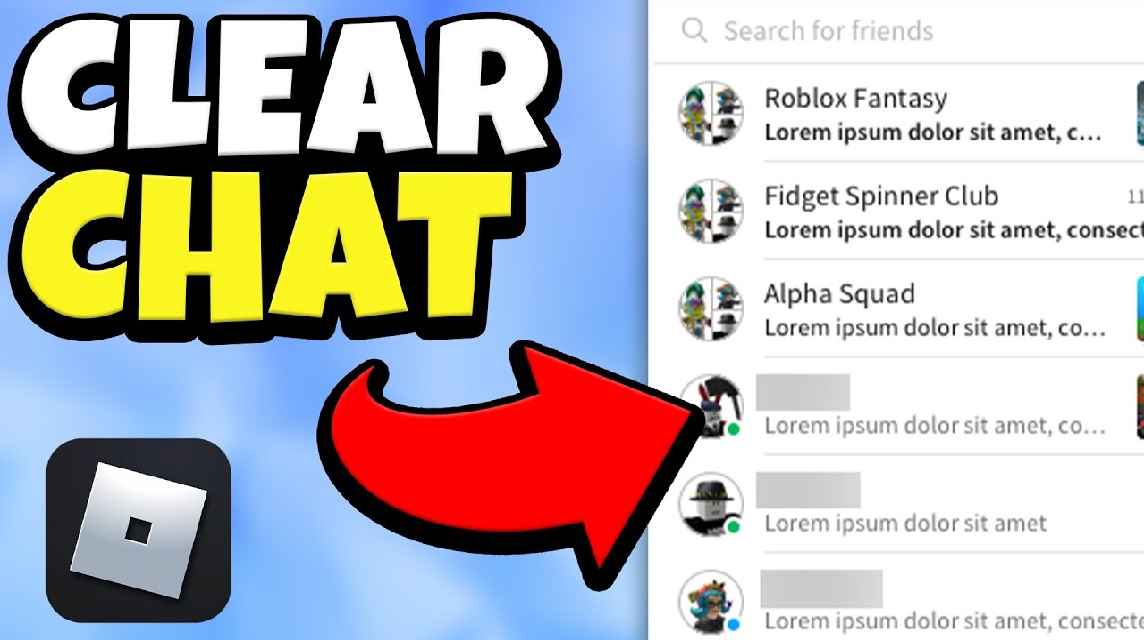
- Roblox doesn't have a button yet delete chat directly; messages cannot be deleted manually like in WhatsApp.
- Use settings Privacy → Who can chat with me? change to No one to disable chat.
- Clear viewing history with Clear browsing data in browser (cookies & cache) to remove local chat.
- Report violating messages via Help → Contact Us so that the team Roblox moderate and possibly delete them.
How to Delete Chat in Roblox Easily for Beginners
If you play often RobloxYou probably know that the chat feature in this game is one of the main ways to interact with other players. However, sometimes you might want to delete a message in Roblox, whether because you sent it to the wrong person, made a typo, or simply want to protect your privacy.
So, the question is: is the chat on Roblox can it be deleted? Come on, let's discuss them one by one!
Also read:
- How to Create a Roblox Account on Your Phone & Laptop, It's So Easy
- Astro Renaissance Codes November 2025
- Jupiter Florida Codes November 2025 and How to Use Them
Can Messages on Roblox Be Deleted?

Before we get into the steps, you should know that Roblox doesn't yet offer a direct chat deletion feature within the game or through the app. Therefore, you can't manually delete messages from the chat box like you can in the previous section. WhatsApp or Discord.
However, this doesn't mean the chat is permanently locked. Roblox has an automated moderation system that filters and deletes messages deemed to violate community guidelines, such as those containing offensive language, spam, or personal information.
Additionally, if you truly want to "erase" your chat history, there are several alternatives. One option is to disable the chat feature or delete your conversation history via the privacy settings in your Roblox account.
How to Delete Chat in Roblox
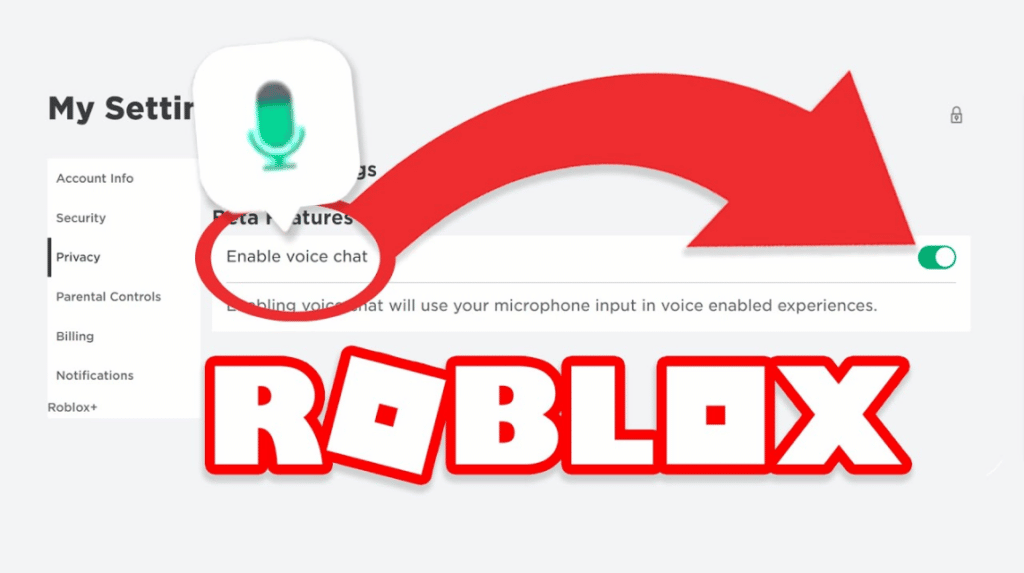
Even though there is no button delete For messaging, there are several effective ways to manage or clean up chat in Roblox to keep it safe and enjoyable to play. Here are the steps:
Via Privacy Settings (Disable Chat)
This method is suitable for those of you who want to delete all chat interactions or simply prevent new chats from appearing.
Here are the steps:
- Open roblox.com and log in to your account.
- Click the gear icon ⚙️ in the top right corner, then select Settings.
- Go to the Privacy tab.
- In the Who can chat with me? section, change the setting to No one.
- Click Save at the bottom of the page.
This will automatically disable your chat feature, meaning all new conversations will no longer appear in the chat view.
Use “Clear Data” Mode in Browser
If you play Roblox through a browser (e.g., Chrome or Edge), you can clear the Roblox site's cache and data to delete the chat history stored locally on your device.
The steps:
- Open the Settings menu in your browser.
- Select Privacy and Security → Clear browsing data.
- Check the Cookies and other site data and Cached images and files options.
- Click Clear data.
This step does not delete the chat from the Roblox servers, but it can help clear the chat viewing history in your browser.
Reporting or Removing Messages from Moderation
If you find a message inappropriate or want to delete a conversation for any reason, you can report it to Roblox Support. The Roblox team will review and may delete the message systemically if it violates community guidelines.
The steps:
- Go to the Help → Contact Us page on the official Roblox website.
- Fill out the form with your account information and reason for the report.
- Select the Chat & Messages category.
- Explain which messages you want to delete and your reasons.
Usually, within a few working days, Roblox will review your report and take action according to policy.
Are Roblox Messages Deleted?
After you disable chat or clear it cache, you may wonder, Are messages on Roblox really deleted? The answer: not entirely.
Messages sent on Roblox remain stored on their internal servers for moderation and security purposes. So even if you no longer see the message in your chat view, Roblox can still access the data if needed.

However, for the user, the message will disappear from your account, especially if you disable chat or clear your browser data. So, in practical terms, the chat is practically "deleted" from your view.
While Roblox doesn't yet offer a direct delete chat button, you can still control and clear conversations through your privacy settings or browser features. This method is quite effective for those who want to maintain a comfortable gameplay or protect their privacy.
Also read:
- The Latest and Most Complete Second Piece November Codes
- All Star Tower Defense Code November 2025 and How to Redeem
- Shindo Life Codes November 2025 and How to Redeem
So, if you want to delete chats in Roblox, just choose the method that works best for you. This way, your gaming experience will remain safe, clean, and free from unwanted chatter!
Roblox Product Recommendations

 Hero AliveHero Alive
 Kumay10shop
 Hero AliveHero AliveHero Alive
 Center Cegel Seal
 MONSTOREHero Alive


 News
News




