
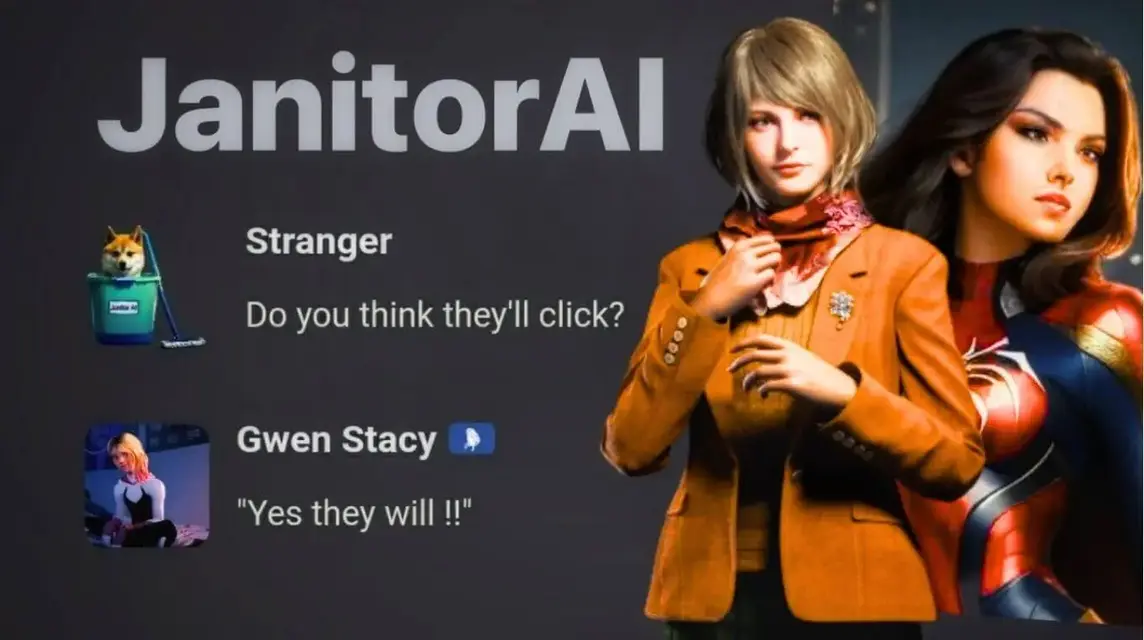
- AI Janitor is a platform chatbot to create and interact with customizable AI characters.
- How to use: register at AI Janitor, create a profile, use Character Creation, then save to start chatting.
Get to Know What Janitor AI Is and How to Use It
It seems we have reached an era where AI is something that is easy to find and to use.
Many types of AI exist in this world, ranging from simple to complex.
In this article, we will discuss one of the AI which has been quite booming recently, namely Janitor AI.
This AI is suitable for all groups, from business owners who want to automate customer service, developers who wants to explore new technologies, or someone interested in the latest AI applications.
So, to find out more about what it is AI Janitor, let's see the explanation below!
Also read:
- 6 Free Reverse Text Generator Sites
- How to Create Google Drive on All Devices
- Simple Ways to Save with QRIS, E-Wallets and Cashback
What is Janitor AI?

Janitor AI is a chatbot platform that allows you to create and interact with AI characters that can be customized to specific personas.
This AI was developed and launched by Jan Zoltkowski in June 2023 and has managed to attract more than one million users in its first week.
According to HackerNoon, 70% of these AI users are women thanks to the platform's “inclusive and friendly” environment.
Janitor AI itself is free to use if you want to create a character using JanitorLLM Beta. Just make sure your API settings are set to “Janitor LLM” to avoid being charged.
However, there is also a paid version.
Janitor AI API Settings and Pricing

The price of this AI varies depending on the large language model (LLM) you choose to generate the conversation.
If you create a Janitor AI character using the OpenAI API, OpenAI offers a trial for $5, equivalent to 500 messages.
After the trial period ends, you will need to pay OpenAI to continue using their API.
The fees also vary depending on the model, with different rates for input and output tokens based on the specific version you choose.

Here are the details:
| Model | Input Usage | Output Usage |
| gpt-3.5-turbo | $3.00 / 1M tokens | $6.00 / 1M tokens |
| gpt-4 | $30.00 / 1M tokens | $60.00 / 1M tokens |
| gpt-4-turbo | $10.00 / 1M tokens | $30.00 / 1M tokens |
| gpt-4o | $5.00 / 1M tokens | $15.00 / 1M tokens |
How to Use Janitor AI

To create a character and chat with this AI-powered chatbot, you'll need to follow the tutorial and register first. Here are the steps:
- Through the browser available on your mobile phone, tablet, or personal computer, go to the Janitor AI website.
- After the page opens successfully, you need to register by clicking the “Sign Up” button.
- Enter an active email address, address (no need to mention details, just the city and country where you are located), your desired username, and a strong password.
- When registration is successful, you will be asked to log in again with the username and password you set earlier.
- After that, set up your desired profile. Specify your profile picture and preferences so Janitor AI can detect your preferences.
- Create an AI character to chat with by using the "Character Creation" section. In this section, you can enter the character's name, appearance, and personality as desired.
- To get more detailed results, you can also upload an image of the character you want.
- Click "Save".
Also read:
- What Is Anti-Aliasing? Let's Learn Its Definition, Function, and Types
- How to Use Gemini AI to Edit Photos
- Chimpanzee Bananani, Authentic Italian Brain Rot
Well, that's our discussion this time. Hopefully it's useful!
MLBB Product Recommendations

 BV2SHOPBV2SHOP
 BANGJEFF
 TopMurBV2SHOPBV2SHOP
 RudyStorezTopMurBV2SHOPTopMur




 News
News




