
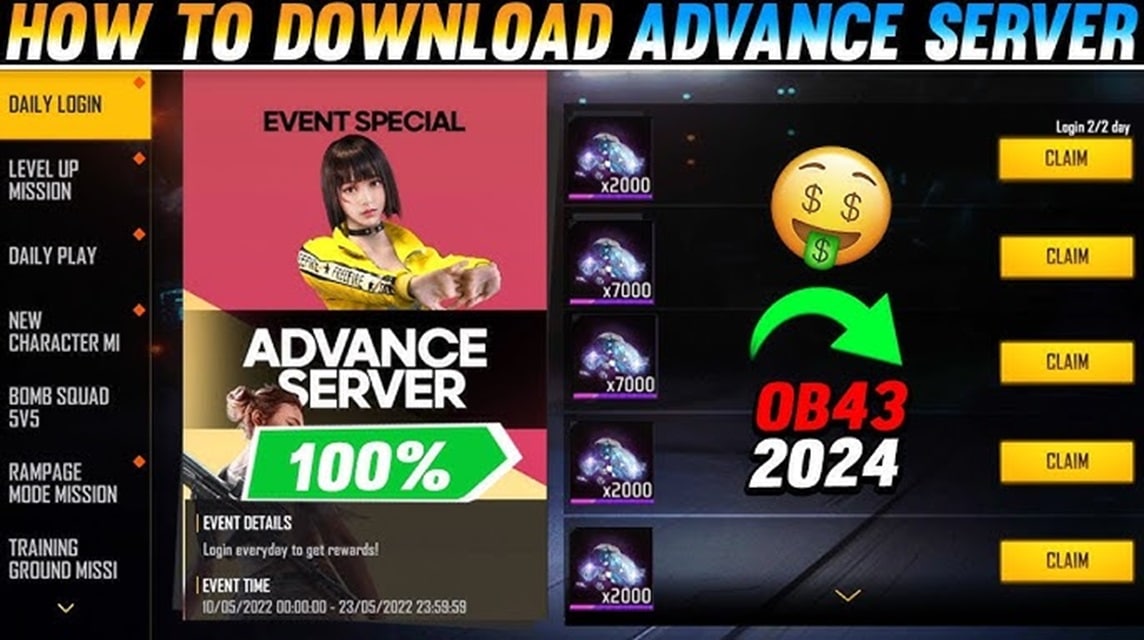
- Exclusive access to try new features Free Fire Advanced Server and provide feedback before the official release.
- Requirements: active account, minimum age 18, Android device; program hosted by Garena.
- How to register: visit the official website, log in using Facebook or Google, fill out the form, wait activation code.
- Download from the site FF Advanced Server, insert activation code, install, play and give feedback on updates OB43.
Free Fire Advance Server: How to Register and Download
Free Fire Advance Server will give you exclusive access to try it out Free Fire's latest update before its official release.
Just imagine, you can use new weapons, explore maps that have never existed before, and show off your skills in front of your friends before the update reaches them. Cool, right?
But how do you enter the Free Fire Advance Server? Eits, calm down, it's not difficult. This article will give you complete steps along with tips and tricks so that you become one of the chosen ones. So, keep reading until the end!
Also Read:
What is Free Fire Advance Server?

Free Fire Advance Server is a program organized by Garena to give players the opportunity to try Free Fire's new features and content before they are officially released.
This program usually lasts for 2 weeks, and selected players can download the FF Advance Server application for free.
The new features and content available on the FF Advance Server are usually features and content that will be released in the next Free Fire update.
Selected players can try these features and content directly and provide feedback to Garena. This feedback will be used by Garena to improve these features and content before they are officially released.
So, on January 24 2024 there will be an OB43 update. You can register and try several new features provided by Garena.
How to Register for Advance Server
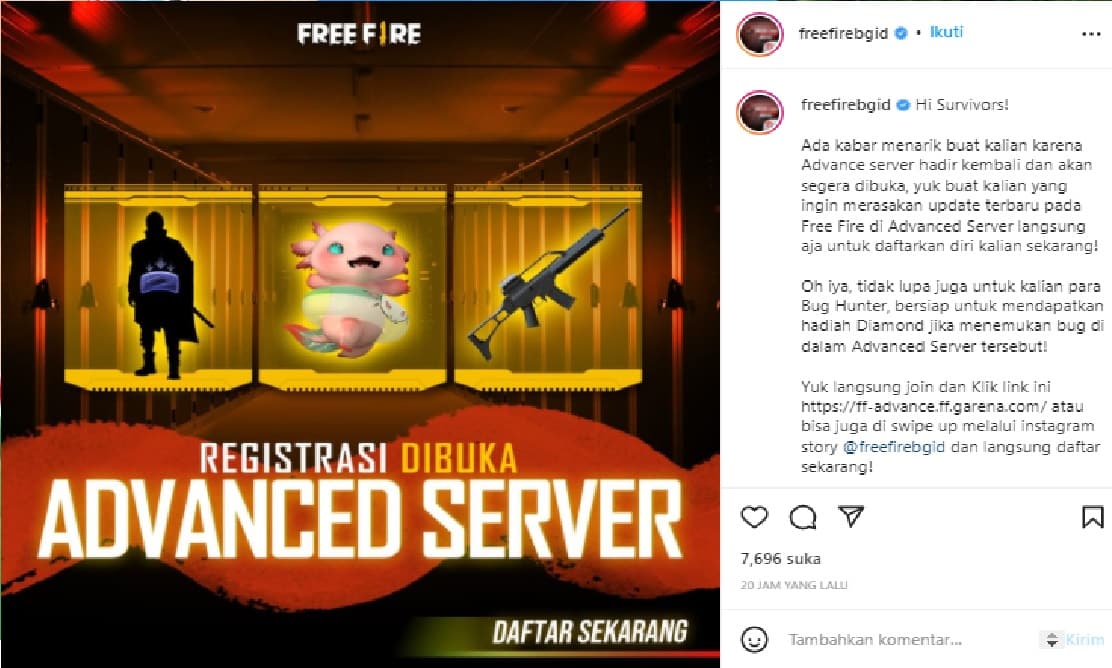
Before registering, you must fulfill the requirements first. To register for this program, you must meet the following requirements:
- Have an active Free Fire account.
- Minimum age 18 years.
- Have an Android or iOS device with the following minimum specifications:
- Android: 2GB RAM, Android 5.1 (Lollipop) or higher.
- iOS: 2GB RAM, iOS 11 or higher.
Once you have fulfilled the requirements above, you can register. To register, you can follow these steps:
- Visit the official FF Advance Server website at https://ff-advance.ff.garena.com/
- Create an account using a Facebook or Google account.
- Fill in the registration form with the correct information, including name, email and cell phone number.
- Click the “Register” button.
After registering, you will receive an email notification from Garena. If you are selected, you will receive an activation code for this trial program.
How to Download FF Advance Server
Here is how to download FF Advance Server for the OB43 update which will be released in January 2024:
- Visit the official Free Fire Advance Server website at https://ff-advance.ff.garena.com/download
- Enter the activation code you received.
- Click the “Download” button.
The application will be downloaded to your device. After the download process is complete, you can install the application.

The FF Advance Server is a dedicated server where select players can try out unreleased content. The goal is to find bugs and provide feedback to the developers.
Visit official site.
Login using your Facebook or Google account linked to ID Free Fire.
Fill in the required data (email and mobile number).
If selected, you will receive Activation Code to enter the game.
Activation codes are limited. If you don't receive a code, it's likely that the player quota for that registration wave is already full.
No, because most of the Advance Server programs are only available for Android devices (APK format).
Usually the servers are open for 1 to 2 weeks before the official update is released.
Free Fire Product Recommendations


 TopMurTopMur
 RudyStorez
 TopMurTopMur
 TopMur
 RudyStorez
 RudyStorez
 RudyStorezRudyStorez


 News
News




