

- Winlator enable device Androids run applications and games based on Windows directly on your smartphone, with customizable emulation and performance settings.
- To install, download APKs from trusted site, choose latest version, then follow the installation process and run the application on your phone.
How to Download the Winlator Emulator Application Easily
For Android users who want to run applications or PC games on mobile, Winlator is one of the applications that is quite interesting to know about.
This application allows Android devices to run Windows-based programs through a specific emulation system.
By using this application, several Windows applications can be run directly on Android devices without having to use a computer.
This certainly makes many users curious because the experience of using a desktop application can be tried via smartphone.
Furthermore, this application is often used by users who want to try out various lightweight PC games on Android devices. As a result, many people are starting to seek more information about this emulator.
Also read:
Winlator Emulator Application
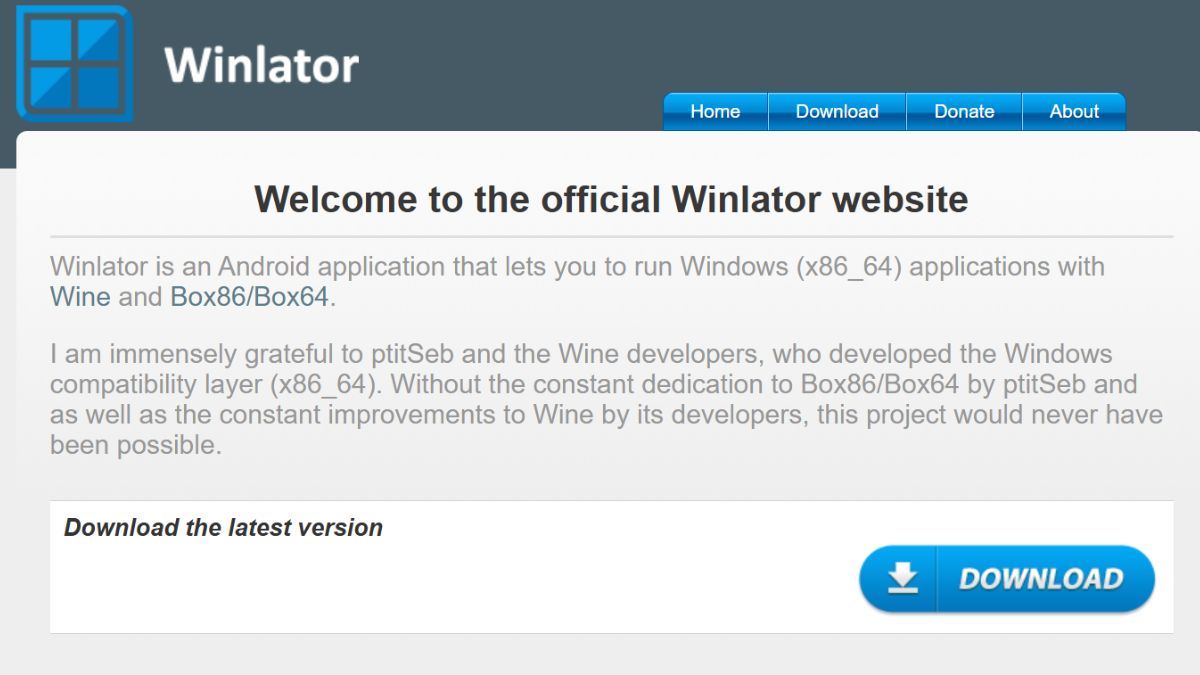
Winlator is an emulator app that allows Android devices to run Windows-based apps or games. With this app, users can try running several PC programs directly from their smartphone without using a computer.
It works using special technology that allows Windows applications to run on Android devices. This system allows you to try out some PC programs directly on your smartphone without needing a computer.
Many users take advantage of emulators This allows users to try out various desktop applications and light PC games on their phones. Furthermore, the app offers several customizable settings, such as screen resolution, controls, and performance when running programs.
For this application to run smoothly, Android devices typically require fairly robust specifications. At a minimum, the device should have RAM around 6 GB, a capable processor, and sufficient storage space so that the applications and programs being run do not experience many problems.
How to Download and Install Winlator
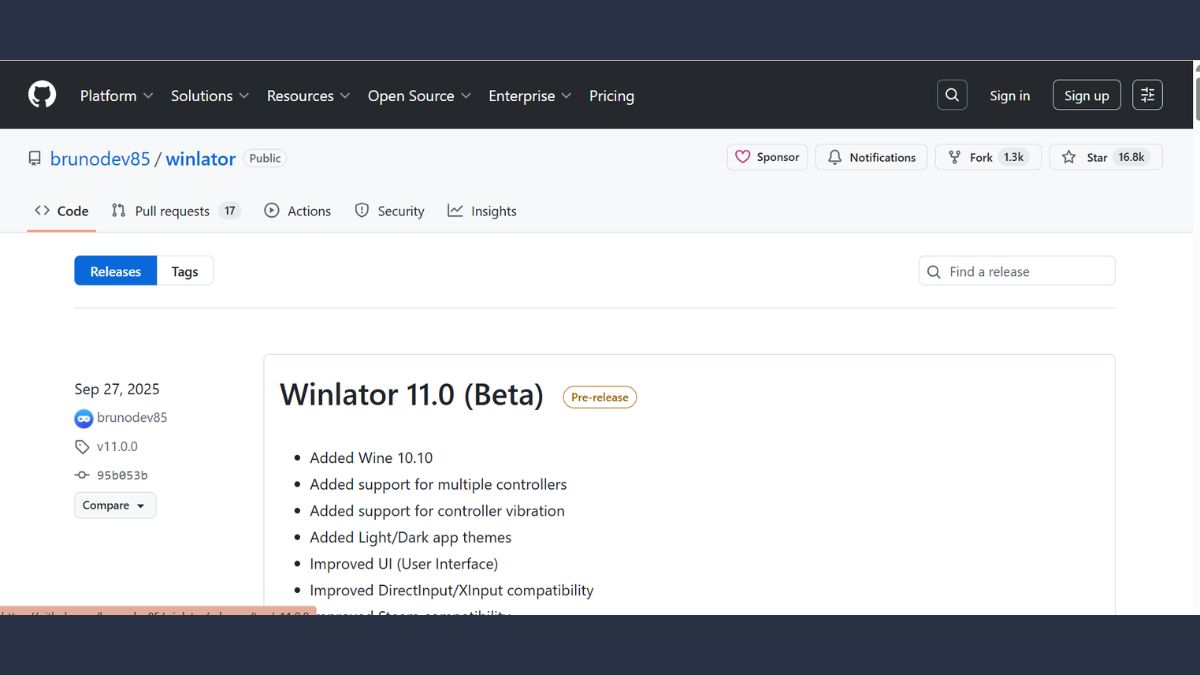
Follow the easy steps to download and install the Winlator emulator application below.

- Look for a safe download site: Open a browser on your Android device and search for a site that provides the APK file. Make sure you choose a trusted site to ensure the file you download is secure.;
- Select the appropriate application version: Once you've found the download page, select the version you want to use. It's usually recommended to choose the latest version for better features and performance.;
- Download APK file: Press the download button available on the page. Wait for the file to complete downloading on your Android device.;
- Open the downloaded file: Once the file has been successfully saved, go to the storage menu or download folder on your phone. Then, open the APK file to begin the installation process.;
- Perform the application installation process: Follow the on-screen instructions until the installation process is complete. Usually, you just need to press the install button and wait a few moments;
- Run the Winlator application: Once the installation is complete, open the app on your Android device. You can then try running any Windows app or game you want.
How to Play Games with Winlator
After knowing how to download and install, you can also learn how to play games with this emulator, see how below.
- Prepare the PC game files first: Make sure you have the Windows game file you want to play on your Android device. This file is usually an installer or a game folder that's ready to run.;
- Open the Winlator application: Run the Winlator application installed on your device. After that, go to the main menu to start setting up the emulation environment.;
- Create a new container: Within the application, create a container or virtual environment that will be used to run the game. These settings typically include screen resolution, graphics drivers, and other configurations.;
- Insert game files into storage: Move the PC game files to your Android device's storage if they aren't already there. Make sure they're in a folder that's easy to find using Winlator.;
- Run the game file via Winlator: Open the created container and locate the game's .exe file. Run the file to start the game.;
- Adjust control settings: Once the game is running, you can adjust the controls to suit your needs. These settings will help make the game more comfortable to play on a smartphone screen.
Also read:
By using Winlator, Android users can try running various Windows applications and games directly from their devices.
Although not all games can run perfectly, this application remains an interesting alternative for those of you who want to experience playing PC games on your smartphone.
MLBB Product Recommendations

 BV2SHOP
 BANGJEFFBV2SHOP
 TopMurBV2SHOPBV2SHOP
 RudyStorezTopMurBV2SHOPTopMur



 News
News




