
- You can download the sound TikTok become a file MP3 to be sent to WA.
- How to: copy the video link TikTok, paste it in a converter site like SSSTik, TTSave.App, or MusicalDown, then download.
- Make MP3 as ringtone WhatsApp by moving the file to the Notifications or Ringtones folder and then selecting it in Settings.
How to Download Tiktok Sound to WA in Mp3 Form
Now you can download the sound ticktock to WhatsApp. You can find a variety of interesting sounds or audio on the TikTok app, such as original audio or remixed songs that are currently popular among music fans.
Many TikTok users want to download sounds available on the app to their WhatsApp app. Read this article if you're interested in learning how to download TikTok sounds to your WhatsApp account. WA. Because we'll explain how to download TikTok sounds to WhatsApp in the discussion below.
You're probably wondering if you can download your favorite TikTok sounds to WhatsApp. So, make sure you read this article carefully and don't miss out.
To download TikTok sound to your WA, read this discussion in full!
Also read:
How to Download Tiktok Sounds to WA?

Is it possible to download sound from Tiktok to WA? It turns out that you can download audio from Tiktok to the WA application.
To send it to WA, you can choose the audio or Tiktok audio that you want to download.
How can I download it? You may be very interested in how.
Anyone can download it as the process is quite simple to follow.
Audio on TikTok can be easily converted to MP3.
You can get sounds on TikTok in MP3 format by using apps or websites like SSSTik.
Download Using SSSTIK

The fastest way to download TikTok MP3 without watermark is through www.ssstik.io download TikTok videos. This platform works in the following way:
Find the MP3 format video you want to convert
Open TikTok and search for the video you want. On the right side of the screen, look for the share icon.
On the next screen, press and then tap Copy Link.
While watching TikTok videos, you can quickly copy the link from the search address if you use a desktop browser.
PasteLink
Paste the link in the field provided. Long press the input area on the mobile device so you can paste the copied link.
The keyboard shortcut Ctrl+V can be used to paste a link if you're on a desktop. Click the Download MP3 now button.
Download TikTok Video on Next Page
The results page will open if the download process goes smoothly. To download TikTok videos, scroll down to the Download MP3 link at the bottom of the page.
Download Using TTSave.App
The process of downloading TikTok sounds with clear quality that skips the mp4 to mp3 conversion process is called TTSave.App.
No apps need to be installed to use TTSave on any device.
- Open the TikTok app
- Find the video you want to download
- Select the Copy Link option after clicking the Share button
- On the TTSave page, paste the link that you copied from the TikTok application into the column provided
- Click the download icon button
- Wait. Click Download MP3 button after the countdown finishes
Download Using Musically Down
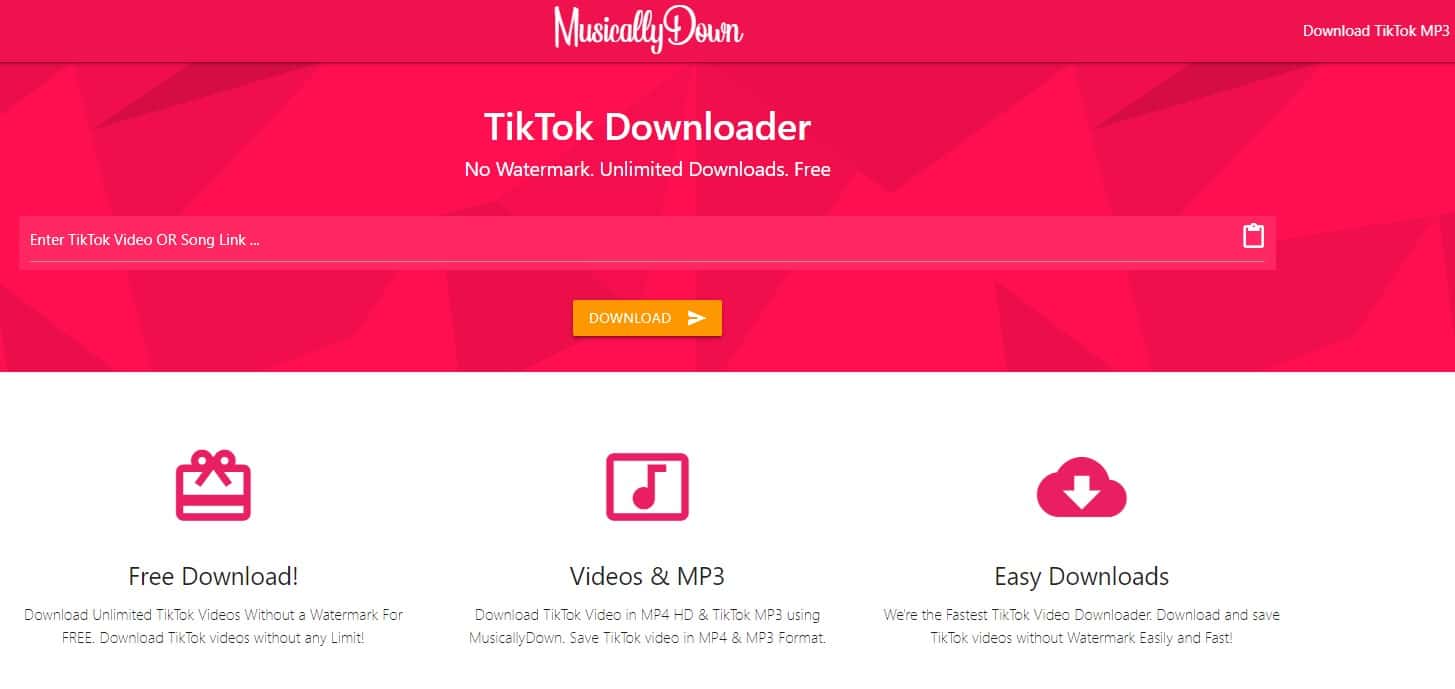
The TikTok sound can also be downloaded to MP3 using the website musicaldown.com. To download Tiktok sounds to WA using this site, follow these steps:
- Open the TikTok App or TikTok Web to find the TikTok video or music you want to download in MP3 format.
- Click “Copy Link” under “Share Options” to copy the TikTok link.
- To download TikTok MP3, place the copied TikTok link and select the Download option.
How to make Tiktok Sounds a WA Ringtone
Apart from the process of downloading Tikok sounds to WA, you can also use Tiktok sounds as WA ringtones.
How to? Check out the following steps.

- Open the app WhatsApp on your personal smartphone first.
- Next, go to the app's home page and click on the menu icon with three vertical dots in the top-right corner to access the Options menu.
- After that, select Settings from the menu, then select Notifications.
- In the Messages, Groups and Calls section, select Notification Tone or Ringtone.
- Select Sounds & Vibration
- You can select Choose from file in the Notifications or Ringtones tab.
- Select the audio file that you previously downloaded.
- After making your choice, you can return to the WhatsApp home screen.
- You can use WhatsApp ringtones you.
Also read:
How? It turns out that it's quite easy to download Tiktok sound to WA. Let's just try it.
FAQ About Downloading TikTok Sounds to WhatsApp
Open a TikTok video, click Share, then select Copy Link.
Visit a downloader site like SnapTik or MusicalDown.
Paste the link, select the Download MP3 option, and save the file to your phone.
Yes, most TikTok audio downloader sites are free to use, but they usually display ads.
Open the WhatsApp application, go to the Settings menu, then select Notifications.
Select Notification Tone or Call Tone, then find and select the downloaded MP3 file.
These audio files are usually not saved in the system folder.
Move the MP3 file from the Download folder to the Notifications or Ringtones folder on your phone's internal storage.
Yes, you don't need to install any new app.
Just use your phone's browser (like Google Chrome or Safari) and go to an online MP3 downloader site.
MLBB Product Recommendations


 BV2SHOP
 DEMPET STOREBV2SHOPBV2SHOP
 RudyStorez
 TopMurBV2SHOPBV2SHOP
 AM08SHOPTopMur


 News
News




