

- Popular mod types: Canter truck, the truck swerved, and Hino/trailers, each mod gives a different driving experience.
- How to install: download the file .bussidmod or .bussidvehicle, move to folder BUSSID > Mods, open Garage then click Use.
- Risks of third-party mods: corrupted files, dangerous ads, lag on low-spec phones, and bugs that can cause force close.
- Safety tips: download from trusted sources, ensure version compatibility BUSSID, and select the mod according to your device capacity.
BUSSID Truck Mod: Types, How to Install, and Risks
Mods BUSSID Truck is a vehicle modification that can be used to add variety to trucks in the Bus Simulator Indonesia (BUSSID) game.
For those of you who want to try it, the installation process is actually quite easy. However, you still need to pay attention to the file format and download source, as mods from third-party sites can carry risks, such as bugs, malicious ads, and even performance issues on low-spec phones.
Also read:
- 15 Download Links for Bussid Mod Full Strobe and Underlights
- 12 Cool BUSSID STJ Draka Livery Download Links
- 10 Latest BUSSID Templates and How to Install Them
BUSSID Truck Mod Type
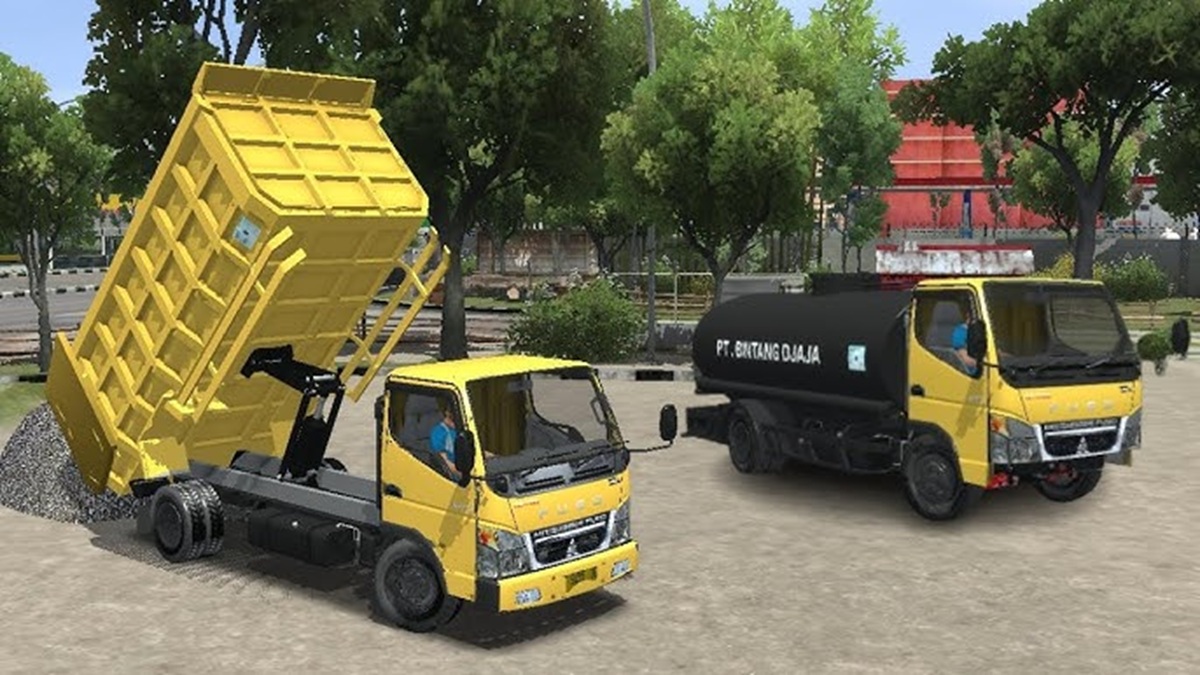
There are many types of BUSSID truck mods to choose from, depending on your playing style and desired vehicle appearance. Here are some of the most frequently sought-after mods.
Canter Truck
The Canter truck is a popular choice for BUSSID players who want to experience the thrill of driving a vehicle with a cooler appearance. This mod usually comes in a variety of designs, so you can choose the look that suits your taste.
Some Canter truck mods offer additional LED lights that make the vehicle look more striking when used at night.
There are also racing-style designs that give a sportier and more aggressive look. Many mods also feature a wolf-like exhaust to enhance the truck's sound and appearance, making it feel more unique when played.
Truck Swerves
For those of you who enjoy more extreme truck modifications, a wobbly truck could be an interesting option. As the name suggests, this mod typically features suspension characteristics that make the vehicle appear to sway or sway when driving on the road.
Apart from the suspension effect which is the main attraction, the appearance of a wobbly truck is also often created. boy with various additional accessories. From decorative lights and stickers to exterior modifications, the vehicle can stand out from the standard in-game trucks. It's no wonder that the wobbly truck mod is often sought after by players looking to enhance the BUSSID experience.
Hino Truck / Trailer
If you prefer larger vehicles with a realistic look, truck mods Hino A trailer could be an option. These types of mods typically have a long body and are designed to carry heavy loads, providing a different driving experience than smaller vehicles.
The Hino truck and trailer mod is also popular because its design resembles real-world vehicles. With a long body, more detailed exterior, and realistic vehicle proportions, this mod is perfect for those who want to play BUSSID with the feel of driving a logistics truck or long-distance freight transport vehicle.
How to Install Truck Mods
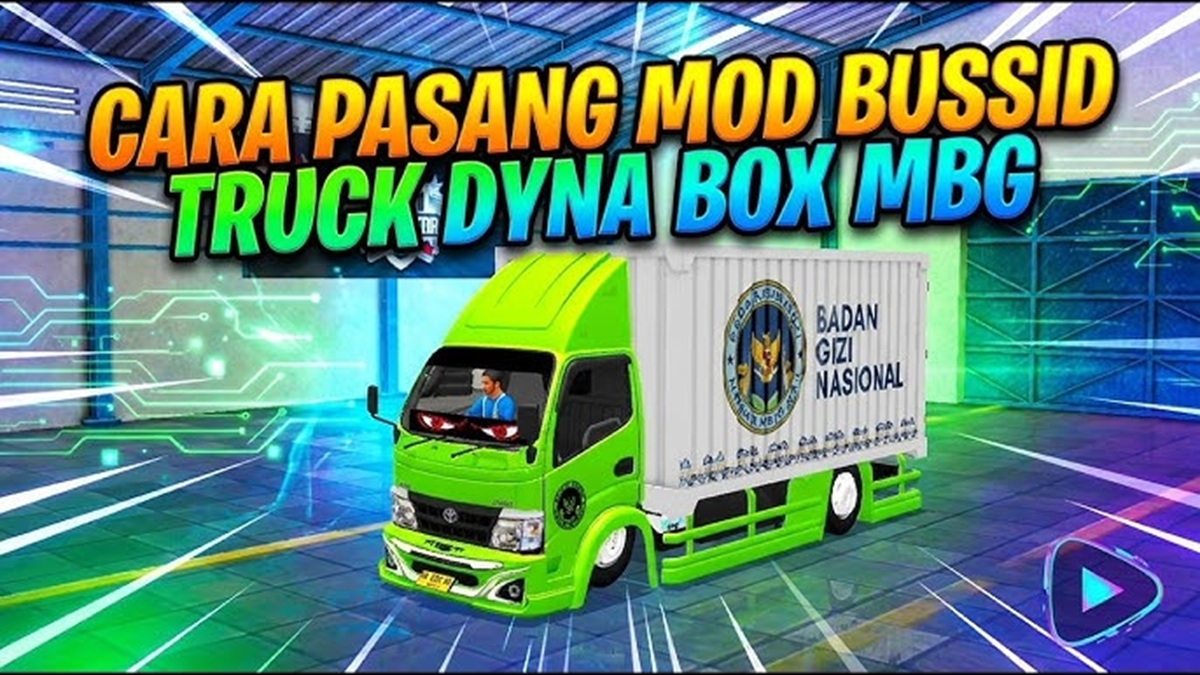
After getting mods desired, you need to install it into the game so that the vehicle can be used in the BUSSID garage.
- Download the truck mod file in format
.bussidmodor.bussidvehicleDownload from a trusted source. Make sure the downloaded file is compatible with the version of the BUSSID game you're using. - Move the downloaded file to the BUSSID internal folder. Locate the folder
BUSSID > Modsvia the file manager application on your cellphone, then enter the downloaded truck mod file into the folder. - Open the BUSSID game after the files have been successfully transferred. Go to the Garage menu, then find the truck mod you just installed. If the mod is detected correctly, select the vehicle and click Use to use it in the game.
If the mod isn't appearing in your garage, double-check the file location and ensure the file extension is correct. You can also try restarting the game to allow the mod to be read properly.
Risks of Using MOD

While it can make the game more varied, using BUSSID mods from third-party sources still has some risks that you need to be aware of before downloading them.
Corrupted File
Not all mod sites provide safe and high-quality files. MOD files from untrustworthy download sites may be corrupted or contain malware. digital waste which could potentially interfere with the device.
Therefore, it is best to choose a reputable download source and avoid downloading files from pages that look suspicious.
Dangerous Ads
Third-party mod sites often display numerous ads and fake download buttons. Some of these can redirect you to fake pages. phishing who try to steal information or ask for personal data.
Make sure you don't randomly click on pop-ups, suspicious buttons, or provide account information when downloading mods.
Lag / Stuttering
Mods with high-quality graphics typically require more device resources. If your phone has lower specs, using mods with large file sizes or heavy textures can cause the game to lag. lag and stuttering. Choose a mod that's sized appropriately for your device's capabilities to ensure smooth gameplay.
Game Bug
Installing too many mods can also cause problems. Conflicts between mods can cause vehicles to not display correctly, display bugs, or even cause the game to crash.force close).
If the problem appears after installing a specific mod, try removing it and check if BUSSID works normally again.
Ultimately, the BUSSID truck mod can be an interesting choice for those of you looking to add more variety to your game's vehicles. From Canter trucks and wobbly trucks to Hino trucks and trailers, each type offers a different driving experience.
Also read:

- 100+ Most Complete BUSSID Yudistira HD Livery Downloads 2026
- Download the Complete Basuri BUSSID Telolet Horn so it's cool
- 25 Most Complete Bussid Map Mod Download Links
However, make sure you download the file from a safe source and install it correctly so that the mod does not interfere with the performance of the game or your device.
FAQs
There are Canter trucks, wobbly trucks, as well as Hino trucks and trailers with various designs.
Move the mod files to the folder BUSSID > Mods, then open the Garage and select the vehicle you want to use.
The commonly used format is .bussidmod and .bussidvehicle.
Yes, especially if the mod has heavy graphics and is used on a low-spec phone.
This could happen due to a bug or conflict between the mods being used.
MLBB Product Recommendations


 BV2SHOPBV2SHOPBV2SHOP
 TopMurBV2SHOPBV2SHOPTopMurBV2SHOPBV2SHOPTopMur




 News
News




