

- BTRoblox is a browser extension for Google Chrome and Firefox which enriches the appearance and features of the site Roblox.
- Customize the appearance, avatar preview, navigation notifications, and item value tracker make use of Roblox more practical.
- Installation easy to pass Chrome Web Store or Firefox Add-ons; just download the official one, BTRoblox not giving Robux free.
How to Install, Features, and Benefits of BTRoblox
Roblox has become a gaming platform with millions of active players from various countries. Some players are looking for ways to improve their experience using the site. Roblox become more convenient and practical. One quite popular solution is using BTRoblox.
Extension browsers It offers a variety of additional features not available on the official Roblox website. From appearance customization to avatar preview features, everything is designed to enhance the user experience when accessing Roblox on a PC.
Also read:
- How to Download Roblox on a Laptop, Easy and Fast for Beginners
- Komaranagi Doesn't Give Free Robux, Here Are the Facts
- Violence District: Asymmetric Roblox Horror Game
What is BTRoblox?

BTRoblox or Better Roblox is a browser extension available for Google Chrome and Firefox.
This extension serves to modify the appearance and add various new features to the official Roblox website without changing the game itself.
Many Roblox players use this extension because it makes navigation more practical and efficient.
Once installed, users will experience a number of improvements to the Roblox site interface, ranging from a cleaner layout to additional features that make everyday activities on the platform easier.
BTRoblox Key Features
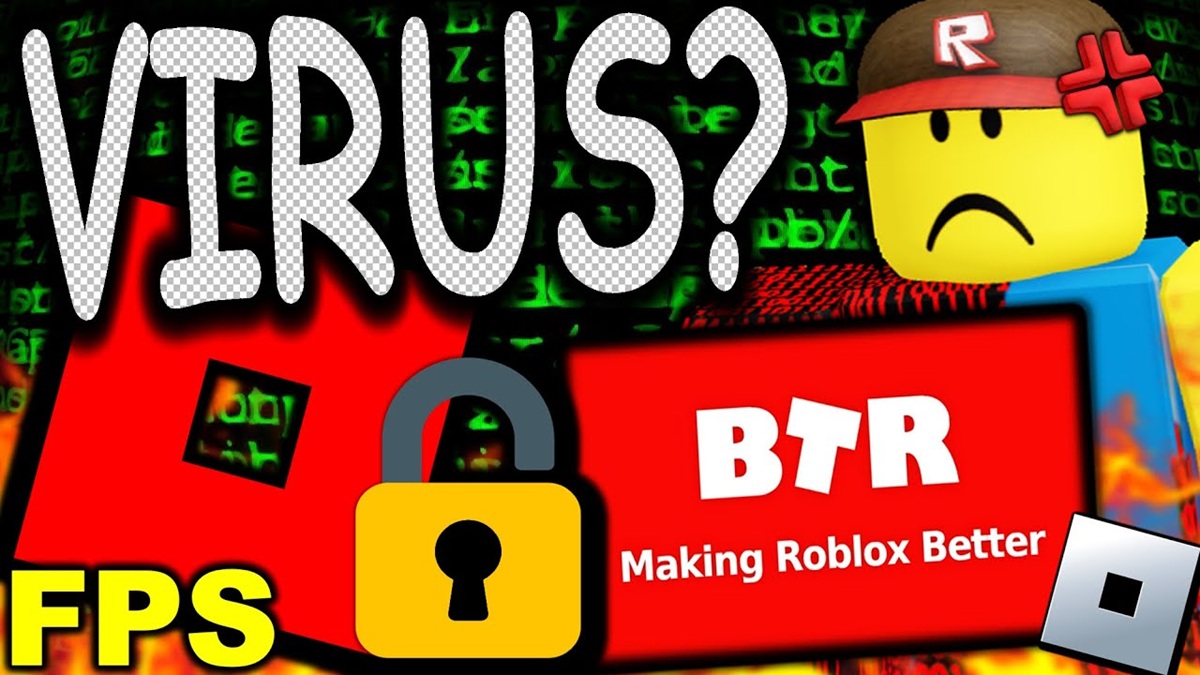
If you have never used this tool, there are several features or benefits that you can get if you use it.
Customize Appearance
One of the most compelling features of this tool is the ability to customize the Roblox site's appearance to suit user preferences. You can customize the theme, colors, and page layout to make it more user-friendly.
Additionally, this extension offers the option to bring back the classic Roblox feel that long-time players might miss. This feature makes browsing the site more personalized and less monotonous than the standard interface.
Avatar Preview
When searching for a new accessory or item, users typically have to first open the product page to see how it looks on their avatar. This process can be quite cumbersome if you want to compare multiple items at once.
With this extension's avatar preview feature, simply hover over an item in your inventory or catalog. The system will immediately display how the item will look on your avatar, making selecting accessories faster and more convenient.
Notifications and Quick Navigation
This extension also improves user experience by rearranging navigation elements on the Roblox site. Important information is placed in more accessible locations.
For example, access to messages, number of friends, up to total Robux can be displayed at the top of the screen. This way, you don't have to open multiple menus just to see information you use frequently every day.
Item Value Tracker
For players who actively collect items Roblox, The item value tracking feature is a very helpful feature. This additional feature can display the value or price of an item directly on the screen.
This feature makes it easier for users to monitor the price of specific items without having to perform additional searches. As a result, the process of tracking item value developments is faster and more efficient, especially for Roblox collectors and traders.
How to Install BTRoblox

Installing BTRoblox is very easy and only takes a few minutes. Here are the steps you can follow:
How to Install BTRoblox on Google Chrome
- Open the Google Chrome browser.
- Visit the Chrome Web Store.
- Type “BTRoblox” in the search field.
- Select the BTRoblox or Better Roblox extension.
- Click the Add to Chrome button.
- Confirm installation by selecting Add Extension.
- Wait until the installation process is complete.
Once successfully installed, BTRoblox will be immediately active when you open the Roblox site.
How to Install BTRoblox on Firefox
- Open the Mozilla Firefox browser.
- Visit the Firefox Add-ons page.
- Search for the BTRoblox extension.
- Click the Add to Firefox button.
- Grant the necessary permissions.
- Wait until the installation process is complete.
After that, open the Roblox site and various additional features of BTRoblox will be immediately available.
In general, this additional feature is known as one of the most popular Roblox extensions and is widely used by the community. This extension does not provide free Robux, does not change account data, or directly modify the Roblox game.
However, it's still recommended to download it only from official sources like the Chrome Web Store or Firefox Add-ons. Avoid downloading installation files from unknown sites, as they may contain malware or malicious software.
BTRoblox is a browser extension designed to enhance the user experience when accessing the Roblox site via PC.
With various features such as display customization, avatar previews, more accessible notifications, and item value trackers, this extension can make activities on Roblox more convenient.
Also read:

- What Is Pending Robux? Understanding It and How to Fix It
- Roblox Headless Item: Price and How to Get It
- Robux Moderated Item Policy: Rules, Refunds, and How to Check Your Balance
If you frequently use Roblox through a browser, BTRoblox might be a worthwhile extension to try. It's easy to install, offers a comprehensive range of features, and can help you enjoy a more convenient Roblox experience every day.
FAQ About BTRoblox
BTRoblox (Better Roblox) is a browser extension for Google Chrome and Firefox that adds various new features and modifies the appearance of the official Roblox website to make it more user-friendly.
In general, Better Roblox is designed for desktop browsers like Chrome and Firefox on PC or laptop.
Yes, Better Roblox is an extension widely used by the Roblox community and does not ask for additional login information.
BTRoblox offers various features such as customizing the appearance of the Roblox site, instant avatar previews, more practical notifications and navigation, and a Roblox item value or price tracker.
No. BTRoblox is not a tool for getting free Robux. Its primary purpose is to enhance the user experience of the Roblox site by adding additional features and customization options.
Roblox Product Recommendations

 Hero Alive
 Kumay10shopHero AliveHero Alive
 RudyStorezHero Alive


 News
News




