

- Set sensitivity (example: Look Around 95–100, Red Dot 85–100) to make aiming more responsive and make it easier to drag shots to the head.
- Customize Custom HUD (right firing button 40–50%, Aim Precision Default, left shot always appears) for more stable control during duels.
The Best FF Auto Headshot Controls to Make Your Game Even More AwesomeG
If you frequently lose duels despite taking the first shot, the problem could be with your control settings. Many players look for FF auto-headshot control settings to improve aim and hit more heads. With the right settings, your chances of a Booyah significantly increase.
You should know that there's no magic setting that will instantly make you a master. But with the right combination of sensitivity and custom HUD, you can achieve auto headshots. Free Fire You can do it more easily without cheating. This article will cover everything from its function to how to properly activate auto-aim.
FF Auto Headshot Control Function
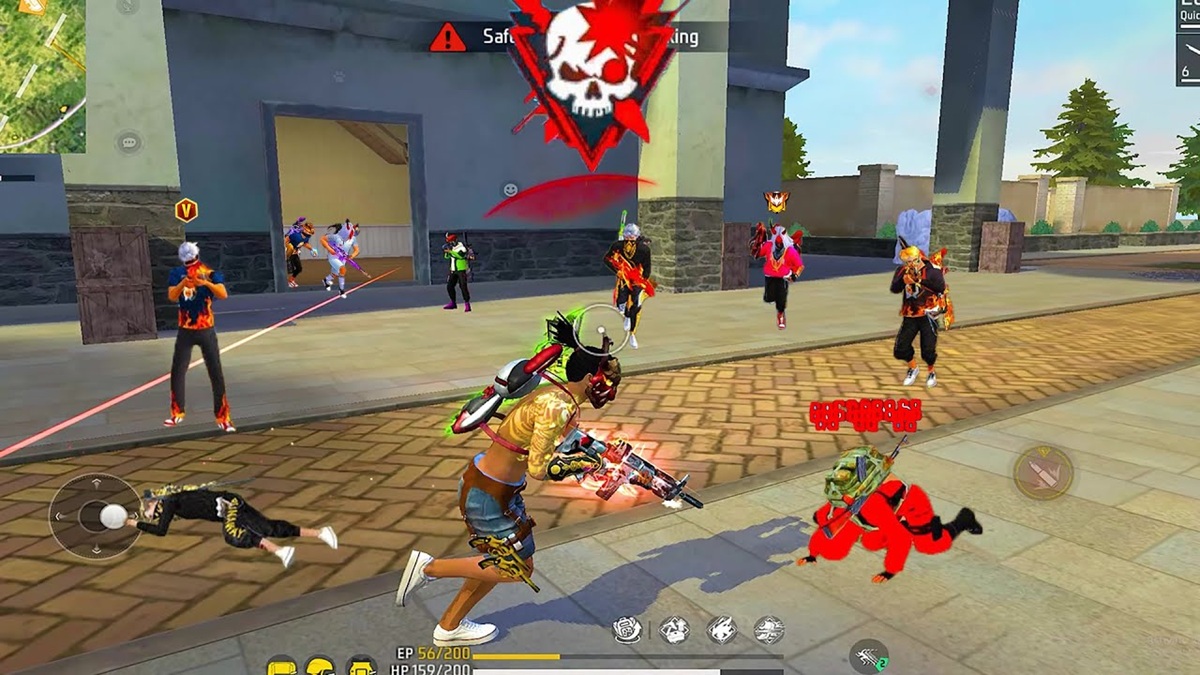
Before diving into the settings, you need to understand the function of the FF auto-headshot control. Its purpose isn't to automatically fire bullets to the head, but to help you:
- Improve shooting accuracy
- Makes it easier to drag shots towards the head
- Makes aim more stable during close range duels
- Reduces miss shots when the enemy moves quickly
With the right settings, the crosshair will be more responsive to your hand movements. This is especially important when playing ranked mode, which is full of rushes and fast-paced wars.
Also read:
- Best FF Player in Indonesia 2026
- You Can't Be a Free Fire Sultan Without These 5 Bundles
- Comparison of SG Eagle Eye M1887 with Other SGs in FF
FF Auto Headshot Control

Here are some recommended settings you can try. These settings are suitable for both aggressive and semi-rusher players.
1. Sensitivity Settings (General Recommendations)
Sensitivity is the key to auto-headshots. If it's too low, aiming becomes difficult. If it's too high, aim becomes wild.
Here are the settings you can use:
- Look Around/General: 95 – 100
(Suitable for fast movement and close combat) - Red Dot Sight: 85 – 100
(Helps drag shot more responsive) - 2x Scopes: 80 – 90
(Stable for mid-range fight) - 4x Scopes: 70 – 80
(More controlled for medium-long distances) - AWM Scopes: 50 – 60
(So that the sniper is more stable and doesn't shake) - Look Around: 60 – 80
(For camera control while scouting)
Important tip: If your phone has mid-to-low specs, don't go for the highest settings right away. Test it on a training ground first until you feel comfortable.
2. Control Settings (Custom HUD)
Besides sensitivity, custom HUD also has a big influence.
Right Shoot Button
Size: 40–50%
Position yourself slightly lower to give yourself more room to drag. This is crucial for the drag shot technique.
Aim Precision
Select: Default
This is very important because the system will help lock the aim on the enemy's body before you pull it to the head.
Left Shoot Button
Enable: Always Show
A must for those of you who frequently switch weapons or shoot quickly without a scope.
With this combination, FF auto headshot control will feel lighter and more flexible during war.
How to Activate Auto Aim in FF
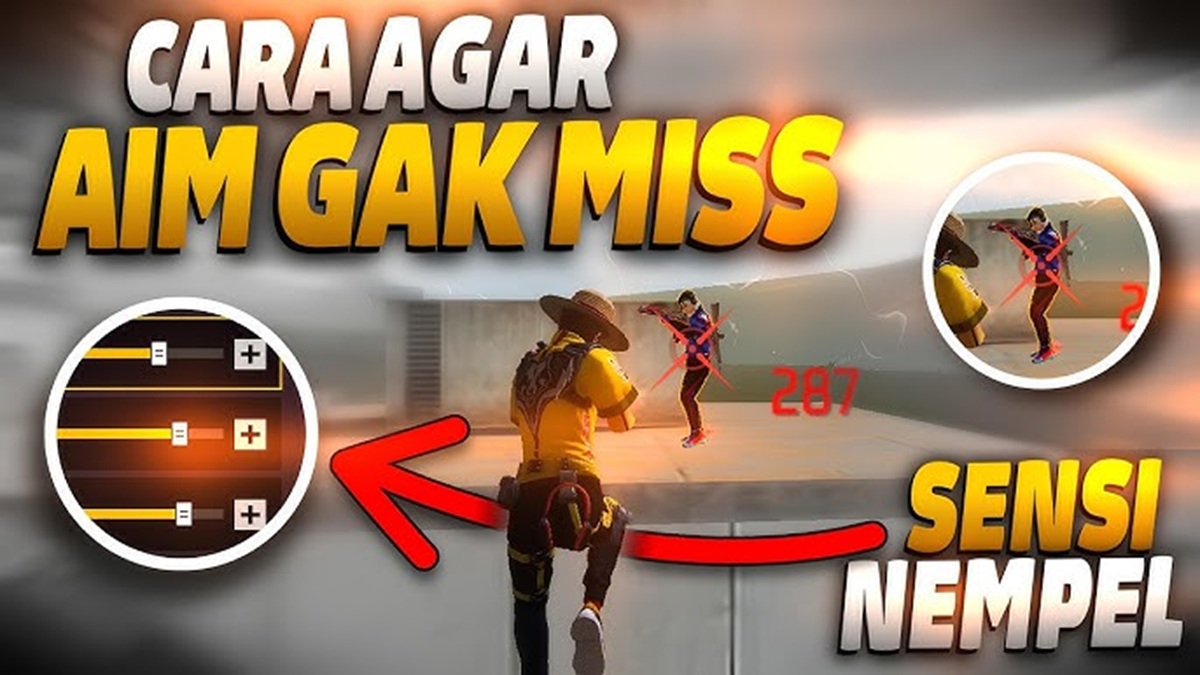
Many people misunderstand auto-aim. It's not a cheat, but a built-in feature provided by Garena to assist mobile players.
Here's how to activate it:
- Go to the Settings menu in Free Fire
- Select the Control tab
- Change Aim Precision to Default
- Make sure the Aim Assist feature is active
- Set the sensitivity according to the recommendations above.
With this setting, the system will help lock the crosshair on the enemy while you aim. So when the enemy moves, your aim will follow smoothly.
Keep in mind, this feature doesn't automatically give you a headshot instantly. You'll still need to use the drag shot technique to aim for the head.

Controlling FF auto headshot isn't about high or low settings, but about balancing sensitivity and custom HUD settings. With the right settings like Look Around 95–100 and Aim Precision Default, you can increase your headshot chances without resorting to cheats.
Also read:
- The Functions and Risks of Using Gringo XP in Free Fire
- How to Get Kakashi FF Hair Prize
- Collection of Old FF Avatar Raws for You to Use
Just try the settings above and adapt them to your playing style. Keep in mind, the best configuration won't be effective without consistent practice.
So, don't be lazy to practice if you want to improve your skills and get booyah more often!
Free Fire Product Recommendations


 TopMurTopMur
 RudyStorez
 TopMurTopMur
 TopMur
 RudyStorez
 RudyStorez
 RudyStorezRudyStorez


 News
News




