
- Roblox Script using language Luau, variants Lua optimized for Roblox Studio.
- Creating a script is easy: open Roblox Studios, select the object, click +, then select Scripts and start with print("Hello world!").
- Starting from simple features (Touched events, object properties, variables) before moving on to complex systems such as leaderboards or inventories.
What is a Roblox Script? How to Create One
If you play often Roblox and curious about how a game can have unique features, the answer is in the Roblox script.
With the script, developers can add logic, events, and various interactive mechanisms that make the game more exciting.
This article will discuss Roblox scripts in detail, from the languages used, how to create them, to basic examples that you can understand as a beginner.
Also read:
- How to View Favorites on Roblox Easily
- How to Make Roblox in Infinite Craft Easily
- How to Use Isnahamzah Script Roblox on Android
What script does Roblox use?
Roblox uses the Luau programming language, a variant of Lua that has been optimized specifically for performance and additional features. This language is used within Roblox Studios, the official software for creating games on the Roblox platform.
Luau is designed to be easy to learn, even for beginners just starting to code. With a Luau-based Roblox script, you can:
- Adding game logic
- Trigger a specific event when the player performs an action
- Respond to input from the keyboard or mouse
- Create unique features like scoring systems, automatic doors, or visual effects.
Scripts in Roblox serve as the "brains" of the game. Without scripts, a game would consist of static objects with no interaction. Therefore, understanding the basics of Roblox scripting is crucial if you want to create your own game.
Additionally, Roblox provides extensive documentation and an active community to help you learn. So, while it may seem complicated at first, the learning process is quite beginner-friendly.
How to Make a Roblox Script
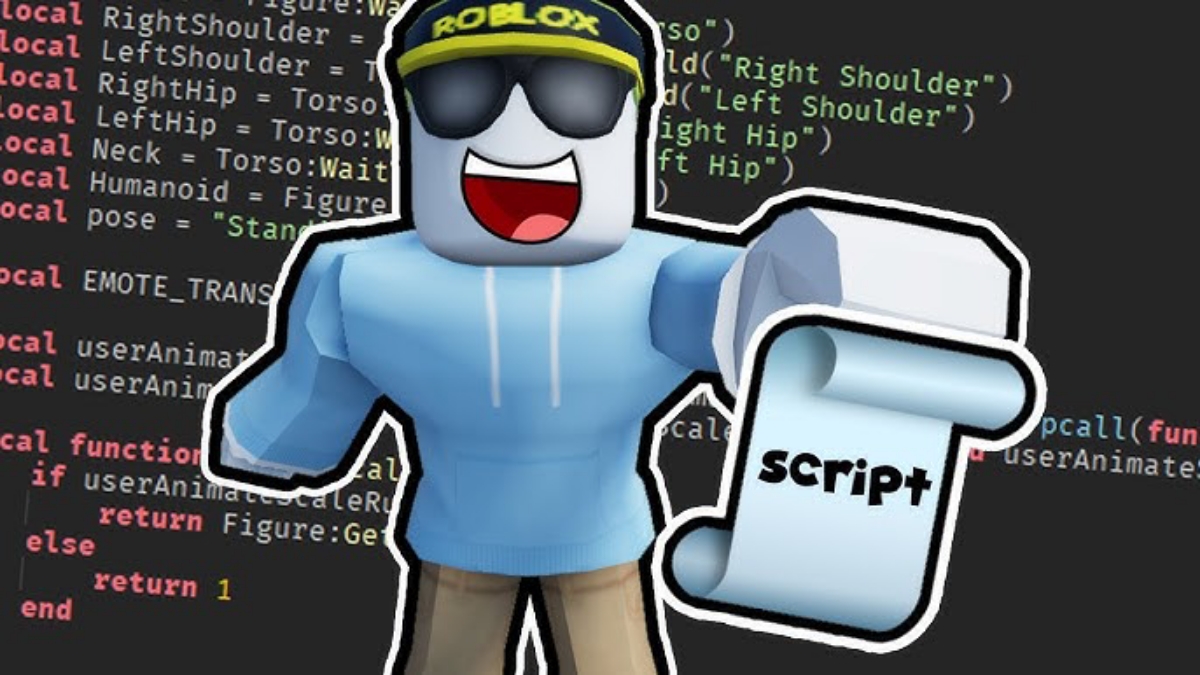
Creating a Roblox script is actually quite simple, especially if you already have Roblox Studio installed. Here are the basic steps:
- Open Roblox Studio and create a new project
- Select the object where you want to add the script.
- Click button + next to the name of the object
- Select the Script option
A common location for creating scripts is ServerScriptService. This folder is specifically designed to store scripts that run on the server side.
When you create a new code, Roblox automatically displays the default code:
print("Hello world!")
This code displays text in the output as a test. From here, you can start editing and adding other commands as needed by the game.
For example, you could create a simple script to display a message when a player enters the game. By continuing to experiment, you'll gain a better understanding of how the script works.
An important tip for beginners: start with simple scripts. Don't jump straight into complex systems. Focus on the basics like variables, functions, and events to build a strong foundation.
Roblox Script Usage Example for Simple Features

Once you know how to create a script, the next step is to understand how scripts are used to create features in games. One simple example is creating a part that changes color when touched by a player.
This allows you to write logic that detects a player's touch and then changes an object's properties. This feature is often used in obby (obstacle course) games or interactive mini-games.
An example of this involves the Touched event on a part. When the player touches an object, the script will execute a specific command, such as changing the color or playing a sound.
Practice with simple features like this helps you understand important concepts, such as:

- Events and triggers
- Object properties
- Basic structure of Luau code
The more often you try small experiments, the faster your scripting skills will develop.
From simple features, you can move up to more complex systems such as leaderboards, inventory, or enemy AI.
Also read:
- How to Update Roblox on Mac Devices
- How to Turn Off Roblox Safe Chat Feature
- How to Play Roblox on a School Chromebook
Understanding Roblox scripts is an important first step if you want to get serious about creating games on this platform.
With Luau's beginner-friendly language and Roblox Studio's tools, you have everything you need to start learning. The key is consistent practice and not being afraid to try new things.
Roblox Product Recommendations


 Hero Alive
 Kumay10shopHero AliveHero Alive
 RudyStorezHero Alive




 News
News




