
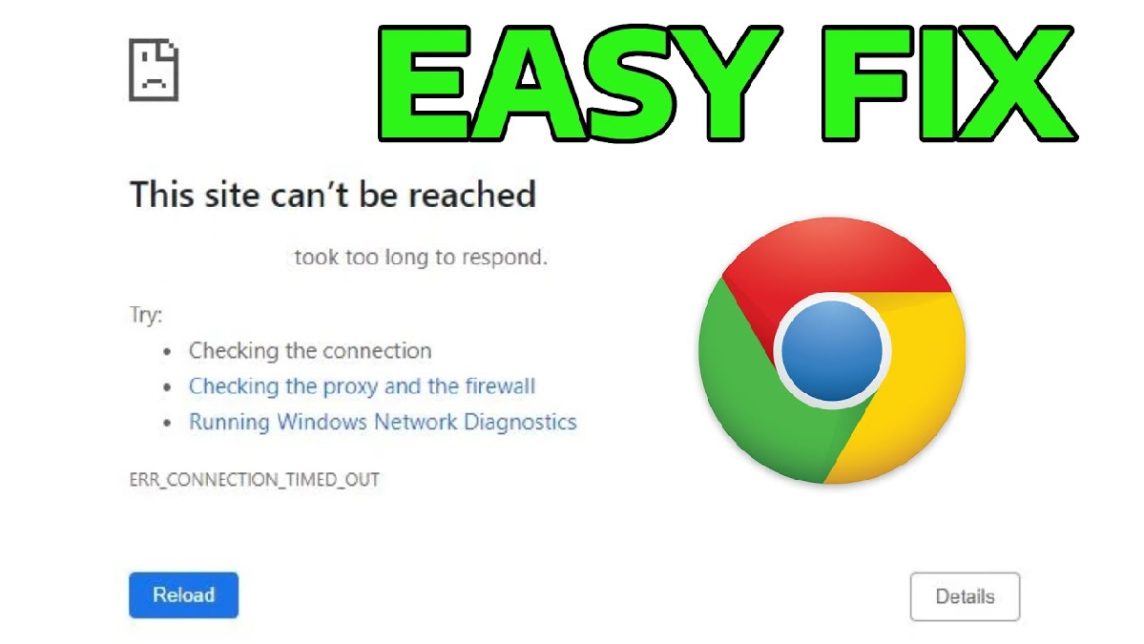
- Check internet connection: Make sure the network is active and stable; try opening another site to determine the source of the problem.
- Clear cache and cookies: Clear browsing data in Chrome to fix corrupt cache that causes the error.
- Change DNS or temporarily disable firewall: Use Google DNS or Cloudflare DNS, and check security settings if necessary.
How to Fix ERR_CONNECTION_TIMED_OUT in Chrome
While you were busy browsing, suddenly the message ERR_CONNECTION_TIMED_OUT appeared. browsers? It's really annoying, especially when you need quick access to a website.
This error is quite common, especially in Google Chrome, and is usually related to a connection problem between your device and the destination website server.
Don't worry, this error can actually be fixed yourself without needing to be a network technician. Let's discuss the causes and how to fix ERR_CONNECTION_TIMED_OUT with simple and effective steps.
Also read:
- Chromebooks Are the New Computers, How Are They Different from Laptops?
- 5 Easy Ways to Activate IDM in Chrome, No Hassle
- The Most Complete Collection of Dino Chrome Cheats
Causes of Connection Timed Out Error
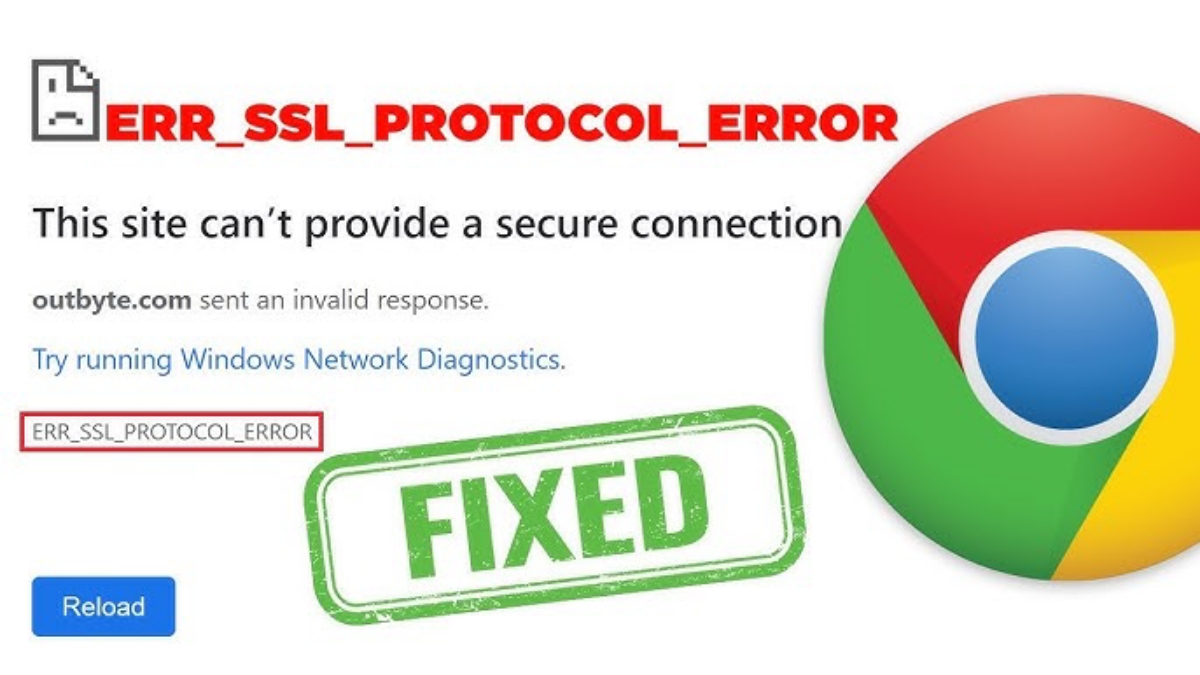
Before we get into the solution, it's important to understand the causes of this error. Some of the most common causes include:
- Unstable internet connection
If your internet connection is slow or frequently disconnects, the browser cannot receive responses from the server in a timely manner. - DNS problem
DNS translates domain names into IP addresses. If DNS is problematic, the browser won't know which server to contact. - Firewall or antivirus is blocking the connection
Security settings that are too strict may deem certain websites as threats. - Browser cache problem
Accumulated or corrupted cache data can cause the browser to fail to load pages. - The website server is down
In some cases, the problem is not on your side, but on the website server which is currently inaccessible.
How to Fix ERR_CONNECTION_TIMED_OUT

Now that you know the cause, it's time to move on to the solution steps that you can try right away.
Check Internet Connection
The most basic but often overlooked step: Make sure your internet connection is active and stable. Try visiting another website to ensure the problem isn't with your network.
Refresh Page or Restart Browser
Sometimes errors appear temporarily. Simply refresh the page or close the browser and reopen it.
Clear Cache and Cookies
cache problematic ones often cause errors.
- Open browser settings
- Select Clear browsing data
- Clear cache and cookies
After that, try to access the destination website again.
Change DNS
Use DNS Public communication is often a powerful solution. You can use:
- Google DNS:
8.8.8.8and8.8.4.4 - Cloudflare DNS:
1.1.1.1
Change DNS in network settings, then restart your internet connection.
Temporarily Disable Firewall or Antivirus
Try temporarily disabling your antivirus or firewall, then accessing the website again. If this works, it means the security settings need to be adjusted, not permanently disabled.
Use Incognito Mode or Another Browser
Incognito mode doesn't use the old cache. If the website is accessible in this mode, the problem is with your regular browser data.
Tips to Prevent ERR_CONNECTION_TIMED_OUT
Besides fixing the issue, you also need to prevent this error from recurring in the future. You can apply the following tips:
- Use a stable and reliable internet connection
- Regularly clear your browser cache
- Don't just install browser extensions
- Use fast and secure DNS
- Update your browser to the latest version
With this simple maintenance, the risk of connection timed out errors can be greatly reduced.

ERR_CONNECTION_TIMED_OUT is frustrating, but it's not impossible to fix. By understanding the cause and following the steps above to resolve ERR_CONNECTION_TIMED_OUT, you can get back to browsing without any issues.
Also read:
- How to Open Blocked Sites on Google Chrome HP
- How to View Passwords in Chrome Saved in Google Account
- Easy Way to Play Dino Game in Google Chrome
If the error still appears, it's likely that the website server is having problems, so you just have to wait until it returns to normal.
Hopefully this article helps and makes your browsing smoother.
MLBB Product Recommendations


 BV2SHOP
 DEMPET STOREBV2SHOPBV2SHOP
 RudyStorez
 TopMurBV2SHOPBV2SHOP
 AM08SHOPTopMur



 News
News




