

- Cool anime PP make ML show style stylish, aesthetic, and different from other players.
- PP list available for guy and girl, many choices from fanart to anime hits.
- Easy steps to change PP: open Mobile Legends, go to Avatar → Settings → Edit → select photo source → Confirm → Replace.
40 Cool Anime PPs for ML, Must Use
Who's looking for a profile photo? Mobile Legends: Bang Bang cool one? You can try using cool anime PP for ML!
This photo style is currently popular among players. You can show off your stylish side and personality in Moonton's game with your signature style. anime.
Usually, this PP has a cool vibe, pastel colors and artistic elements that make your appearance even cooler.
By using this PP in ML, you can appear different from other cool Mobile Legends players with unique characters.
So, if you are looking for a cool anime PP for your MLBB profile, let's check out the review!
Also read:
Cool Anime PP For ML
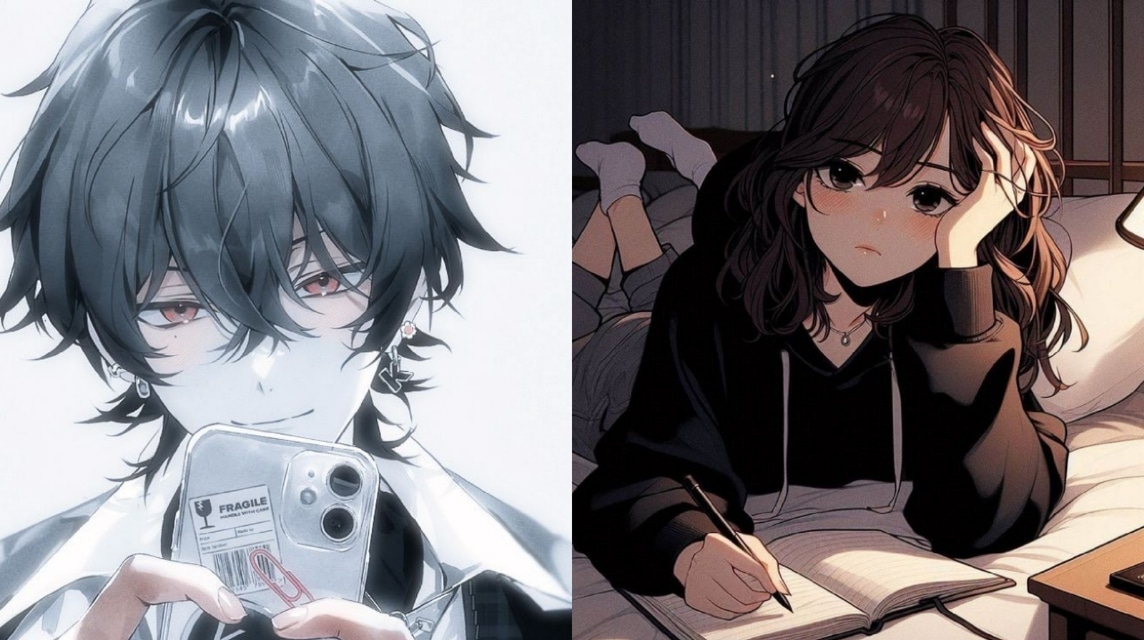
Cool anime PP for ML is a Mobile Legends profile photo with an anime character that has stylish, aesthetic and attractive visuals.
Usually, this PP is used by players to show an expressive impression, dramatic effects and iconic style so that your ML profile looks cool in the eyes of other players.
In addition, these photos are taken from the most popular anime and even fanart that has been edited so that it is very suitable to be used as a profile photo in the MLBB game.
If you use this anime PP, you can look more creative and more aesthetic than other players.
There are several advantages if you use this profile photo, such as your profile photo looks more attractive, stylish and up to date.
In addition, this can make you look different from other players so that you will be more easily remembered and recognized easily. You will be more confident and feel cool again when using this profile picture.
This allows you to express yourself in the game and can make your profile look different from others.
List of Cool Anime PP for ML
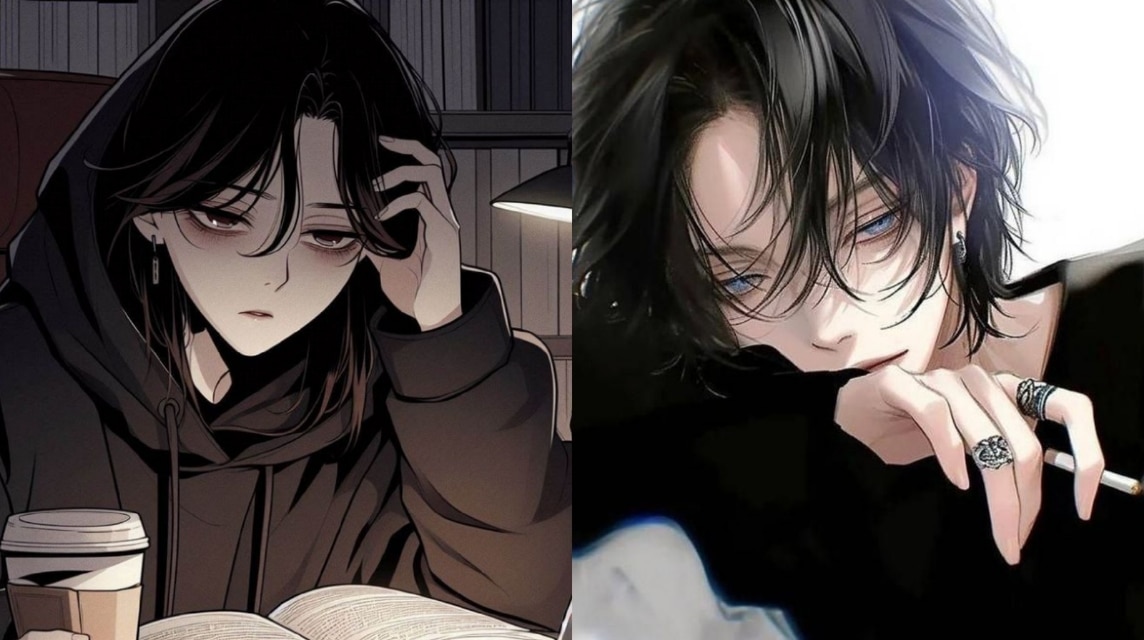
For those of you who are bored with your MLBB profile picture, here you can download some cool anime PP for ML that you can use. Here is the list:
Guy
Below are some cool anime PP for ML specifically for men that you can download and use directly on your profile photo in ML:
Girl
Below are some cool anime PP for ML specifically for girls that you can download and use on your Mobile Legends: Bang Bang profile photo!
How to Change PP in Mobile Legends

There are some of the easiest steps to change PP in Mobile Legends: Bang Bang, namely:
- Open the game “Mobile Legends: Bang Bang”;
- Login to “Mobile Legends: Bang Bang” Account;
- Click “Avatar” in the top left corner;
- Then, click the “Settings” icon in the right corner;
- Select the “Avatar” menu;
- Then, click “Edit”;
- After that, select the menu from which the profile photo will be uploaded, for example from:
- “Sync FB/VK Avatar”
- “Take a Photo”
- “Photo Album”
- If you want to upload it from Gallery, then select the “Photo Album” option, then find the photo you want to use;
- After being uploaded, the photo will be “cropped” first before being installed on the Mobile Legends: Bang Bang profile;
- However, this is optional or not cropping is also fine if it is the right size;
- Click “Confirm”;
- After that, click “Replace” to replace it with a new one;
- Wait a moment;
- Done and you have changed your Mobile Legends: Bang Bang profile photo.
Also read:
So, that's the information about cool anime PPs for Mobile Legends that you can use. Hope this helps!
FAQ About PP Anime for Mobile Legends
You can download a collection of high-quality images from sites like Pinterest which have a wide selection of categories (ranging from cool, dark, until sad boy). Another alternative is to use an art community like Pixiv or search for images on discussion forums like Reddit.
Yes. The standard Mobile Legends profile photo size is square (1:1). It's recommended to use a resolution of at least 500 × 500 pixels to prevent the image from becoming pixelated and blurry when viewed in the menu. loading or friends list.
Open the Mobile Legends game on your device.
Tap Avatar/Profile in the top left corner of the screen.
Tap the profile photo area and select Change Avatar.
Select an image from your phone gallery, adjust its position, and click Confirm.

Officially, Mobile Legends doesn't support animated image formats (such as GIFs) as default profile photos. If you upload a GIF, it will only appear as a still (static) image.
Moonton doesn't prohibit the use of anime profile photos. However, your account may be subject to sanctions (temporary ban or forced photo changes) if the anime photo you use contains pornography, racism, extreme violence, or is reported as a copyright violation.
Usually because the image size is too large or the internet connection is slow during the upload process.
If your image is safe and polite, the Moonton system will not impose any sanctions even if another player intentionally reports it.
This usually happens if the system detects that your image violates the terms, or there is a slight problem synchronizing with the connected social media account (such as Facebook/Google).
MLBB Product Recommendations


 BV2SHOP
 DEMPET STOREBV2SHOPBV2SHOP
 RudyStorez
 BANGJEFF
 TopMurBV2SHOP
 AM08SHOPBV2SHOP


 News
News




