

- Method without application: Download video Snack Videos directly through the browser without the need to install additional applications.
- General steps: Copy the video link from the application, then paste it on the downloader site, click download, wait, and save.
- Many choices of sites: Examples of free services: Get Snack Video, PasteDownload, Technogram, SaveFrom.Net.
- Compatible device: A quick way to work on smartphones and PCs/laptops for video collections without watermarks.
How to Download Snack Video Without Watermark, No Need for Application
Want to download videos from Snack Video without an application easily? Currently, there are indeed many who want to save videos without a watermark but don't want the hassle of downloading additional applications.
Now you can do it just through a browser. The method is super simple to do, very suitable for those of you who want a collection of funny videos from Snack Videos without watermarks.
Apart from that, this method is very fast and can be done on various devices, both smartphones or PC/Laptops.
In the article below, we will recommend free sites that you can use to easily download Snack Video without a watermark!
Also read:
Snack Videos

Before getting to the main discussion, you need to know first what Snack Video is.
Snack Videos is a social media platform that allows its users to create, watch and share funny short videos.
This application presents various video content such as entertaining funny videos to trending challenges.
This application is indeed designed to be an entertaining platform and allows its users to create short videos as a form of self-expression.
In addition, Snack Video has a trending page that aims to display trending content that is widely liked by users.
You can also download application Snack Video on Google PlayStore for Android and App Store for iOS makes it easy for you to access and enjoy funny content on Snack Video.
How to Download Snack Video Without Watermark

Below are some free sites that can be used to download Snack Video without a watermark, including the following:
Get Snack Video
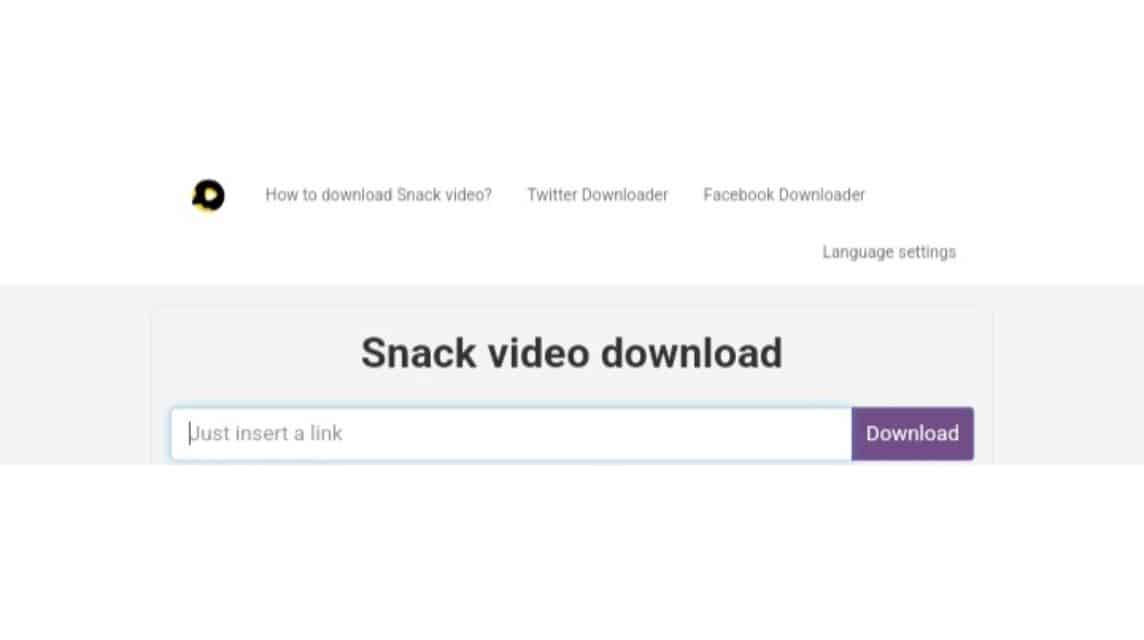
- Open your Snack Video application.
- Find the video you want to download.
- Click the 'Arrow' or 'Share' icon.
- Then click 'Copy Link'.
- Next, switch to the Browser on your smartphone.
- Visit 'Get Snack Video' or 'https://getsnackvideo.com/‘'.
- Paste the link that was copied earlier in the column provided.
- Click 'Download'.
- Wait a moment.
- Click 'Download' again.
- Done.
PasteDownload
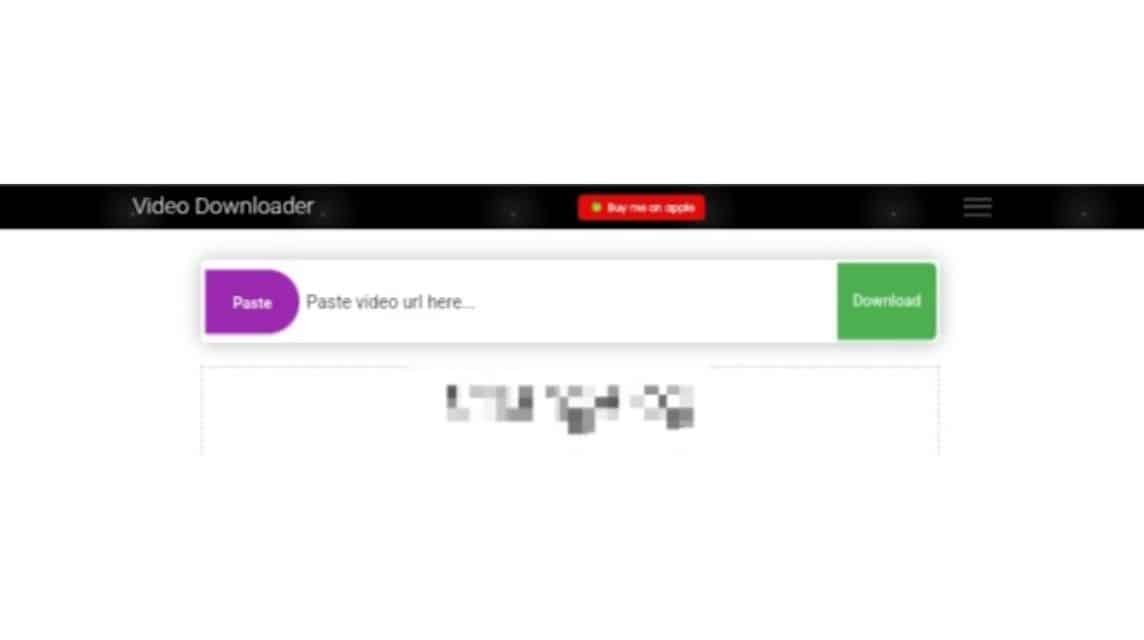
- Open your Snack Video application.
- Find the video you want to download.
- Click the 'Arrow' or 'Share' icon.
- Then click 'Copy Link'.
- Next, switch to the Browser on your smartphone.
- Visit 'PasteDownload' or 'https://pastedownload.com/‘'.
- Paste the link that has been copied in the column provided.
- Click 'Download'.
- Wait a moment.
- Click on the video.
- Click on the 'Three Dots' located in the bottom right corner.
- Click 'Download'.
- Done.
Technogram
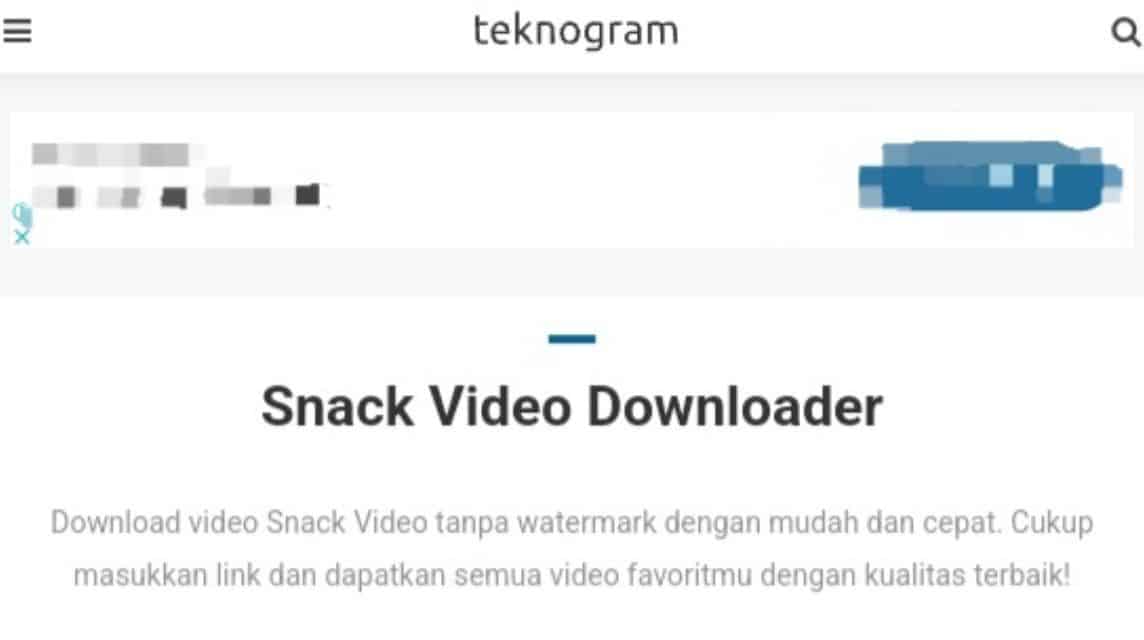
- Open your Snack Video application.
- Find the video you want to download.
- Click the 'Arrow' or 'Share' icon.
- Then click 'Copy Link'.
- Next, switch to the Browser on your smartphone.
- Visit 'Technogram' or 'https://teknogram.id/tools/snack-video-downloader/‘'.
- Paste the copied link into the column provided.
- Click 'Download'.
- Wait a moment.
- Click 'Download Video'.
- Done.
StepToDown
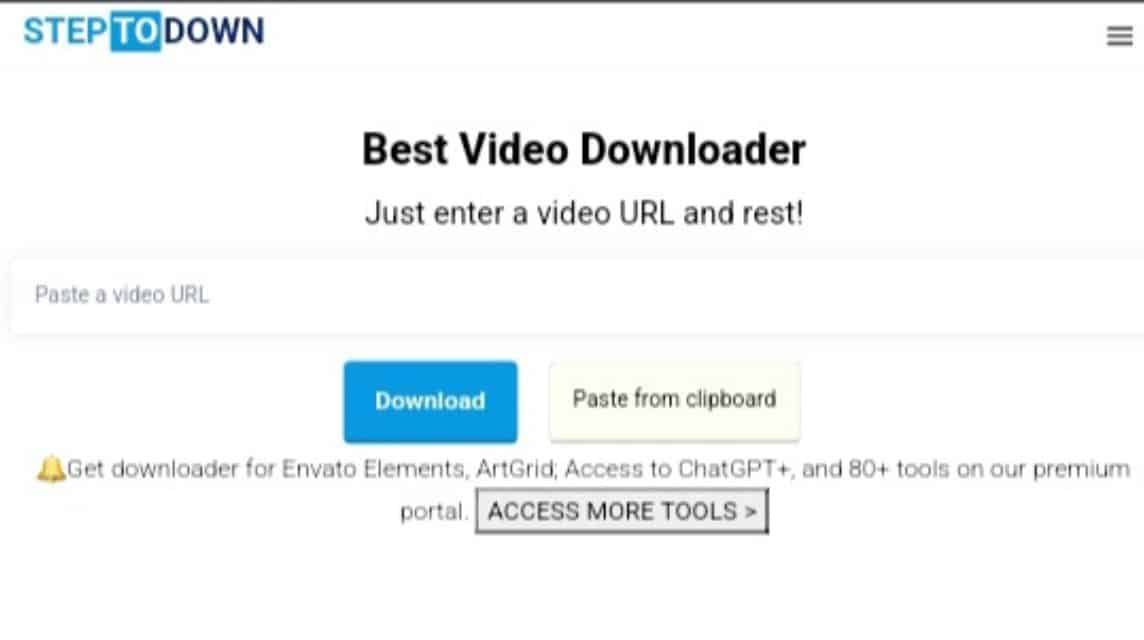
- Open your Snack Video application.
- Find the video you want to download.
- Click the 'Arrow' or 'Share' icon.
- Then click 'Copy Link'.
- Next, switch to the Browser on your smartphone.
- Visit 'StepToDown' or 'https://steptodown.com/‘'.
- Paste the video link that was copied earlier in the column provided.
- Click 'Download'.
- Wait a moment.
- Click 'Download' again.
- Done.
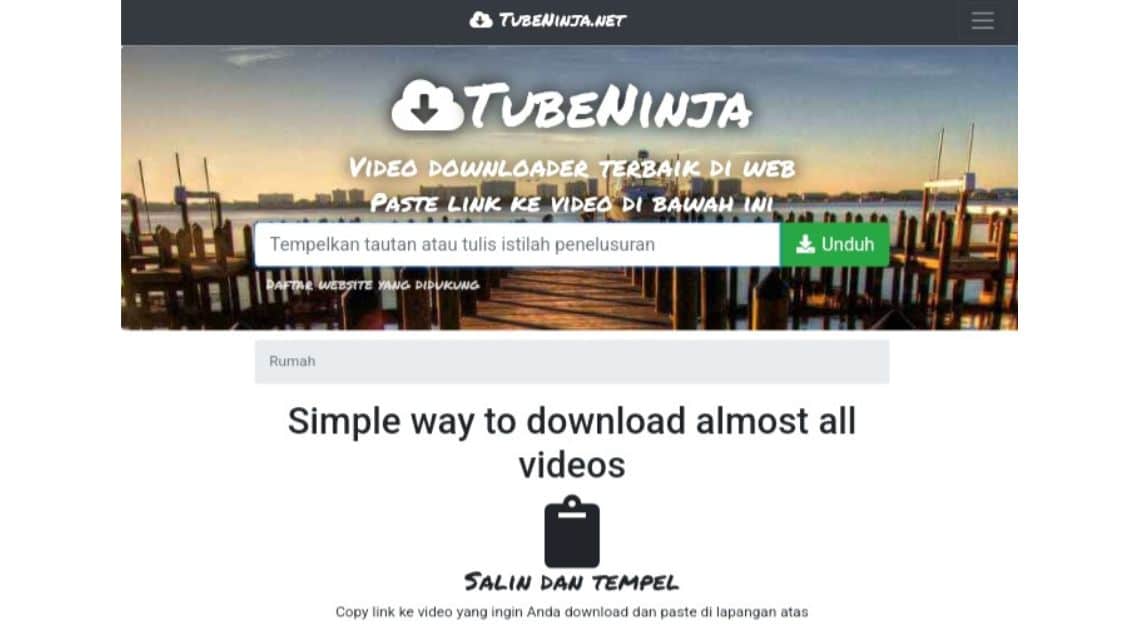
TubeNinja.Net
- Open your Snack Video application.
- Find the video you want to download.
- Click the 'Arrow' or 'Share' icon.
- Then click 'Copy Link'.
- Next, switch to the Browser on your smartphone.
- Visit 'TubeNinja.Net' or 'https://www.tubeninja.net/id/‘'.
- Paste the link that was copied earlier in the column provided.
- Wait a moment.
- Click the 'Download' icon in the 'MP4' section to download.
- Done.
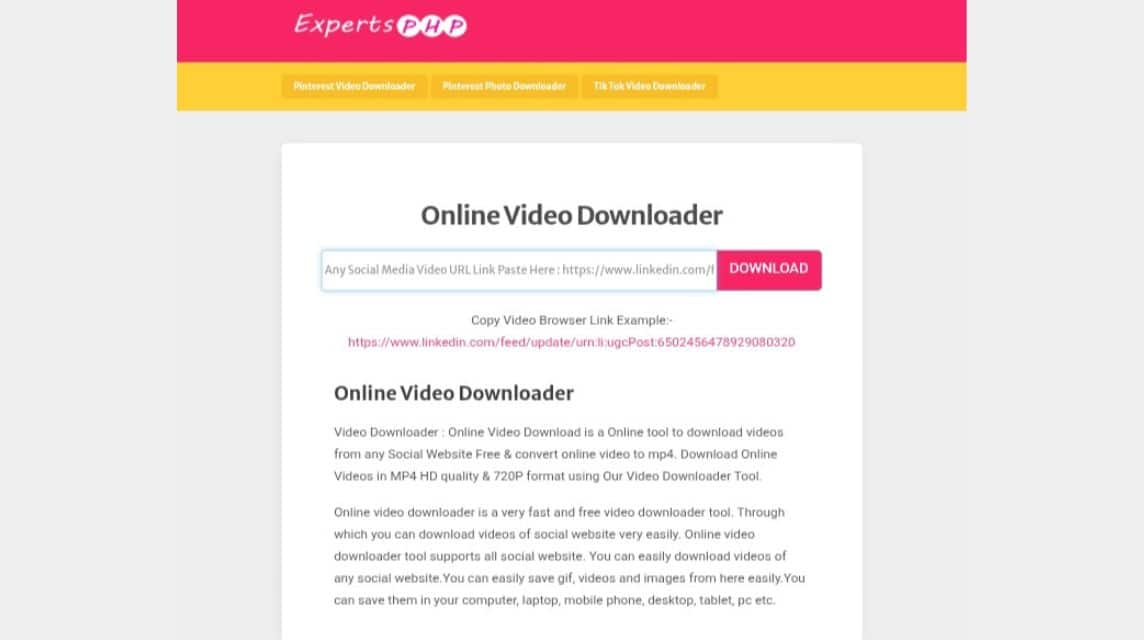
PHP Expert
- Open your Snack Video application.
- Find the video you want to download.
- Click the 'Arrow' or 'Share' icon.
- Then click 'Copy Link'.
- Next, switch to the Browser on your smartphone.
- Visit 'Expert PHP' or 'https://www.expertsphp.com/online-video-downloader.php‘'.
- Paste the video that was copied earlier in the column provided.
- Click 'Download'.
- Wait a moment.
- Click 'Download File'.
- Done.
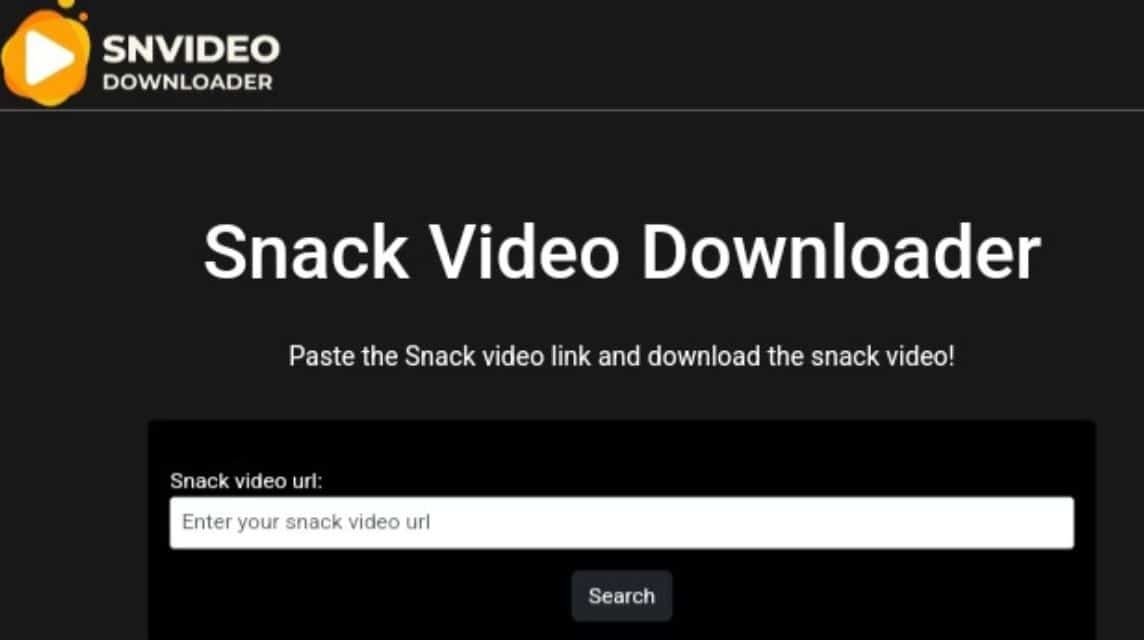
SNVideoDownloader
- Open your Snack Video application.
- Find the video you want to download.
- Click the 'Arrow' or 'Share' icon.
- Then click 'Copy Link'.
- Next, switch to the Browser on your smartphone.
- Visit 'SN Video Download' or 'https://snvideodownloader.com/‘'.
- Paste the link that has been copied in the column provided.
- Click 'Search'.
- Wait a moment.
- Click 'Download'.
- Done.
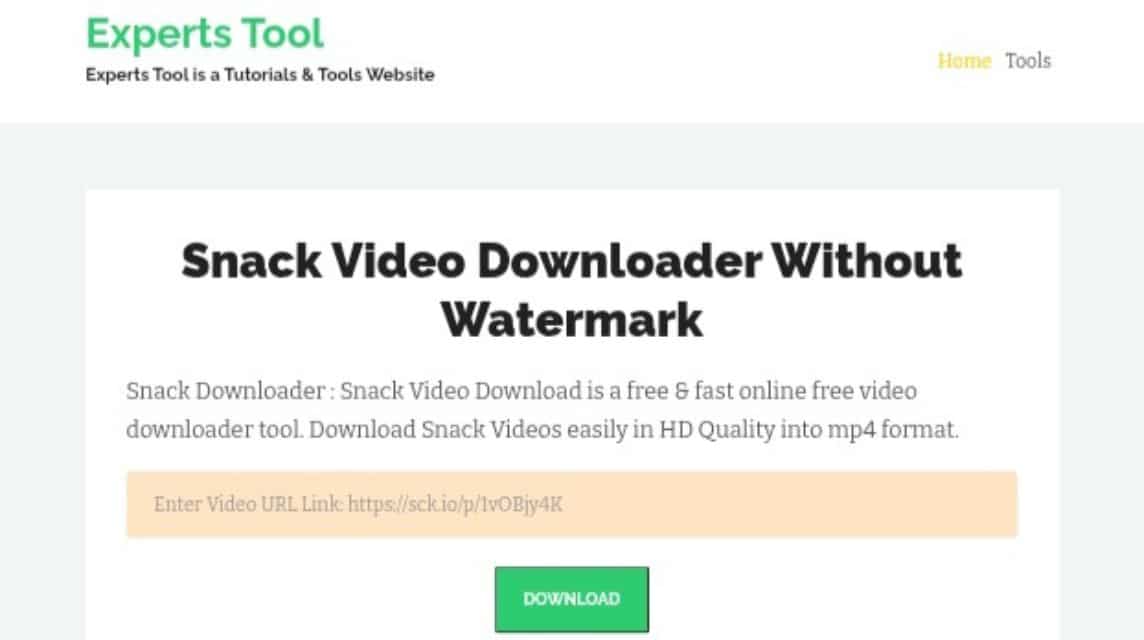
Experts Tool
- Open your Snack Video application.
- Find the video you want to download.
- Click the 'Arrow' or 'Share' icon.
- Then click 'Copy Link'.
- Next, switch to the Browser on your smartphone.
- Visit 'Experts Tool' or 'https://www.expertstool.com/snack-video-downloader/‘'.
- Paste the link that was copied earlier in the column provided.
- Click 'Download'.
- Wait a moment.
- Click 'Download File'.
- Done.
SaveFrom.Net
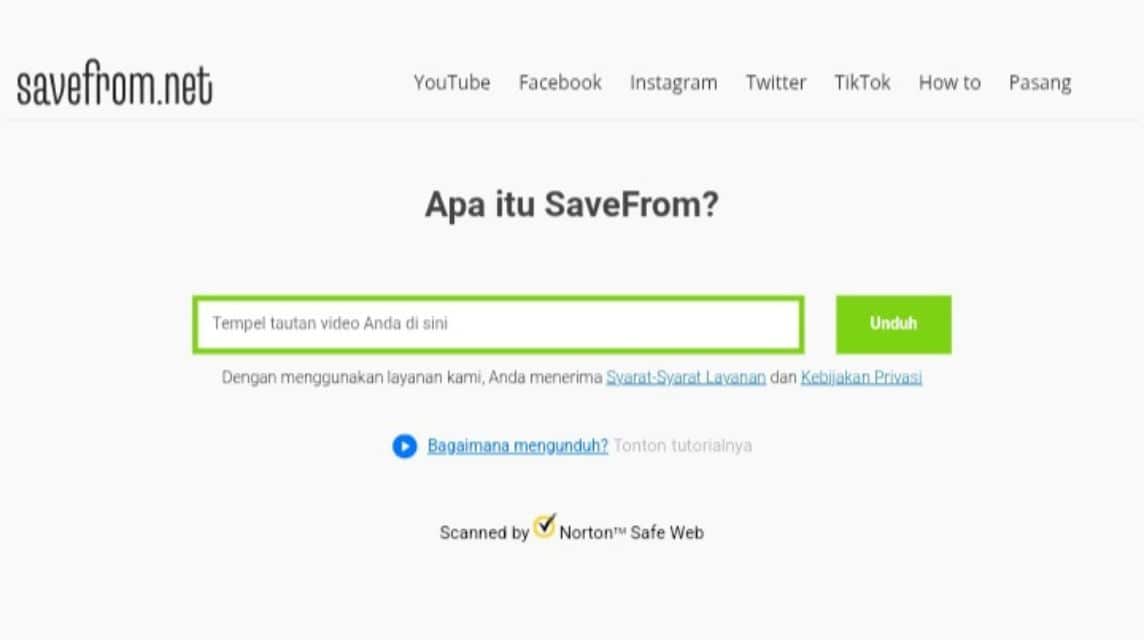
- Open your Snack Video application.
- Find the video you want to download.
- Click the 'Arrow' or 'Share' icon.
- Then click 'Copy Link'.
- Next, switch to the Browser on your smartphone.
- Visit 'SaveFrom.Net' or 'https://id.savefrom.net/‘'.
- Paste the link that has been copied in the column provided.
- Click the 'Arrow' to the right.
- Wait a moment.
- Click 'Download'.
- Done.
Also read:
Questions about Downloading Snack Video without Watermark
A creative video sharing platform similar to TikTok.
Users can watch, create, and share short videos.
Offers a feature to earn coins that can be exchanged for money by watching videos or inviting friends.
Create engaging video content.
Watch videos regularly on the app.
Invite friends using referral code.
Entering a contest or giveaway.
A watermark is a mark or logo that automatically attaches to videos when downloaded directly from the Snack Video app. However, many users want to remove it because it disrupts the visual aesthetic, makes the video look less professional when used for creative purposes, and interferes with offline viewing.

Yes, you definitely can. You don't need to install any third-party apps that take up storage space. Visit websites like GetSnack.com, SaveFrom.net, SNVideoDownloade.com, and many others.
Not always. The availability of videos without a watermark depends on how the content is uploaded. If a video is uploaded with the built-in Snack Video watermark, the download will still include the watermark.
This usually occurs due to full internal memory, an unstable internet connection, or an outdated Android/iOS operating system. Try clearing it. cache Play Store or use the lighter Snack Video Lite version.
MLBB Product Recommendations


 BV2SHOP
 DEMPET STOREBV2SHOPBV2SHOP
 RudyStorez
 BANGJEFF
 TopMurBV2SHOPBV2SHOP
 AM08SHOP


 News
News




