
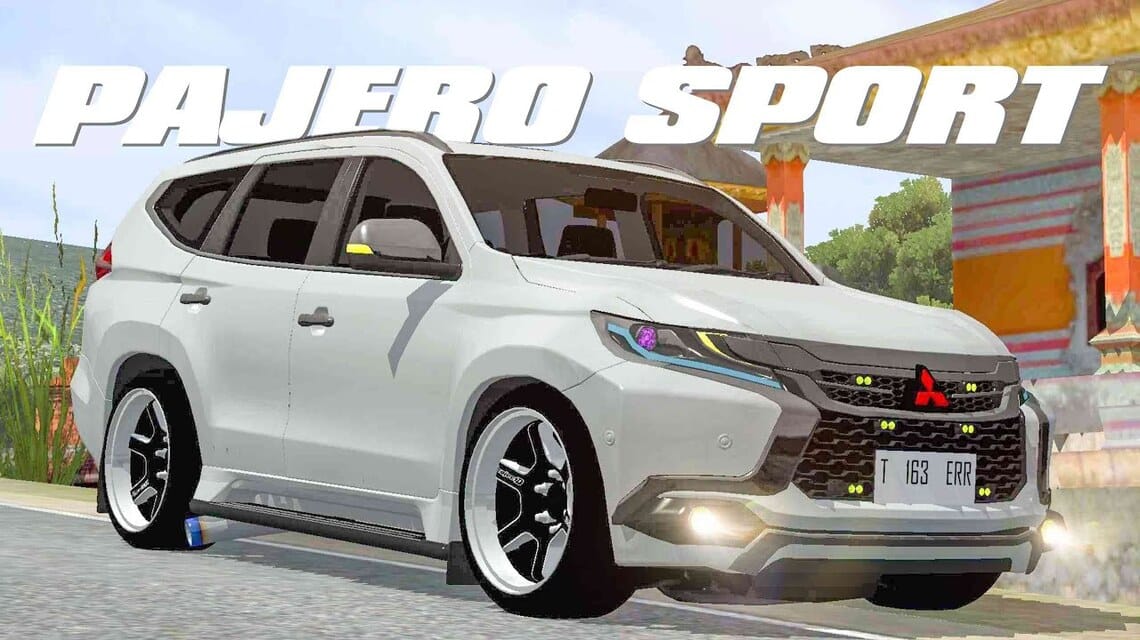
- MOD BUSSID Pajero popular and allows players to ride Pajero in Bus Simulator Indonesia for gameplay variety.
- There are many types Pajero (sport, travel, classic) with various download links for various models and years.
- How to install: download, extract if necessary, move to the BUSSID MOD folder, then use the menu Garage → Import in the application.
- Causes of installation failure: corrupted file, still compressed, or incompatible with the latest BUSSID version.
15+ Collection of BUSSID Pajero Mod Download Links
Apart from being popular in the real world, Pajero is also a popular choice among gamers. BUSSID. This car has a high level of stability and is resistant to various road conditions in the BUSSID game.
You can easily use this mod to change the appearance of your car in the game.
Also read:
What is MOD BUSSID Pajero Car?
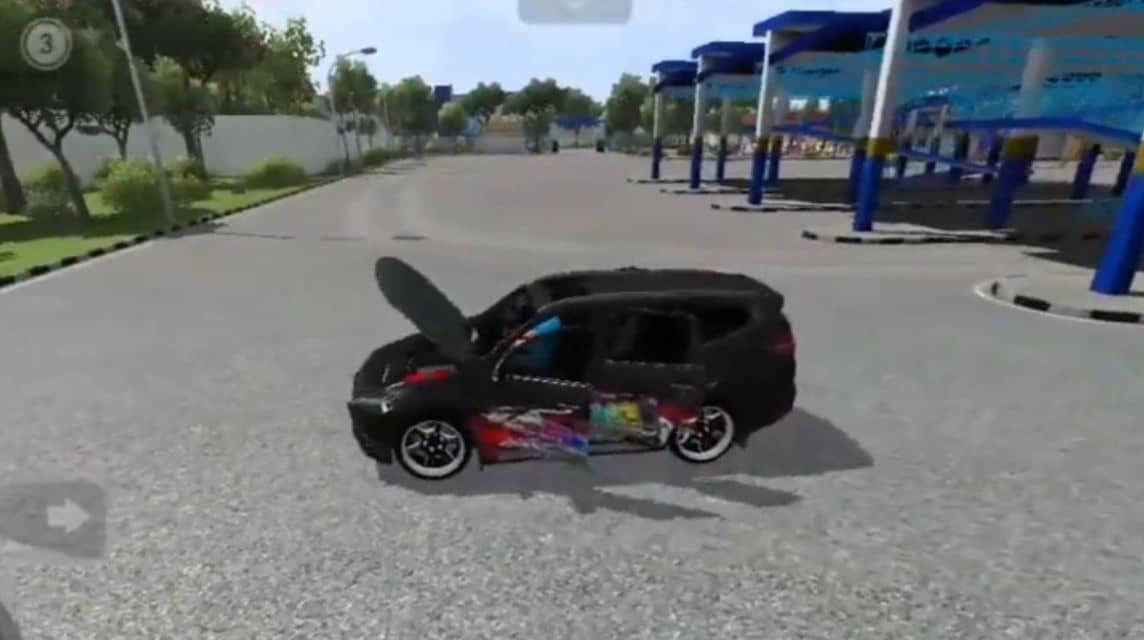
MOD BUSSID is a modification or addition made by fans of the Bus Simulator Indonesia game. Although the original BUSSID focuses more on bus driving simulation, with this MOD players can experience the simulation of driving a Pajero.
This MOD is quite popular in Indonesia, because many Indonesians like tough SUV cars that are suitable for facing all kinds of terrain.
In addition, in the BUSSID game there are also many Pajero car MODs from various series. With MOD, players will not get bored enjoying the Bus Simulator Indonesia game.
BUSSID Pajero Download Link Collection

This car made by Mitsubishi company has various types of appearance with different characteristics. There are sports, travel and classic models.
The Sport model as the name suggests has a higher speed than other types of Pajero cars. In addition, they also have a cool design.
Meanwhile, the travel model itself has a simpler design with a hood on top of the car for loading goods.
Lastly, the classic type is the Pajero car which is inspired by the old-style design of the car which is exactly like the original.
In addition to its high level of durability, the cool and classy design also makes many players interested in using Pajero in BUSSID. Here is a collection of download links:
- Pajero Sport Dakar Car Mod in 2015: Download links
- 2015 Mitsubishi Pajero IV Mods: Download links
- Mitsubishi Pajero Land Squid Mod: Download links
- Pajero Mod Full Stickers: Download links
- Pajero Low Mod: Download links
- Pajero Racing Mods: Download links
- Pajero Homecoming Mod: Download links
- Pajero Sport Car Mod 2016: Download links
- 2017 Police Pajero Car Mod: Download links
- Mitsubishi Pajero V6 Car Mod: Download links
- Mitsubishi All New Pajero Sport Mod: Download links
- 2021 Pajero Sport Car Mod Cumi Darat: Download links
- 2021 Mitsubishi Pajero Sport Mods: Download links
- Pajero Sport Facelift Car Mod v1: Download links
- Mitsubishi Pajero Homecoming Mod by NanoNano: Download links
- Mitsubishi Pajero Offroad Style Mod: Download links
- Mitsubishi Pajero Sport 2021 V3 Mod: Download links
- Mitsubishi Pajero Sport Dakar 2017 Mod: Download links
How to Install Pajero Car Mod on BUSSID

After selecting the Pajero car mod that you want to use on BUSSID, now you just have to install it on the device.
Before installing mods, make sure you have prepared enough storage for each mod you download.
Each mod usually has a size of no more than 5 MB so you can download many types of Pajero cars at one time. Here's how to install the Pajero mod on BUSSID:
- Download the mod of your choice from the link above and wait for the file to be saved on your phone.
- If the file is still in zip form, extract the file first
- Next, move the mod file into a special folder for mods that are connected to the BUSSID application.
- Open the BUSSID application (make sure the device is connected to the internet)
- When you have entered the main page, select the "Garage" menu on the left side of the screen.
- Next, select the "Import" menu and search for the mod file from File Manager.
- If you can't find it, use the search feature.
- Click on the Pajero car mod you want to use
- Wait a moment and you can start playing.
If the vehicle display in the game has not changed, try exiting the game and waiting a few moments before logging back in.
Why does the BUSSID MOD fail to install?
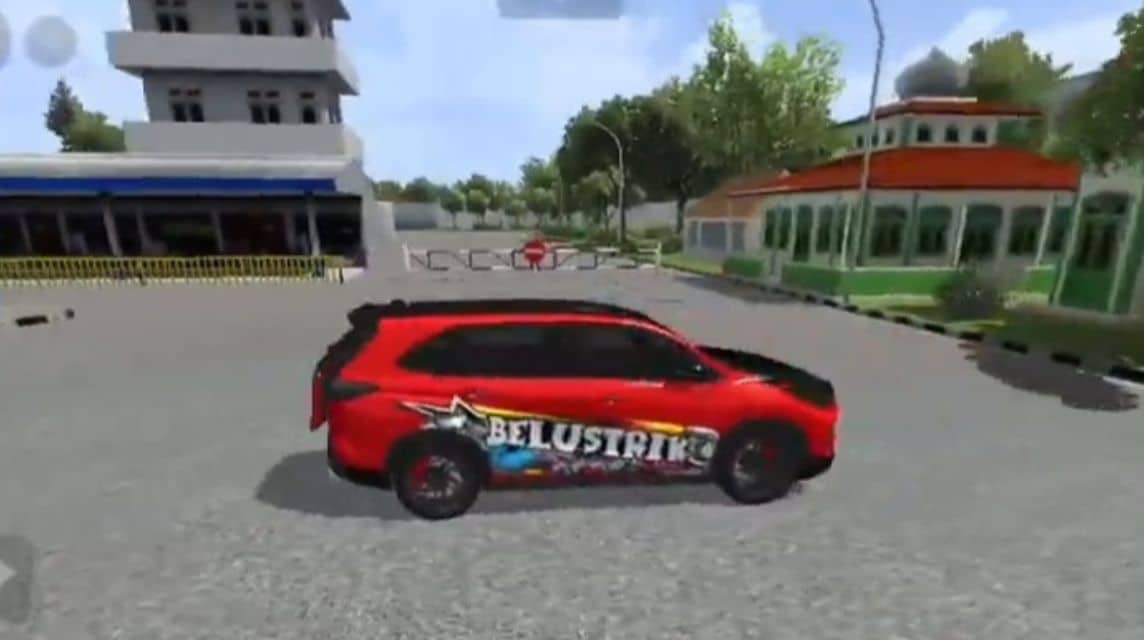
There are a number of issues that may occur when installing the BUSSID MOD. Based on experience, here are common causes of MOD failure to install:
BUSSID Mod File Corrupted
When downloading the Pajero MOD that we recommend above, make sure the connection is in good condition so that the process can run smoothly. Because when the connection is bad, the file cannot be downloaded completely and as a result cannot be installed.
To speed up the process, make sure to use a downloader such as Internet Download Manager so that the file can be fully downloaded and used in the game.
File Still Compressed
The BUSSID MOD file that we recommend can be in rar, zip or other types of compression. Files that are still in that condition will not be read by the game system so players need to extract it first. To facilitate the extraction process, you can use the Ziparchiver application.
Mod File Not Compatible
The BUSSID game is always receiving updates from its developers. Meanwhile, BUSSID MODs come from creators who may not adapt to the file type. MOD with the latest game version. As a result, the MOD file fails to install because it doesn't meet the system requirements.
Also read:
So that's the list of BUSSID Pajero Mods that you can use, so which is your favorite Pajero car design?
FAQ About BUSSID Pajero Mod
Download the mod file (.bussidmod or .bussidvehicle), then move it to the BUSSID > Mods folder using the file manager. Open the game, go to the 'Garage', and select the new vehicle.
Liveries can be downloaded from the internet (sites/YouTube) and applied via the 'Paint' menu in the garage by attaching a PNG format image.
Yes, most of the high quality Pajero mods have animated opening doors, trunk and hood features (features full anime).
This is usually due to low phone specifications or the mod file being too large. Use low graphics settings if necessary.
The majority of Pajero mods made by community creators in Indonesia are shared for free on YouTube or forums.
Make sure the file has been extracted (if it's a .zip or .rar file) and placed in the correct folder. Don't forget to open the Garage menu and click Install to activate it.
Yes. Most Pajero mods support livery installation (body stickers). You can download liveries and install them through the paint icon in the game.


 News
News




