
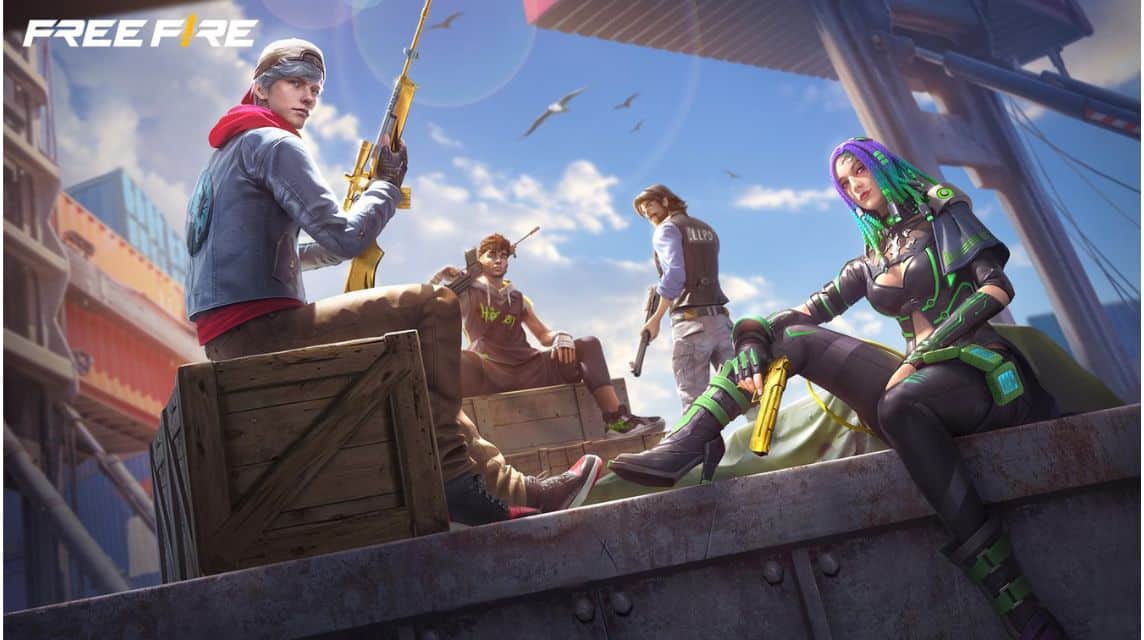
简单实用的PC端FF下载教程
如果您正在寻找一种在 PC 上以简单实用的方式下载 FF 的方法,那么您已经找到了正确的文章。
据我们所知, 自由射击 是一款至今仍有很多人在玩的网络游戏。
除了文件大小不太大之外,这款大逃杀游戏对初学者也很友好。
然而,很多人都希望拥有不一样的游戏体验。因此,他们决定通过 PC 玩 Free Fire 游戏。
那么,如何在PC上下载FF呢?在下面找到答案。
另请阅读:
如何轻松实用地在 PC 上下载 FF
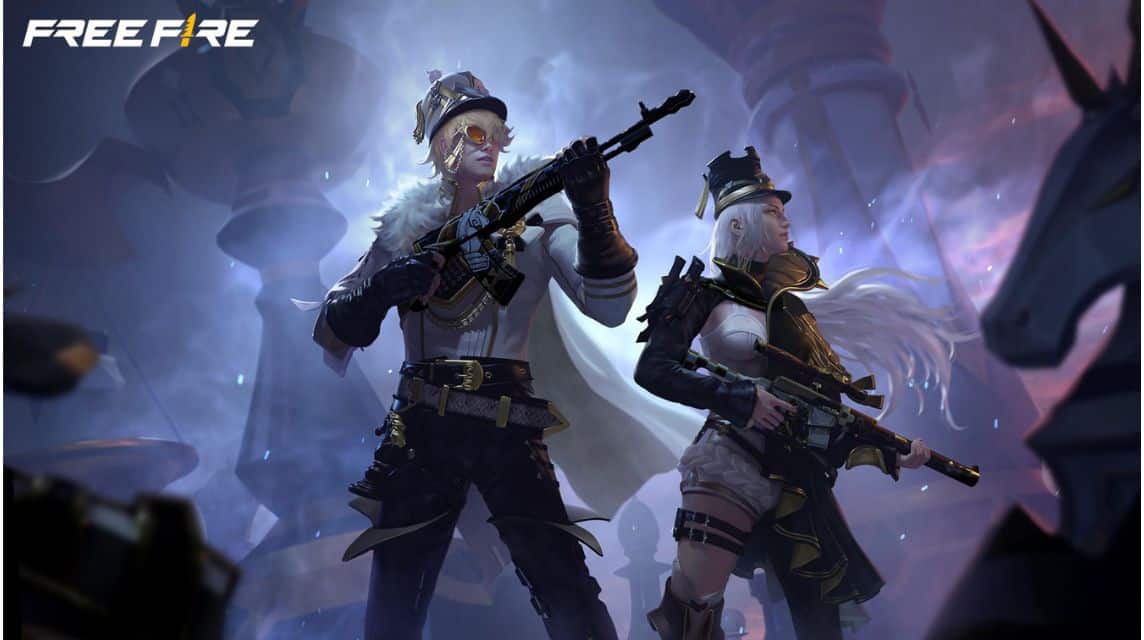
您可以按照以下几个步骤在 PC 上下载 FF:
- 如果您的电脑没有安装模拟器,可以先下载(蓝叠 或者 LD播放器 );
- 打开已安装的模拟器;
- 在模拟器中打开Google Play,不要忘记使用您的Google帐户登录;
- 搜索免费射击游戏;
- 然后点击安装;
- 等待下载过程完成,
要玩它,您可以按照以下步骤操作:
- 通过模拟器打开Free Fire游戏;
- 登录FF账户;
- 自定义模拟器上的控制设置;
- 现在你可以在PC上玩FF游戏了。
玩《Free Fire》所需的电脑配置
为了在电脑上毫无问题地玩《Free Fire》,您可以注意以下一些规格:
最低规格
- 处理器:Intel 或 AMD 双核处理器(最低 2.2 GHz),
- 内存:4 GB 或更多,
- 存储:5 GB 可用空间用于模拟器和 Free Fire 安装,
- GPU:Intel HD Graphics 520 或同等产品,
- 操作系统:Windows 7/8/10/11(32位或64位),
- DirectX:版本 11 或更高版本。
推荐规格
- 处理器:Intel Core i5 或 AMD Ryzen 5(4 核或更多),
- 内存:8 GB 或更多,
- 存储:5 – 10 GB 可用空间用于模拟器和游戏,
- GPU:NVIDIA GeForce GTX 1050 / AMD Radeon RX 560,
- 操作系统:Windows 10/11(64位),
- DirectX:版本 11。
发挥最佳性能的技巧
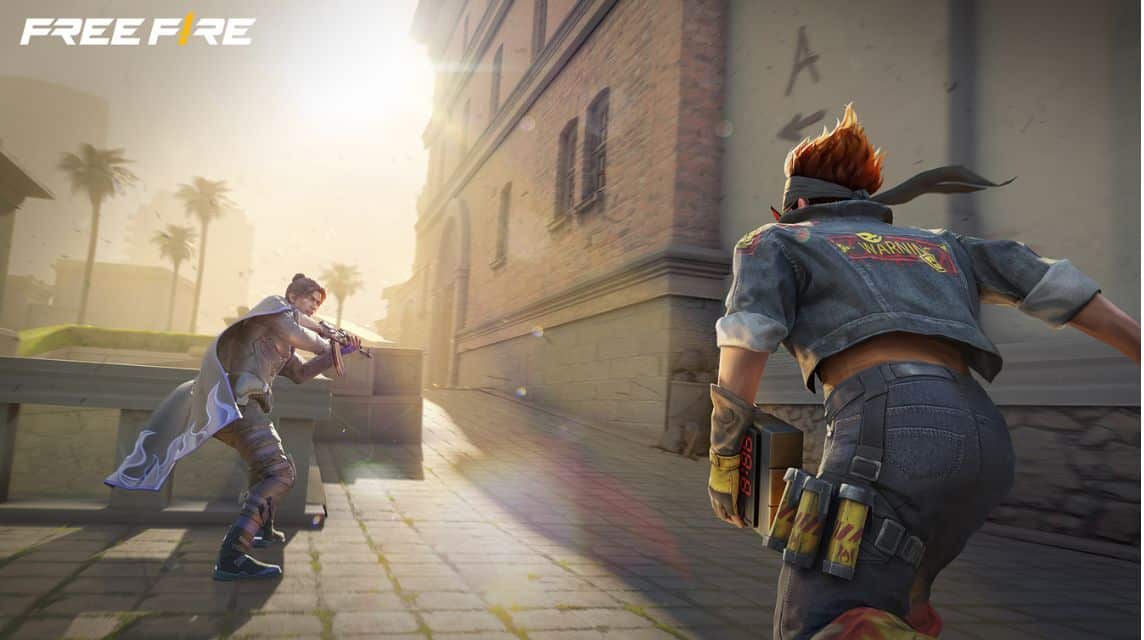
您可以采取以下一些技巧来获得最佳性能,以便游戏顺利运行而不会出现问题:
- 在 PC BIOS 中启用虚拟化技术以提高模拟器性能,
- 确保您电脑上的显卡驱动程序是最新的,以提供更好的性能。
- 玩游戏时关闭后台运行的其他应用程序以节省 RAM 和 CPU,
- 如果可能,请使用 SSD 作为存储,以减少加载时间。
在 PC 上玩 FF 的优点和缺点
除此之外,以下是在 PC 上玩 FF 的一些优点和缺点:

优点
- 控制更精准,因为你可以使用键盘和鼠标来精确瞄准;
- 更出色的视觉外观,屏幕显示比手机更大,可以更清楚地看到细节;
- 性能稳定,如果您的电脑配置较高,那么游戏体验会更加流畅。
不足
- 潜在的延迟或丢帧: 发生这种情况是因为模拟器是一个繁重的应用程序,特别是如果您的电脑没有它;
- 角色动作僵硬: 使用键盘进行移动,使角色的移动空间更加刚性;
- 流动性较差: 您不可能将电脑带到任何地方,因此如果您想与朋友一起玩,您必须在一个地方。
另请阅读:
因此,这些是在 PC 上下载 FF 的几种方法,您可以轻松完成。供您参考,您需要足够的电脑规格才能顺利玩游戏而不出现任何问题。
便宜、快速、安全、可靠 Free Fire 钻石充值仅在 VCGamers 市场!
Free Fire 产品推荐
140 颗钻石
 托普莫尔
自由射击
托普莫尔30,000 印尼盾38%
18,600 印尼盾
355 钻石托普莫尔
自由射击
托普莫尔60,000 印尼盾22%
46,500印尼盾
425 钻石鲁迪·斯托雷兹
自由射击
鲁迪·斯托雷兹卢比67,99927%
49,500 卢比
200 钻石 (+10)托普莫尔
自由射击
托普莫尔35,000 印尼盾19%
卢比28,100
400 钻石 (+25)托普莫尔
自由射击
托普莫尔80,000 印尼盾30%
55,800 印尼盾
月度会员资格托普莫尔
自由射击
托普莫尔120,000 印尼盾27%
87,300 卢比

355 钻石鲁迪·斯托雷兹
自由射击
鲁迪·斯托雷兹60,000 印尼盾31%
41,300 卢比

210 钻石鲁迪·斯托雷兹
自由射击
鲁迪·斯托雷兹41,000 印尼盾39%
24,800 印尼盾
50 颗钻石唐吉诃德商店
自由射击
唐吉诃德商店18,000 印尼盾66%
6,100 印尼盾

140 颗钻石鲁迪·斯托雷兹
自由射击
鲁迪·斯托雷兹30,000 印尼盾44%
16,600 印尼盾


 消息